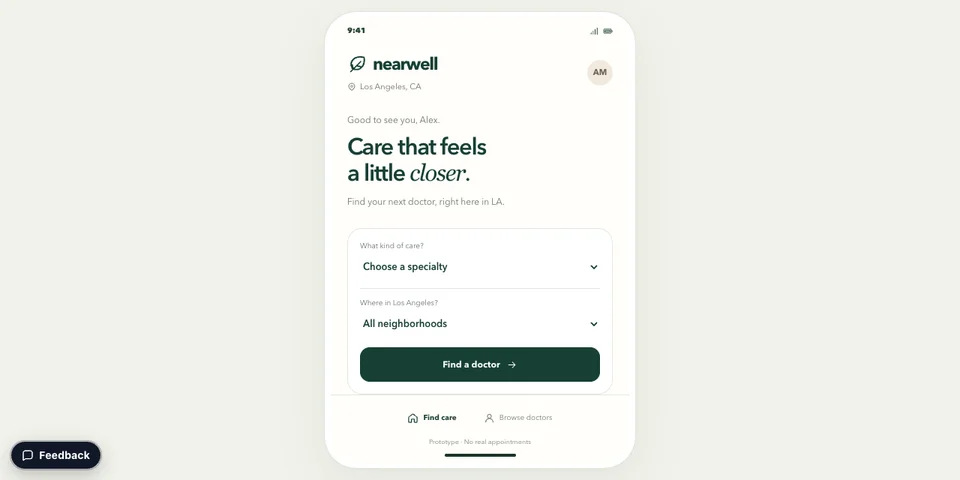
Mobile Prototype
Mobile app prototype turned into a clickable website. Visitors may select areas and text and add reactions or comments. The owner gets a notification with submitted comments.
Paste this into your AI app.
Install the Revdoku skill in your AI app.
npx skills add revdoku/revdoku --skill revdoku -gChoose your AI app to connect through MCP.
codex mcp add revdoku --url https://app.revdoku.com/mcp
codex mcp login revdoku
claude mcp add --transport http revdoku https://app.revdoku.com/mcp
claude mcp login revdoku
https://app.revdoku.com/mcpFree · Public or protected · Visitor analytics · Forms and email alerts Building websites for clients? Explore Revdoku for agencies
Use Claude, Codex, ChatGPT, and more through skills, prompts, or MCP.
Explore Magic Stories
Mobile app prototype turned into a clickable website. Visitors may select areas and text and add reactions or comments. The owner gets a notification with submitted comments.
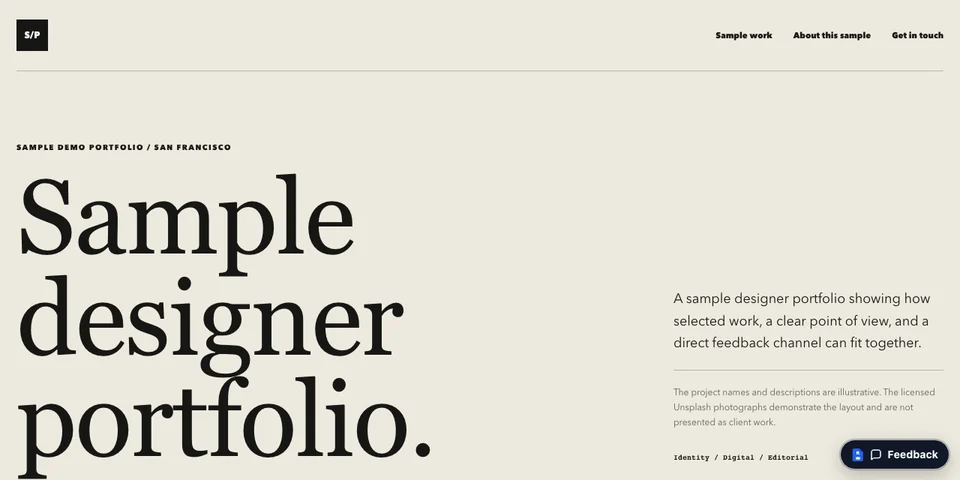
Sample website with selected works. Visitors may send requests and feedback. The owner gets notifications with submitted feedback.
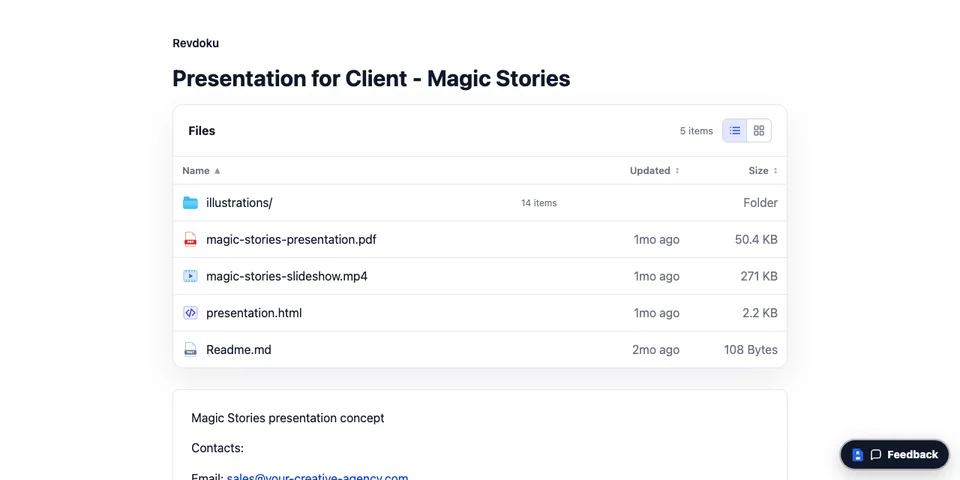
The folder with PDF, HTML, image, and video files is turned instantly into a browsable website with a built-in feedback widget.
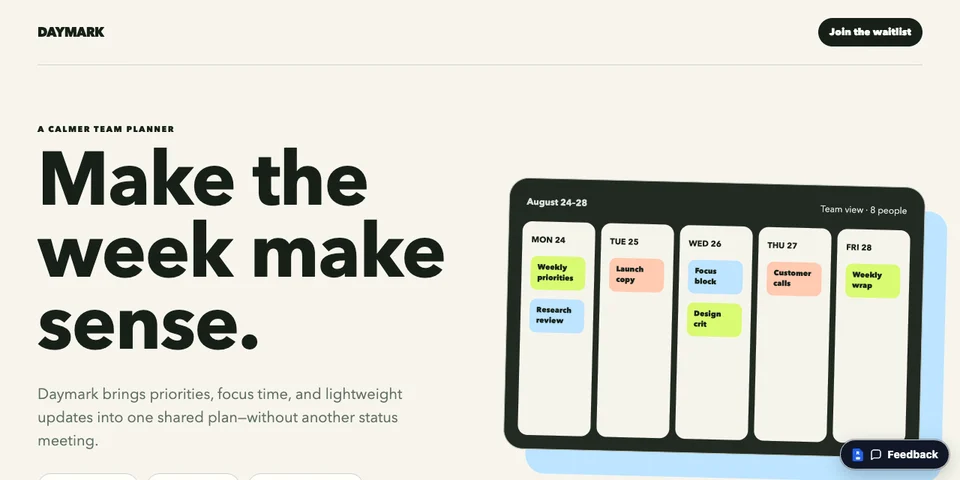
Landing page with a waitlist. Visitors may submit emails. The owner gets submitted emails.
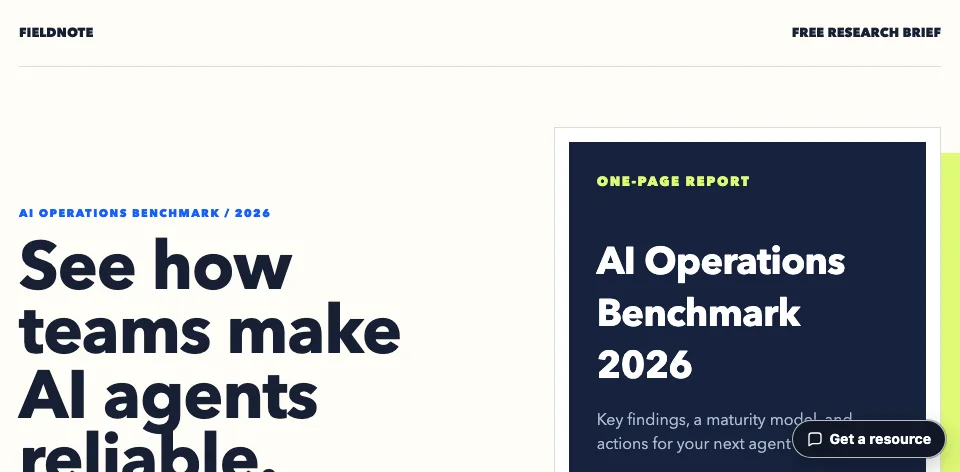
Landing page with a lead magnet (PDF report). Visitors are required to enter an email to get access to this PDF. The owner gets submitted emails.
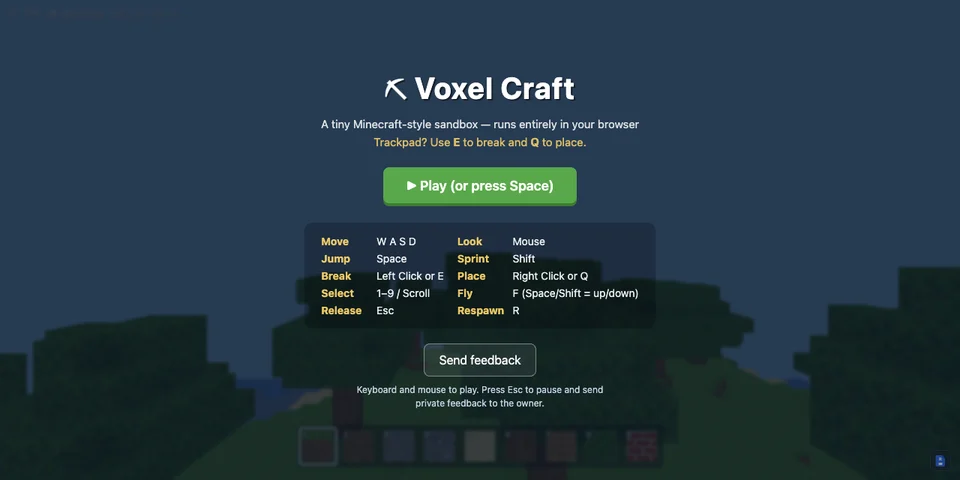
Playable online game prototype with a feedback widget. Visitors may submit feedback, and the owner gets a notification for every submission.
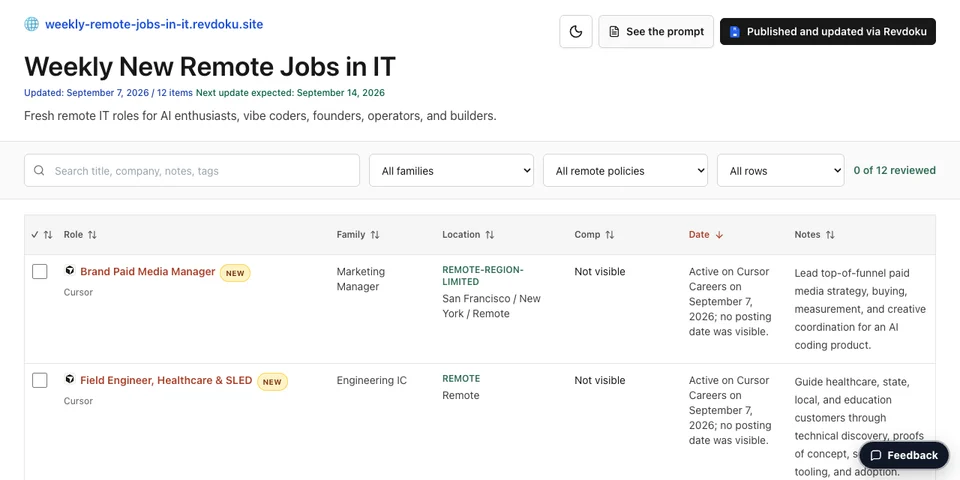
Weekly remote jobs collected from various websites by automated AI agents and republished by AI agents. Contains a feedback widget.
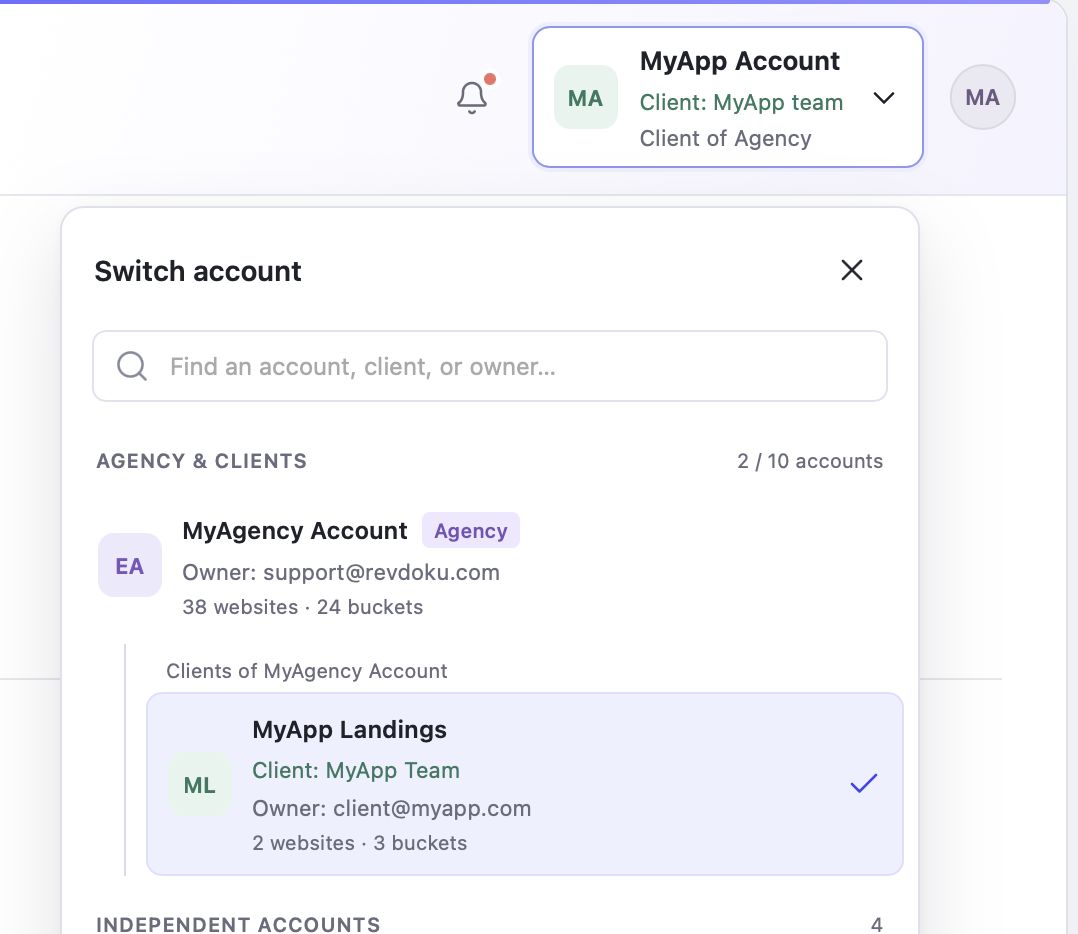
Keep your agency and client accounts together. Switch between clients to manage their websites and files.
You can build and run websites and online mini-apps. You can add forms and widgets for contact requests, resource delivery, feedback, and other submissions; analytics for views, visitors, clicks, and downloads. You can also add password protection or require to enter email address to access content.
Yes. Use AI Helper or connect Claude/ChatGPT Ask to make changes and to re-publish it to the same URL. Everyone with the link sees the latest version.
Yes. Add contact, feedback, approval, or lead forms. See visits, opened pages, outbound clicks, and visitor activity. Availability and retention depend on your plan.
Make it public, password-protected, or limited to verified email. Every site uses HTTPS, with custom domains available.
Revdoku includes built-in backend supports with login by email, password protection, analytics for views, visitors, clicks, and downloads, plus web forms with notifications for every submission.
Yes. Connect Claude Code, Codex, ChatGPT, Gemini, Cursor, or another compatible AI with the Revdoku skill or MCP server. Then create, update, and manage your websites directly from that AI.
Paste this connection prompt into your AI:
Set up Revdoku so you can publish my work as a website.

Follow https://revdoku.com/llms-install.md. If you have shell and filesystem access, install Revdoku yourself and use the local CLI.

Only if local access is unavailable, use the hosted MCP connection instead.

After setup, ask what I want to publish.
Yes. Your team can build and publish multiple client websites. Website visitors don’t use team seats. Invited members have account-wide access, so clients who only need to view a website should receive its website link.