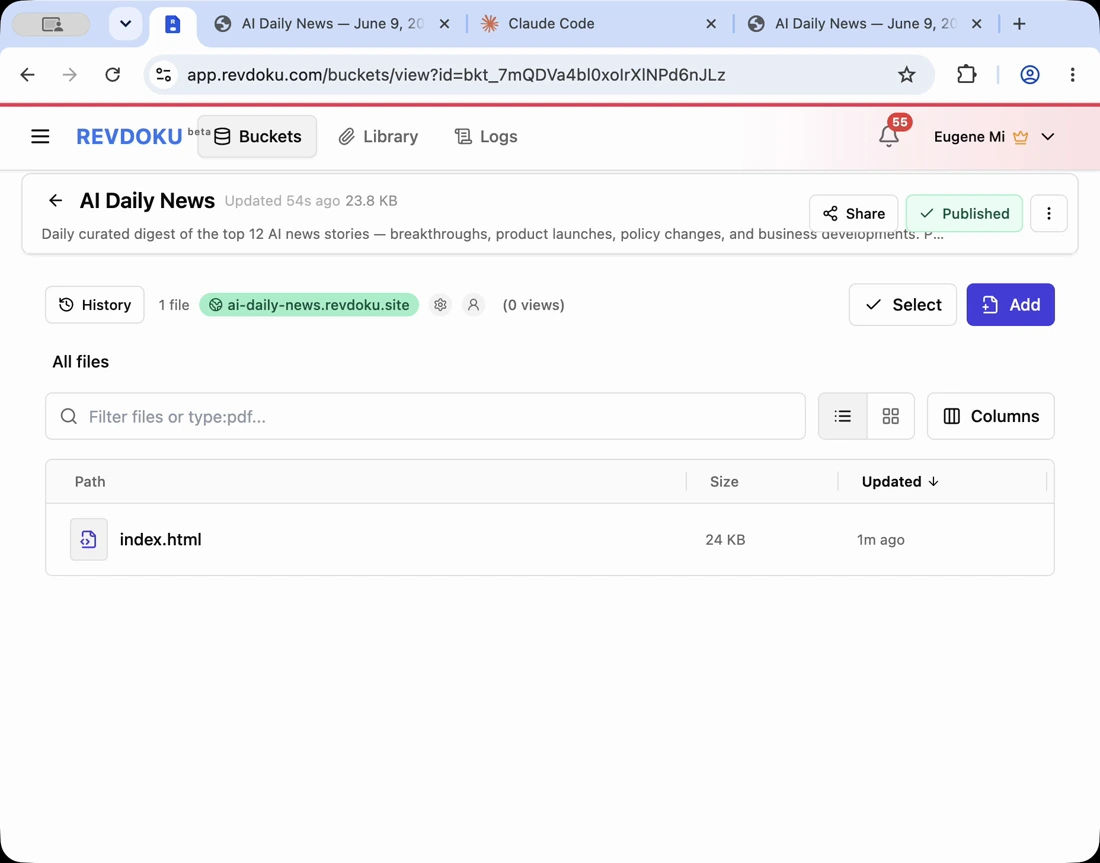
AI Website Security Checklist for Vibe-Coded Sites
Table of Contents
Fast AI-generated sites are useful, but speed can hide AI-generated website security risks. Common launch problems include weak rate limiting, missing email verification, exposed keys, frontend-only trust, and insufficient review.
This vibe-coded website checklist helps builders publish an AI website safely without skipping the safety loop.
Note: inspect generated files before publishing, especially when an agent created assets and data files quickly.
1. Remove secrets for AI-generated website security
Never publish private API keys, service-role keys, tokens, database credentials, or .env files. Visitors can copy any key in frontend JavaScript.
Check:
.envconfig.*- bundled JavaScript
- public JSON files
- copied terminal output
- debug panels
- generated comments
If the site calls an AI API, payment API, database, or email service, keep sensitive calls server-side or protected.
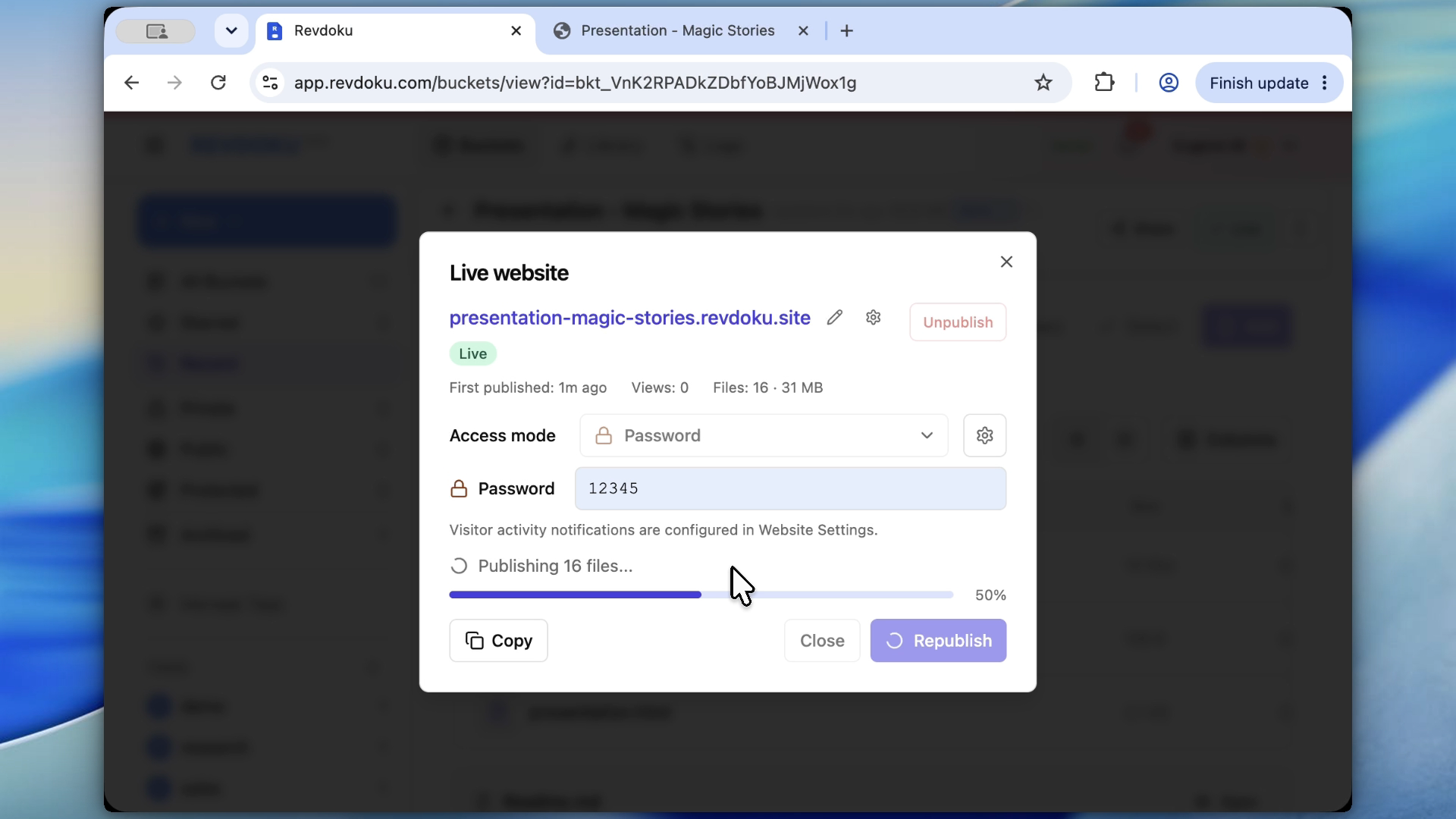
Note: keep unfinished or sensitive AI-generated sites behind Revdoku access controls during review.
2. Do not trust the browser
Frontend checks help improve the user experience, but they are not security. Validate anything important outside the browser.
Review:
- Form validation.
- Authentication checks.
- Database access rules.
- File upload restrictions.
- Admin-only actions.
- Paid or private content gates.
For static sites published with Revdoku, use Revdoku access controls instead of a generated HTML popup.
3. Protect a Revdoku private draft
Use a private-first publishing workflow. Keep the site as a Revdoku private draft with password protection during review.
This matters when the site contains:
- Client data.
- Internal plans.
- Early product messaging.
- Unreleased pricing.
- Generated reports.
- Prototype app behavior.
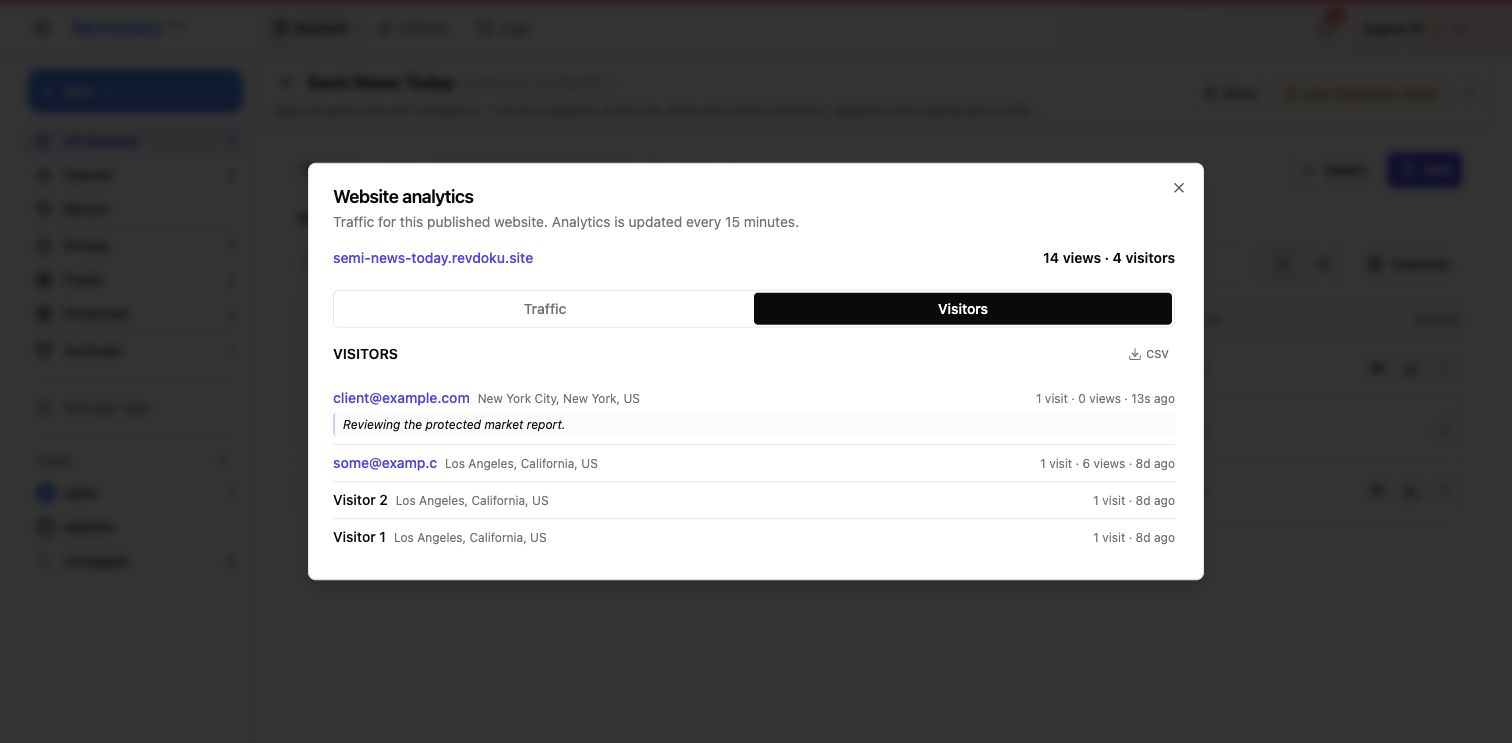
Note: Require Email ties review access to a person, not just a shared password.
Require Email verifies an emailed one-time code without a shared site password. It requires a paid plan for a permanent website; Free accounts can try it in a temporary preview.
4. Rate-limit and verify risky flows
For generated forms, signups, uploads, comments, or notifications, ask how the site prevents abuse.
Useful controls:
- Rate limits appropriate to the use case.
- Email verification for account creation.
- CAPTCHA or honeypot fields for public forms.
- Server-side validation.
- Abuse logging.
- Clear owner notifications.
Use IP-only rules carefully. They can block shared networks and still miss determined abuse. The right limit depends on the audience and risk.
5. Review links, data, and generated claims
AI-generated sites often contain plausible placeholders, so safe publishing requires focused review. Check:
- Source links.
- Facts and metrics.
- Customer names.
- Product claims.
- Legal or medical statements.
- Pricing and dates.
- Downloaded files.
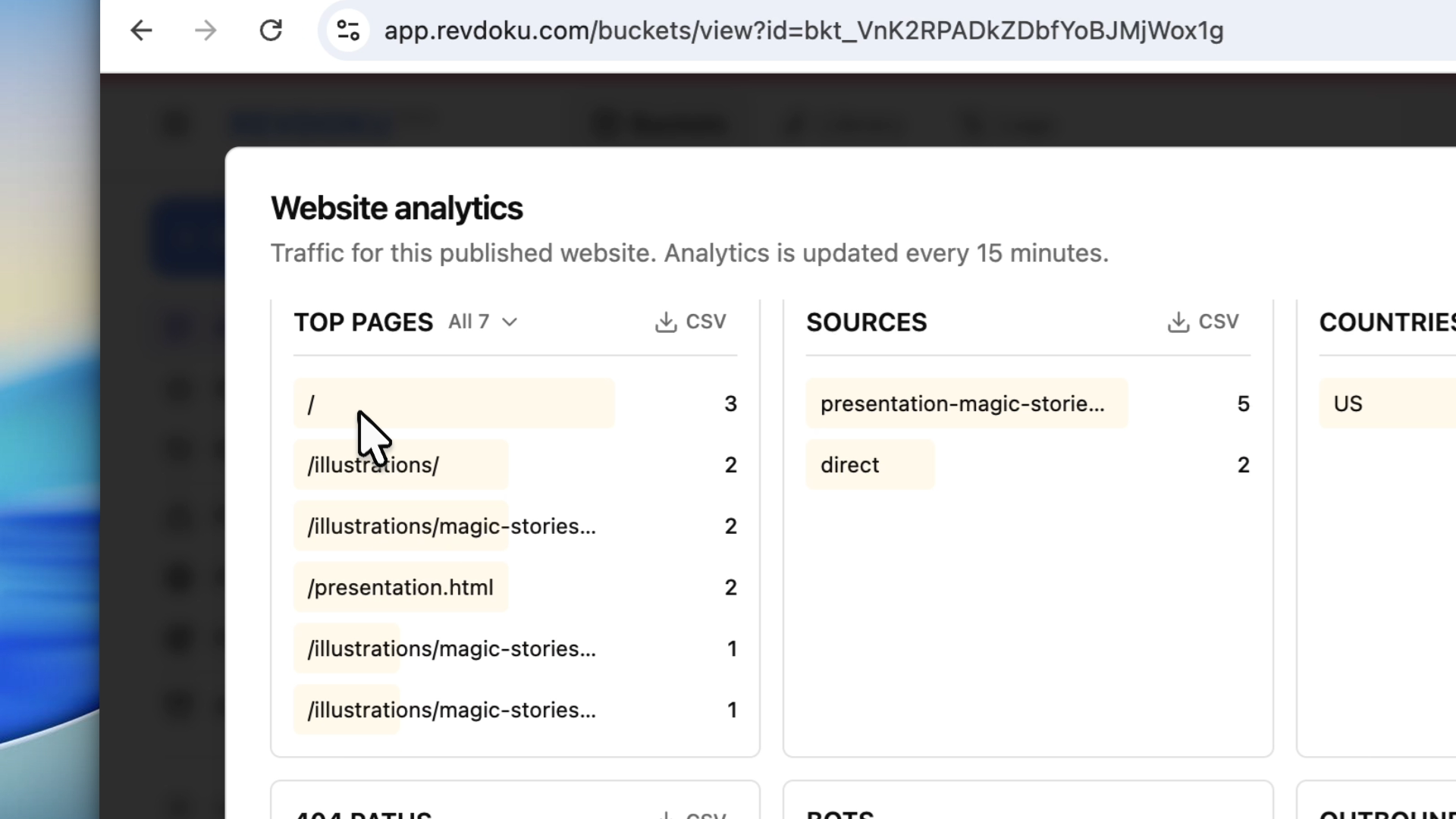
Note: analytics can reveal unexpected paths, traffic sources, and signs a site needs more review.
6. Publish an AI website safely, watch analytics, and keep an update path
When ready, publish or switch to the desired access mode. Use Revdoku analytics to watch traffic, top paths, referrers, and unusual access patterns.
Keep the source folder and prompt history so an agent can fix issues and republish the same bucket later.
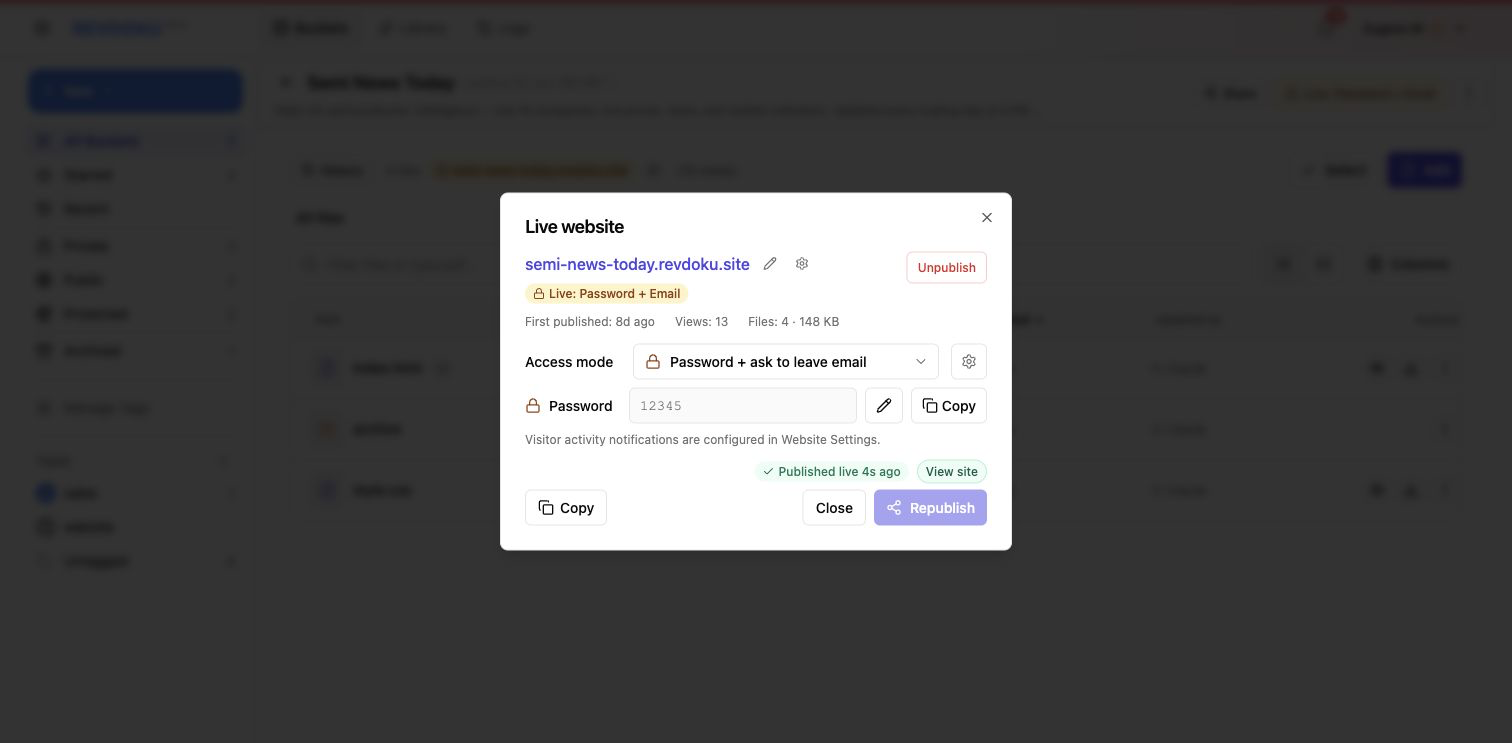
Note: publish publicly only after checking the access mode and generated files.
Vibe coding publishing checklist
- No secrets or private keys in published files.
- No private data in screenshots, fixtures, or JSON.
- Access mode chosen intentionally.
- Password gate used for private review.
- Forms and signups reviewed for abuse.
- Server-side checks used for important actions.
- Links and generated claims verified.
- Mobile and desktop layouts checked.
- Analytics reviewed after sharing.
- Source folder saved for updates.
Vibe-coded sites are not reckless when you follow a practical vibe coding publishing checklist. Use a private-first Revdoku workflow, review generated files, protect access until ready, and update the same published bucket after fixes.
Just ask to “publish to Revdoku” to publish your as a fast and secure website
from your Codex, Claude or another AI apppublish files or folders
Paste this into your AI app.
Install the Revdoku skill in your AI app.
npx skills add revdoku/revdoku --skill revdoku -gChoose your AI app to connect through MCP.
codex mcp add revdoku --url https://app.revdoku.com/mcp
codex mcp login revdoku
claude mcp add --transport http revdoku https://app.revdoku.com/mcp
claude mcp login revdoku
https://app.revdoku.com/mcpFree · Public or protected · Visitor analytics · Forms and email alerts Building websites for clients? Explore Revdoku for agencies
Frequently Asked Questions
What is the most important security check before publishing an AI-generated website?
First, confirm that no secrets are included in the published files. Check environment files, JavaScript bundles, public JSON, comments, screenshots, and copied terminal output for API keys, tokens, database credentials, or private data.
Why are browser-only security checks not enough?
Anything enforced only in the browser can often be bypassed by a user who edits requests or page scripts. Important checks such as authentication, permissions, payment access, uploads, and database rules should be validated server-side or through trusted platform controls.
When should I keep a vibe-coded site private?
Keep the site private while it contains unfinished work, client data, internal plans, unreleased pricing, prototype behavior, or generated reports. A private review mode gives you time to inspect the output before search engines, customers, or unintended visitors can access it.
Do simple contact forms need rate limiting?
Yes, public forms can attract spam, automated submissions, and notification abuse. Use practical protections such as rate limits, honeypot fields, CAPTCHA where appropriate, server-side validation, and owner alerts for suspicious activity.
What generated content should be fact-checked before launch?
Review links, claims, metrics, customer names, pricing, dates, downloads, and any legal, medical, or financial statements. AI-generated placeholders can look convincing, so treat factual review as part of the publishing process.
How can analytics help after publishing?
Analytics can show unexpected traffic sources, unusual paths, repeated access attempts, or pages receiving attention before they are ready. Reviewing this data after sharing helps you catch issues that were not obvious during pre-launch checks.
Why should I keep the source folder and prompt history?
Keeping the source files and prompt history makes future fixes faster and safer. If you find a bug, security issue, or outdated claim, an agent can update the same project and republish without rebuilding the site from scratch.
Related Articles
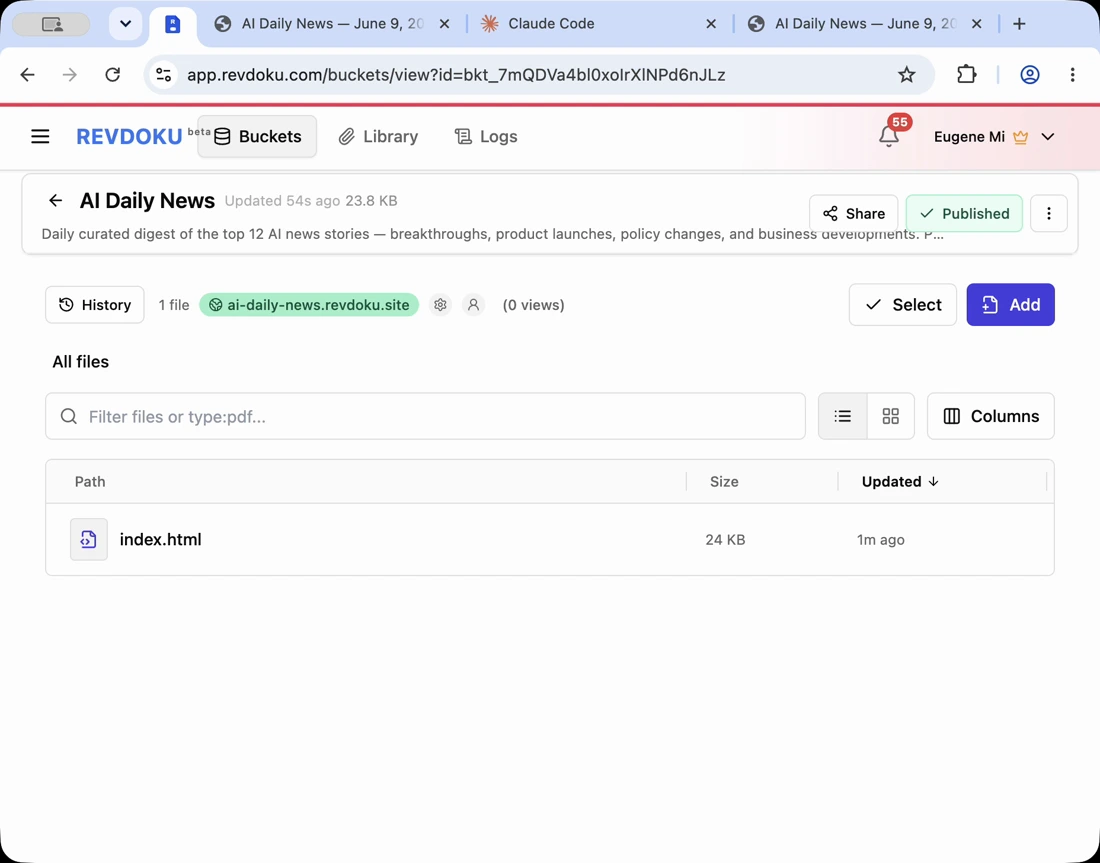
A Safer Publish Checklist for Vibe-Coded Websites
Review files, secrets, access gates, forms, and analytics before launching a safer AI-generated website with Revdoku.
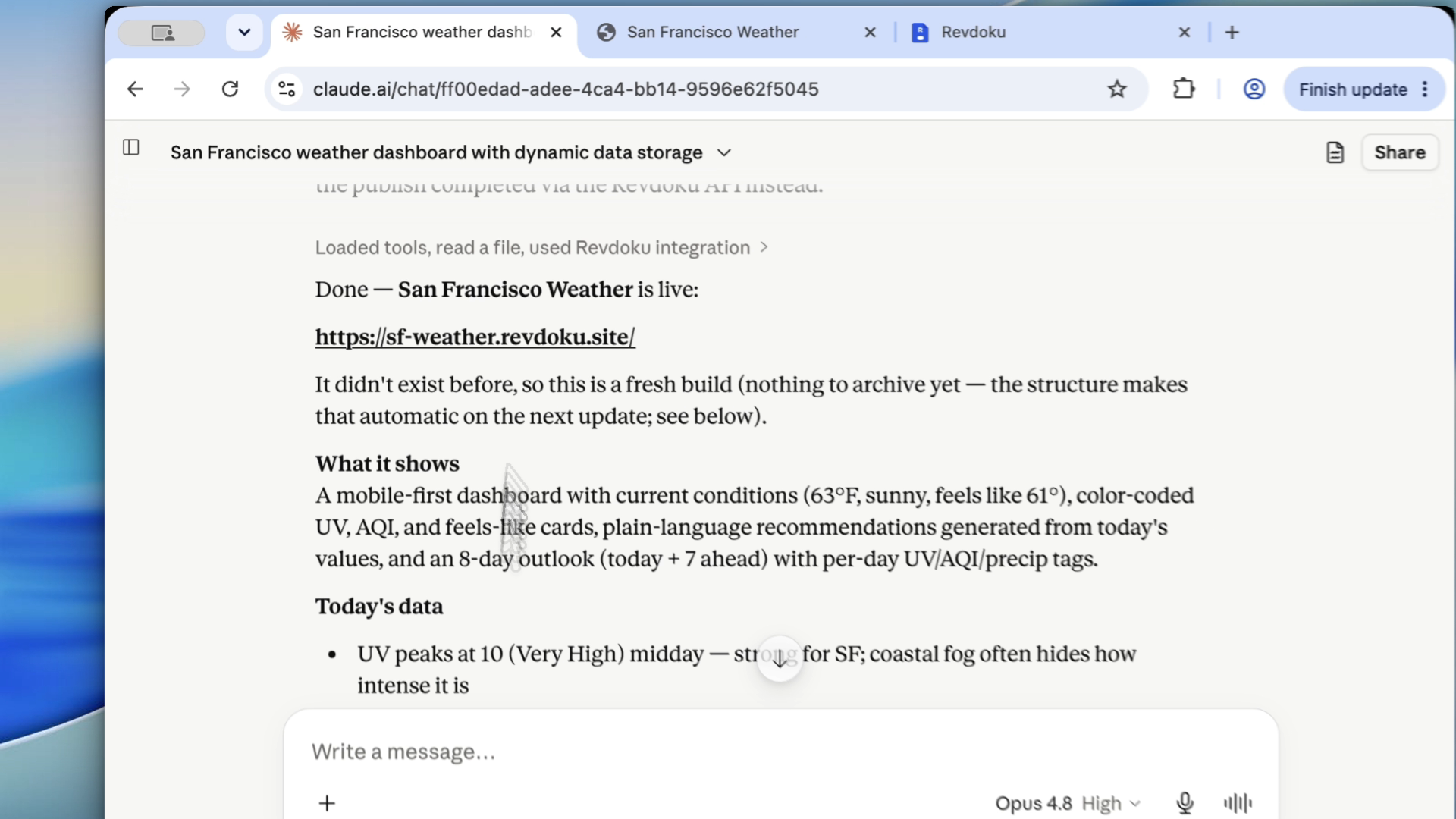
Review Before You Publish: A Practical Loop for AI-Generated Websites
Use a private publish-review loop to catch layout, link, form, and mobile issues before sharing AI-generated websites publicly.
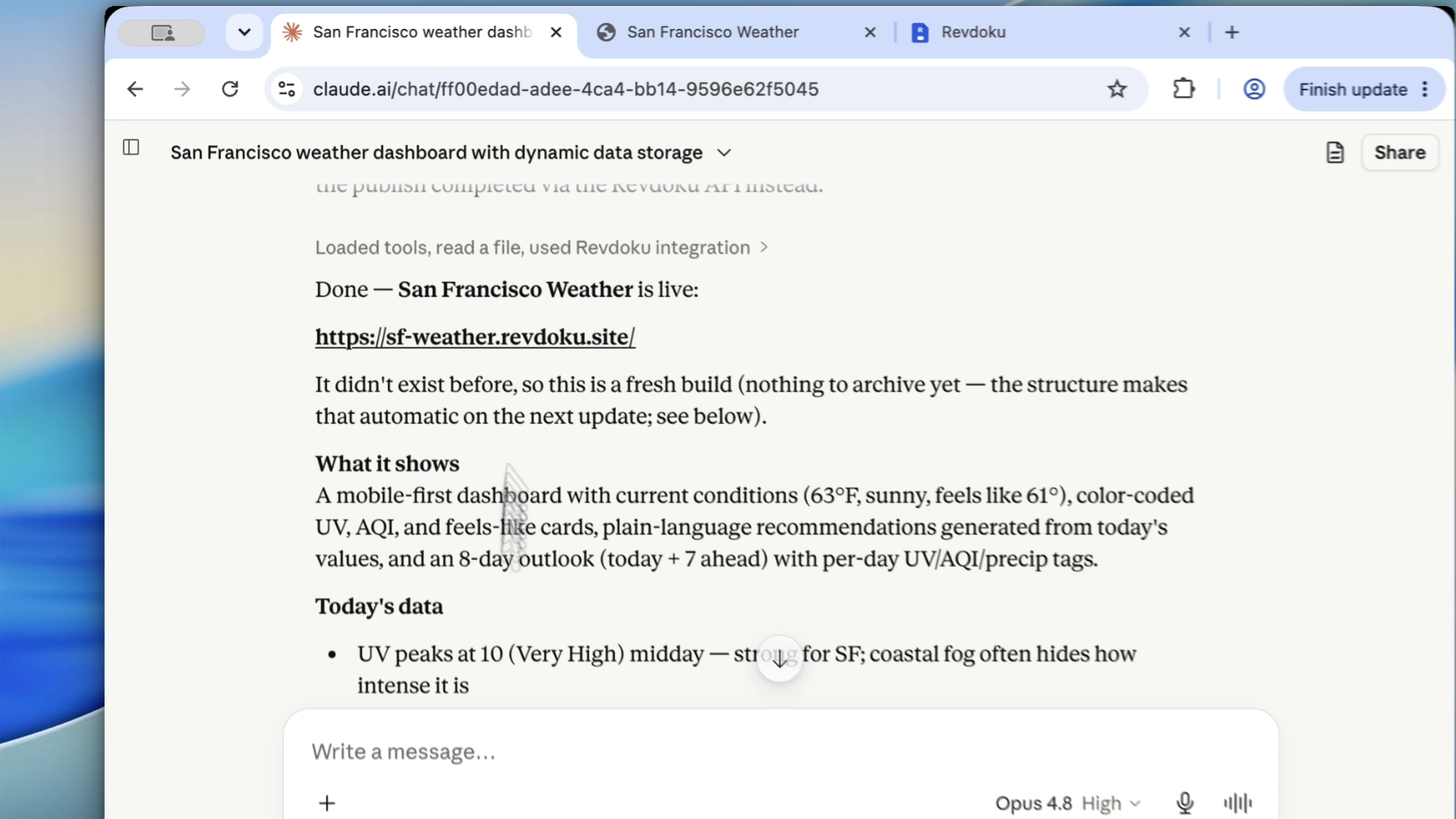
The Pre-Publish Checklist for AI-Built Websites That Do Not Look Vibe-Coded
Review AI-built sites before launch: fix generic copy, mobile issues, broken links, forms, contrast, and placeholder content.