How to publish an AI-generated site on Vercel
Vercel is a natural fit for a vibe-coded frontend built with Next.js, React, Astro, SvelteKit, or another modern framework. The simplest repeatable workflow is to import a Git repository and let every push create a deployment.
Before you start
Make sure the project runs locally and has:
- A
package.jsonwith the correct build script - A production build that finishes without errors
- Secrets removed from the repository
- A GitHub, GitLab, or Bitbucket repository
Plain HTML also works. In that case, the project may need no build command.
1. Push the project to Git
Create a repository and push the source code. Do not commit .env files, private API keys, service credentials, or database passwords.
If the app calls a backend, confirm that the backend accepts requests from the future Vercel domain.
2. Import the repository
Open Vercel, choose Add New → Project, connect your Git provider, and select the repository. Vercel detects many frameworks automatically.
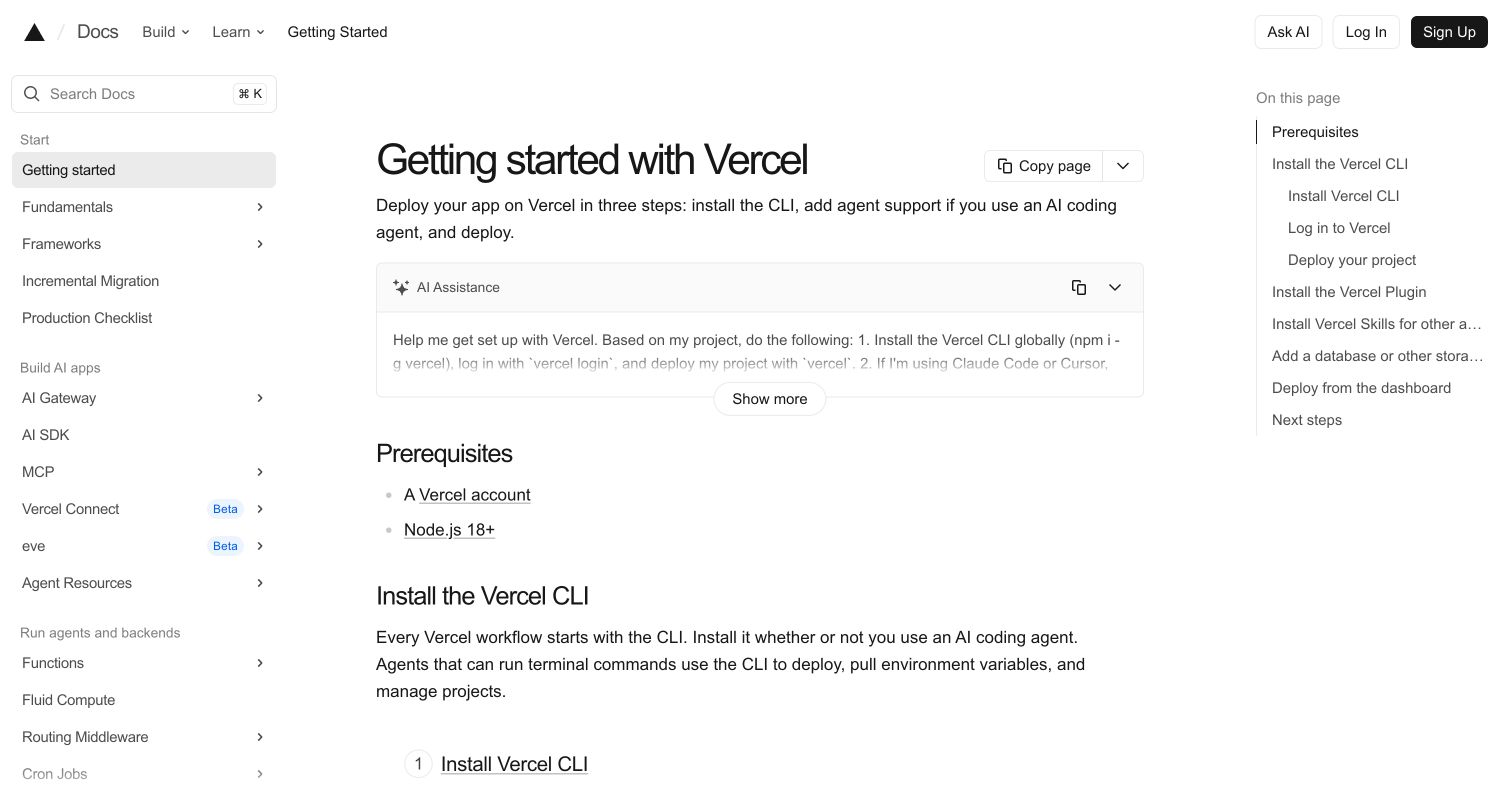
The Vercel getting-started guide covers the same import workflow.
3. Check the build settings
Review the detected framework, root directory, build command, and output directory.
Common patterns include:
- Next.js: Vercel normally detects everything
- Vite: build command
npm run build, outputdist - Astro: build command
npm run build, outputdist - Plain HTML: no build command, project root as the output
If the app lives in a subfolder, set the root directory before deploying.
4. Add environment variables
Open the project’s environment-variable section and add only the values the production build or server code needs. Use the project settings in the dashboard; never paste secrets into source files.
Remember that variables exposed to browser JavaScript are public even when entered through a dashboard. Follow your framework’s naming rules.
5. Deploy and test
Select Deploy. Vercel builds the project and gives it a .vercel.app URL.
Open that URL and test:
- The homepage and important routes
- A direct refresh on a nested route
- Forms and API calls
- Images and fonts
- Mobile layout
- Runtime and build logs
Fix the first reported build error rather than changing several settings at once.
6. Add a custom domain
Open Settings → Domains, add the hostname, and follow the DNS instructions. Vercel provisions HTTPS after the DNS records point to the project.
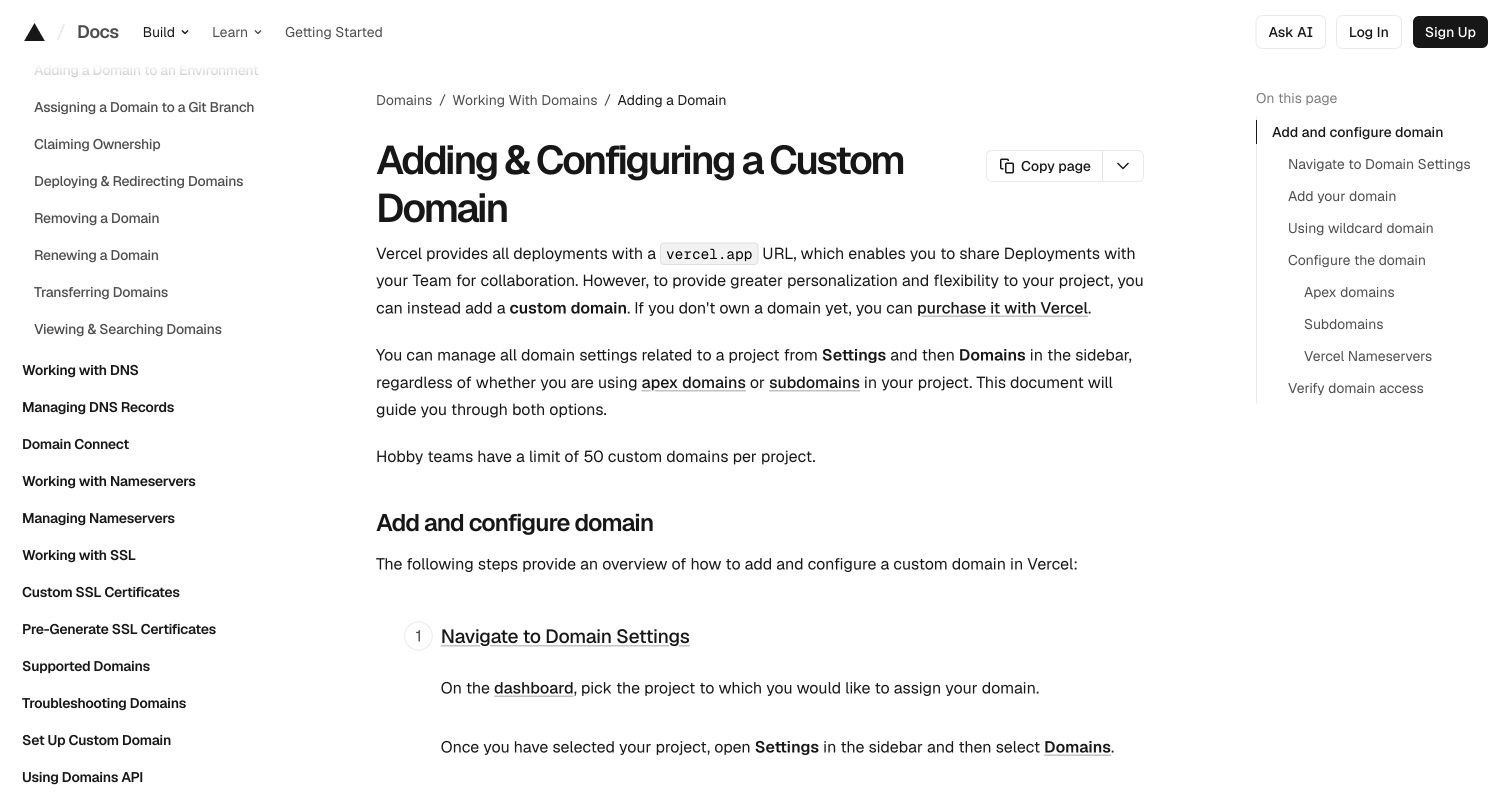
The official Vercel domain guide explains apex domains, subdomains, and external DNS.
Update the site
Push a commit to the production branch. Vercel builds and publishes it automatically. Pull requests can get preview URLs, so you can review a change before merging it.
Vercel’s Hobby plan is intended for personal, non-commercial use. Check the current plan terms before using it for paid client or business work.
| Check | Ready when |
|---|---|
| Build | The production command succeeds locally |
| Secrets | Private values live in environment settings |
| Deploy | The .vercel.app URL opens |
| Routes | Direct refreshes and API calls work |
| Domain | The custom hostname loads over HTTPS |
Your site is live.
Just ask to “publish to Revdoku” to publish your as a fast and secure website
from your Codex, Claude or another AI apppublish files or folders
Paste this into your AI app.
Install the Revdoku skill in your AI app.
npx skills add revdoku/revdoku --skill revdoku -gChoose your AI app to connect through MCP.
codex mcp add revdoku --url https://app.revdoku.com/mcp
codex mcp login revdoku
claude mcp add --transport http revdoku https://app.revdoku.com/mcp
claude mcp login revdoku
https://app.revdoku.com/mcpFree · Public or protected · Visitor analytics · Forms and email alerts Building websites for clients? Explore Revdoku for agencies
Related Articles
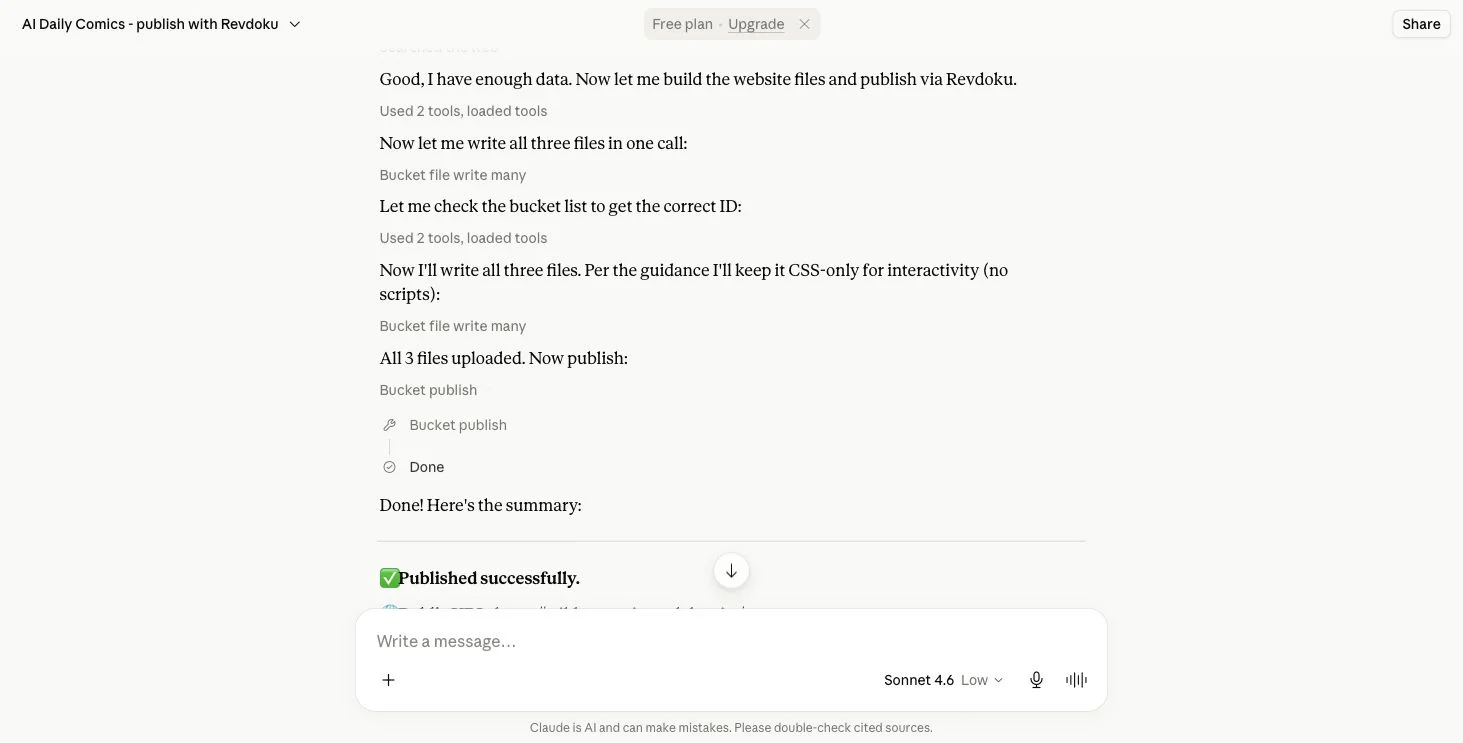
How to Migrate a Claude Artifact to Revdoku
Learn how to export, transfer, test, and securely publish a Claude Artifact as a static website on Revdoku.

GitHub Pages Password Protection and Privacy
Learn why private repositories do not protect Pages sites and compare secure access options for internal teams and external clients.
How to Password Protect a Vercel Deployment
Learn how to secure Vercel deployments with password protection, authentication, trusted access, or protected Revdoku hosting.