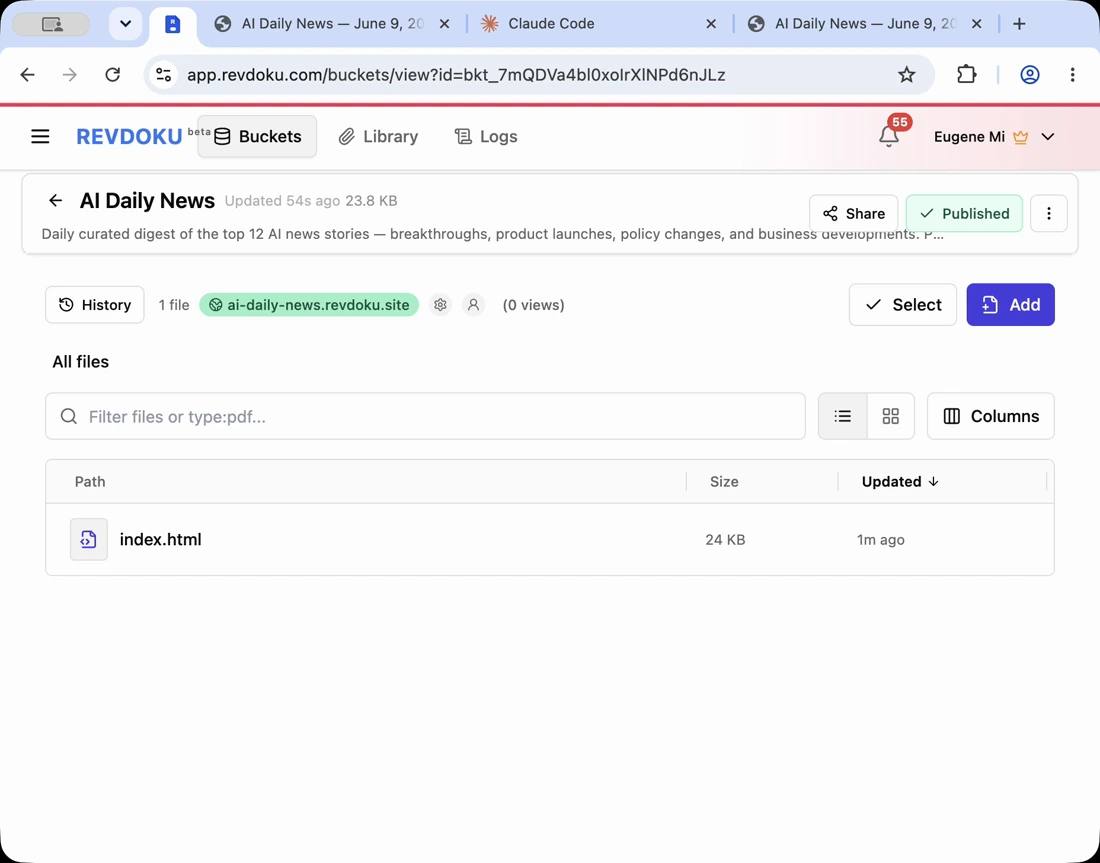
Publish Claude Code Product Websites with Revdoku
Claude Code can generate a product website with copy, layout, 3D visuals, screenshots, pricing sections, and interactive demos. That helps ecommerce teams, product marketers, and founders test a product story quickly.
The AI-generated product site needs a publishing workflow before review. Assets, code, and data files should stay together; reviewers need a private URL; and the final page should remain updatable after the next prompt.
Note: keep generated product pages, assets, and data files together in the same bucket so the live page does not lose dependencies.
Keep the AI-generated product site folder together
Before publishing, use a clean folder structure. A simple export might look like this:
product-demo/
  index.html
  assets/
    hero-product.webp
    model.glb
    gallery-01.webp
  data/
    specs.json
  styles.css
  app.js
Keep media assets with the generated page, especially for an AI-generated media website with visuals and interactive files. AI-generated product sites often depend on local images, 3D models, videos, and data files. If those files move, the live page may break.
Publish product demo website files to Revdoku
Upload the complete folder to Revdoku to publish product demo website files quickly. Revdoku hosts the files together and gives the product page a live URL.
This helps when Claude Code creates a polished site, but you do not want a full deployment project just for review.
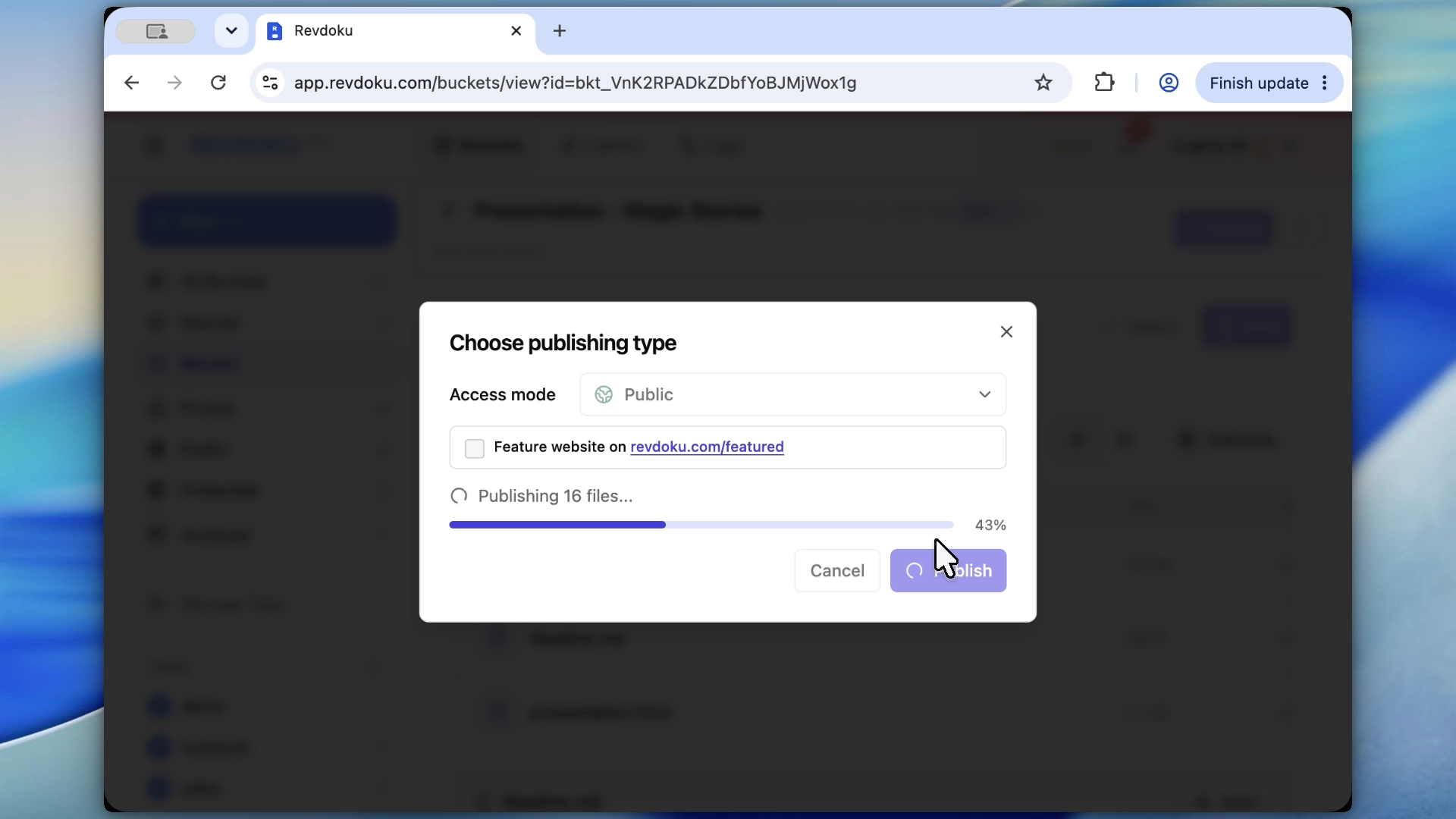
Note: this is the simplest Revdoku handoff: a generated folder becomes a hosted website.
Use private review before launching the Revdoku product page
A Revdoku product page often contains unreleased pricing, packaging, claims, mockups, or customer positioning. Publish privately first.
Use Password for a small group of reviewers who can share a password. Use Require Email to see which reviewer opened the page and what they viewed.
Require Email verifies an emailed one-time code without a shared site password. It requires a paid plan for a permanent website; Free accounts can try it in a temporary preview.
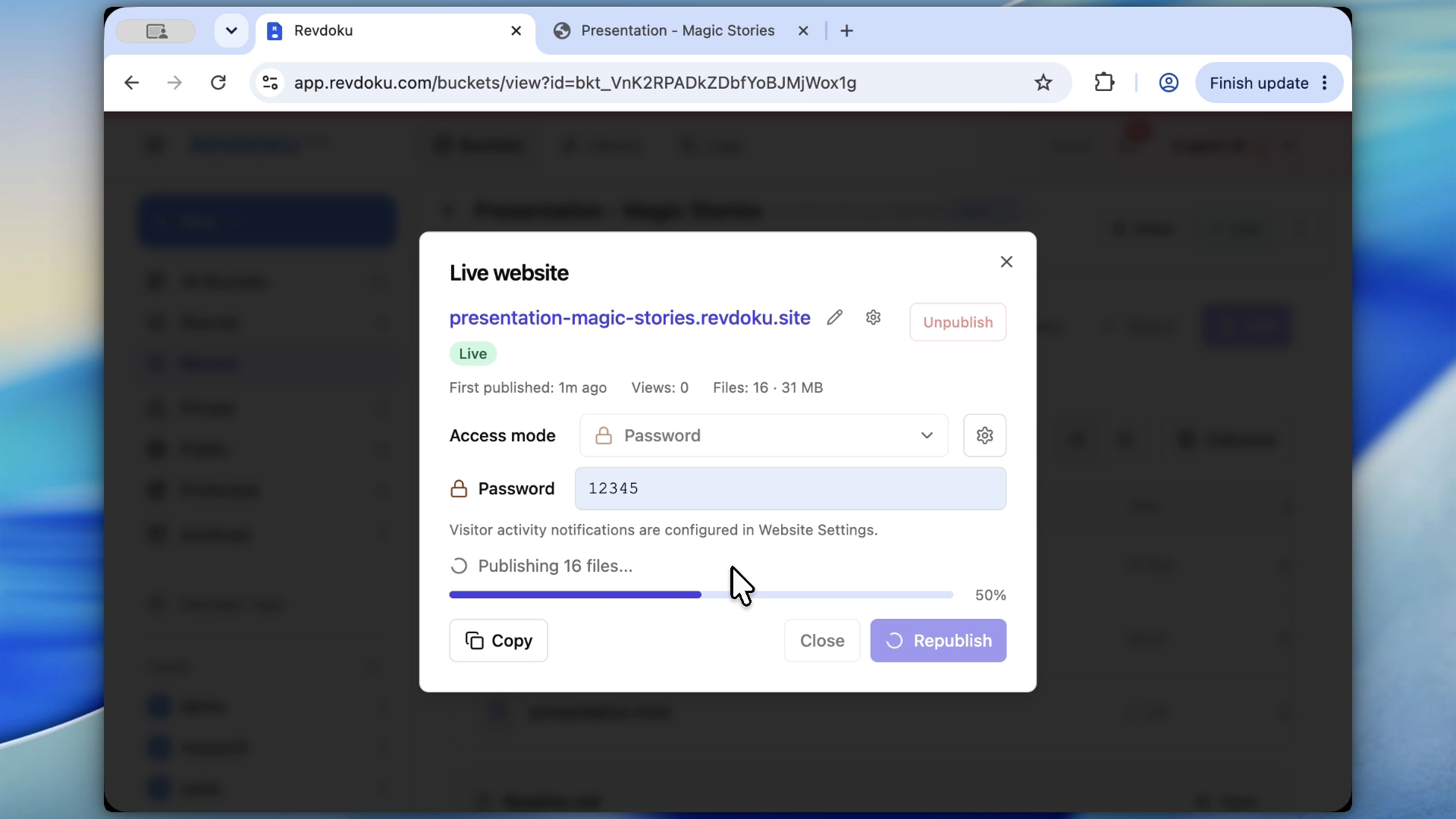
Note: use password protection before sharing unreleased pricing, claims, or product visuals.
Review the Revdoku product page like a customer
Open the published URL and inspect the Revdoku product page. Check:
- Hero section and product imagery.
- Mobile layout.
- 3D or interactive elements.
- Pricing and CTA links.
- Asset loading.
- Copy accuracy and compliance.
- Forms or download links.
If something is wrong, ask Claude Code for a specific fix and republish to the same bucket.
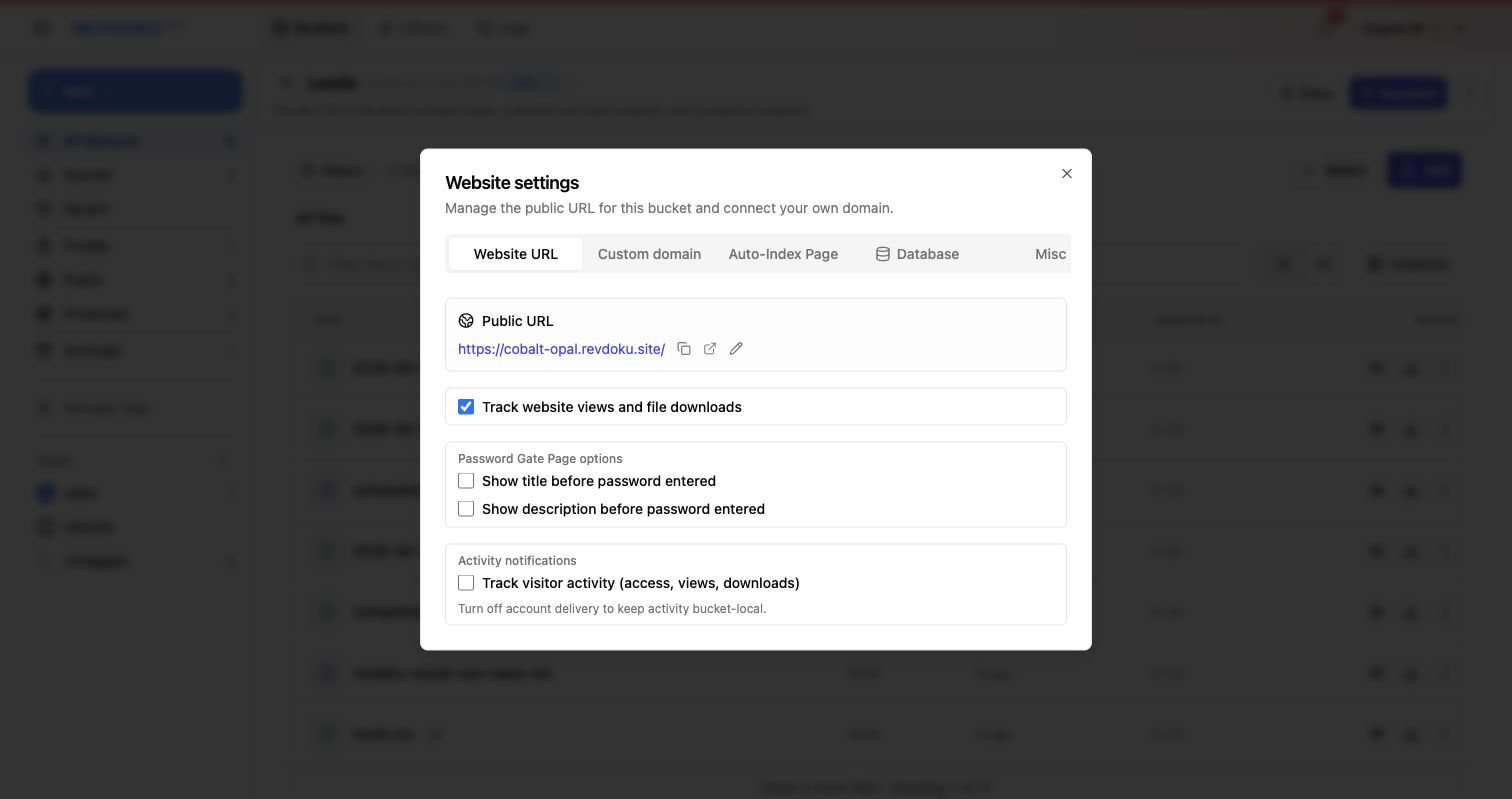
Note: stable URL settings matter when reviewers return after the next product-page update.
Update the same product page after the next prompt
The biggest advantage of bucket-based publishing is repeatability. When the product story changes, ask Claude Code to update the source folder, then republish to the same Revdoku destination.
Examples:
- “Add a comparison table against the old model.”
- “Replace the hero image with the new render.”
- “Add a wholesale pricing section.”
- “Make the page feel more premium, but keep the current copy hierarchy.”
- “Fix the mobile gallery so the product images do not crop.”
Revdoku gives the AI-generated product site a durable review link while the AI workflow improves the files.
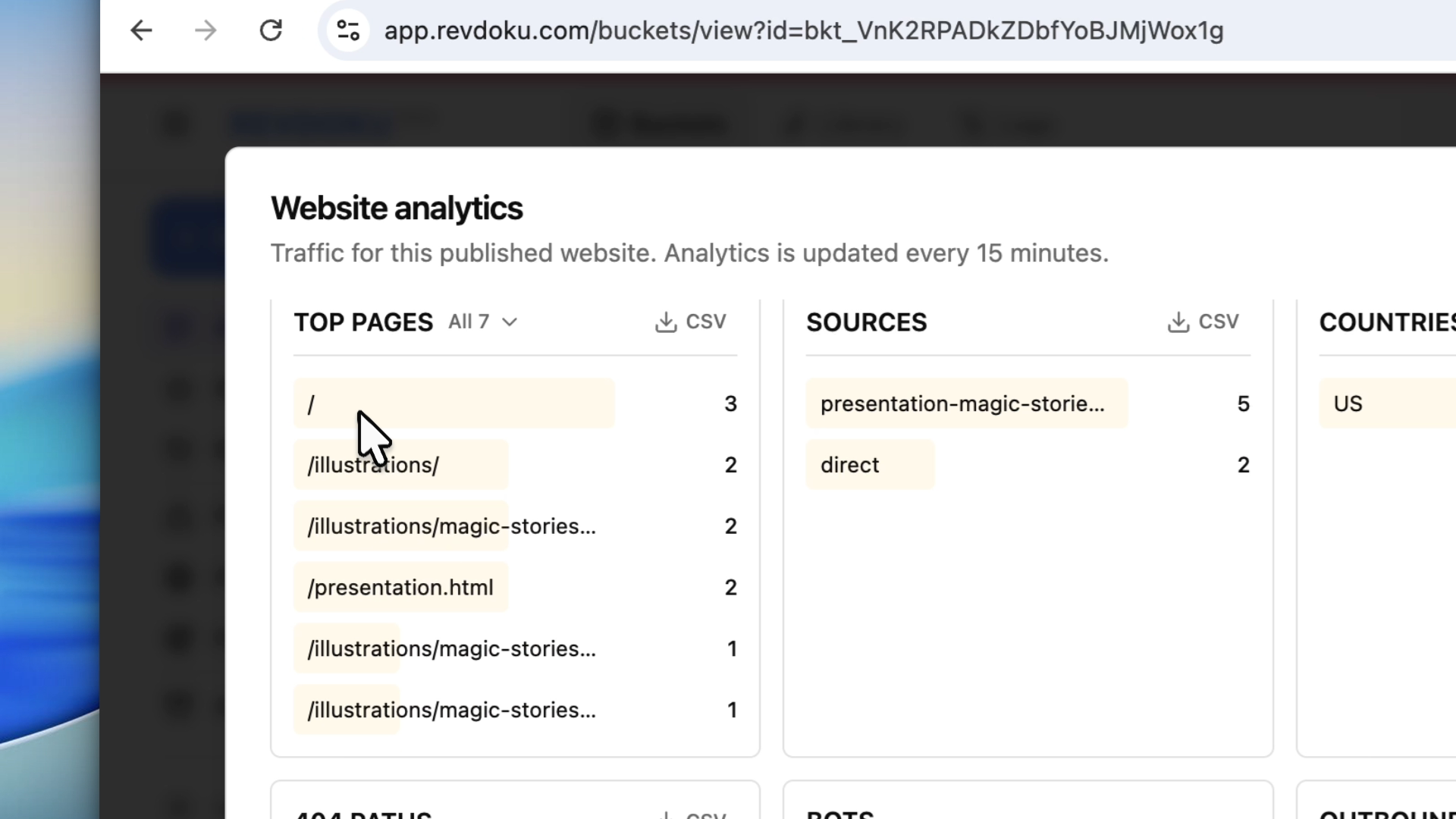
Note: product demo analytics show whether reviewers opened the page and which paths they viewed.
Claude Code can generate the product website. Revdoku can host the complete folder, protect private review, and keep the same URL for the next product-page update.
Just ask to “publish to Revdoku” to publish your as a fast and secure website
from your Codex, Claude or another AI apppublish files or folders
Paste this into your AI app.
Install the Revdoku skill in your AI app.
npx skills add revdoku/revdoku --skill revdoku -gChoose your AI app to connect through MCP.
codex mcp add revdoku --url https://app.revdoku.com/mcp
codex mcp login revdoku
claude mcp add --transport http revdoku https://app.revdoku.com/mcp
claude mcp login revdoku
https://app.revdoku.com/mcpFree · Public or protected · Visitor analytics · Forms and email alerts Building websites for clients? Explore Revdoku for agencies
Frequently Asked Questions
Why should I publish the whole generated folder instead of only the HTML file?
AI-generated product pages often depend on images, scripts, stylesheets, 3D models, and data files. Publishing only the HTML can cause missing visuals, broken interactions, or layout issues. Keeping the full folder together makes the review page behave like the local version.
When should I use a private Revdoku link?
Use a private link whenever the page includes unreleased pricing, product claims, mockups, customer messaging, or launch-sensitive visuals. Password protection is useful for a small review group. Require Email is better when you need reviewer-level visibility.
What should reviewers check before approving the product page?
Reviewers should inspect the page as a customer would, including the hero section, mobile layout, pricing, calls to action, forms, downloads, and media loading. They should also verify that copy, claims, and product visuals are accurate. Interactive elements should be tested on both desktop and mobile when possible.
Can I keep the same review URL after Claude Code updates the page?
Yes, if you republish the updated files to the same Revdoku destination. This keeps the review process simpler because stakeholders can return to one stable link. It also reduces confusion when multiple revisions are being shared.
What kinds of changes are best handled through another Claude Code prompt?
Claude Code is useful for targeted changes such as replacing images, adjusting mobile layouts, adding pricing sections, improving copy hierarchy, or fixing broken interactions. Specific prompts usually produce better results than broad requests. After each update, republish and review the hosted version again.
How do analytics help during product page review?
Analytics can show whether reviewers actually opened the page and which paths they viewed. This helps teams understand whether feedback is based on a full review or only a quick glance. It can also reveal broken paths or pages that reviewers are trying to access.
Is this workflow meant to replace a full production deployment?
This workflow is best for fast review, iteration, and stakeholder feedback on generated product pages. A full production deployment may still be needed for advanced infrastructure, integrations, monitoring, or long-term site management. Revdoku is useful when the immediate need is to host and revise a complete generated page without setting up a larger deployment process.
Related Articles
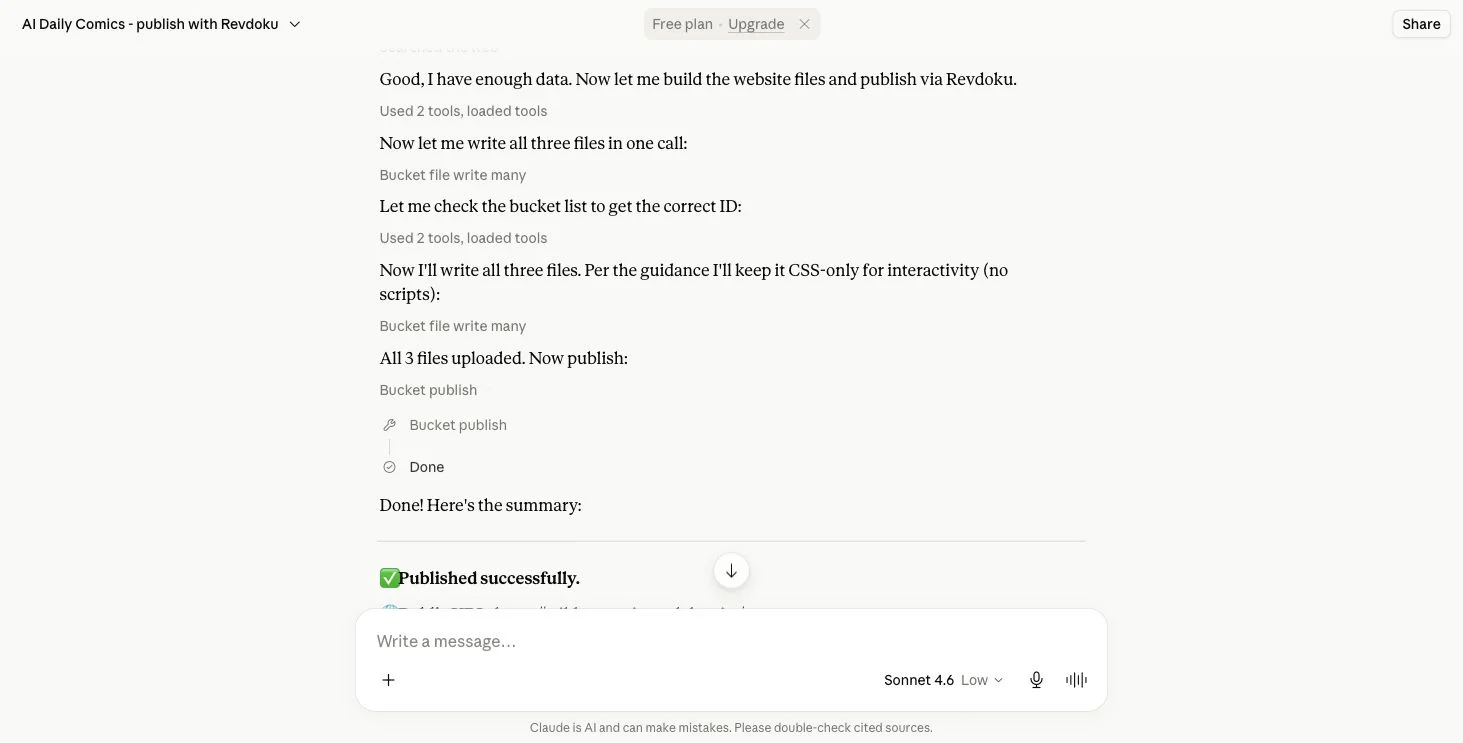
How to Migrate a Claude Artifact to Revdoku
Learn how to export, transfer, test, and securely publish a Claude Artifact as a static website on Revdoku.

GitHub Pages Password Protection and Privacy
Learn why private repositories do not protect Pages sites and compare secure access options for internal teams and external clients.

How to Password Protect a Vercel Deployment
Learn how to secure Vercel deployments with password protection, authentication, trusted access, or protected Revdoku hosting.