Tally ICD-10 Diagnosis Codes in a Clinical Note with Revdoku
Tally ICD-10 Diagnosis Codes in a Clinical Note with Revdoku
Step 1: Open the follow-up note.
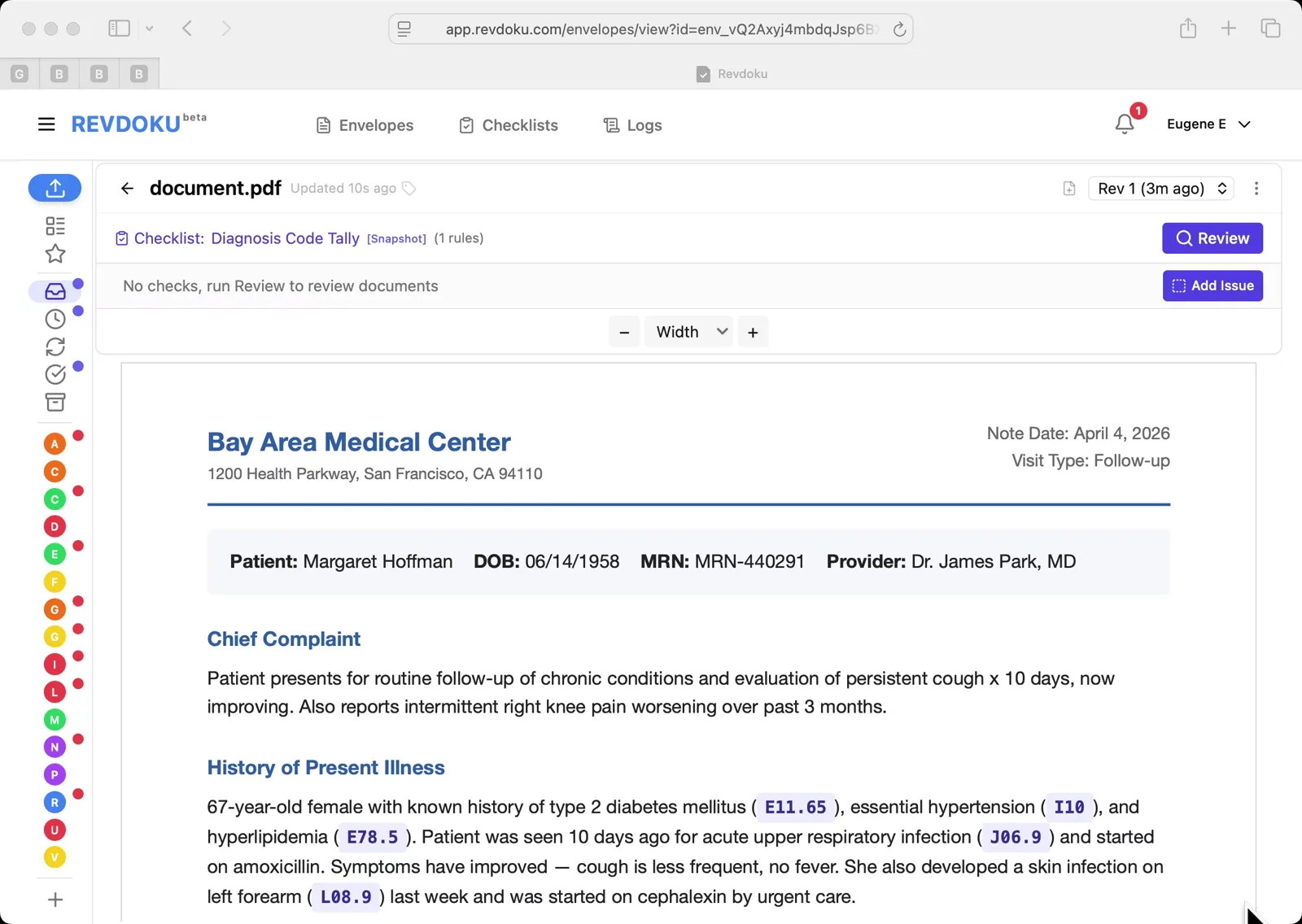
A follow-up encounter note for patient Margaret Hoffman is open. ICD-10 code badges such as E11.65, I10, E78.5, J06.9, and L08.9 are inline in the chief complaint and history of present illness.
Step 2: Scan the coded conditions.
Each diagnosis is tagged with its ICD-10 badge inline with the prose. The goal is to pull out every code and count occurrences.
Step 3: Run the Diagnosis Code Tally checklist.
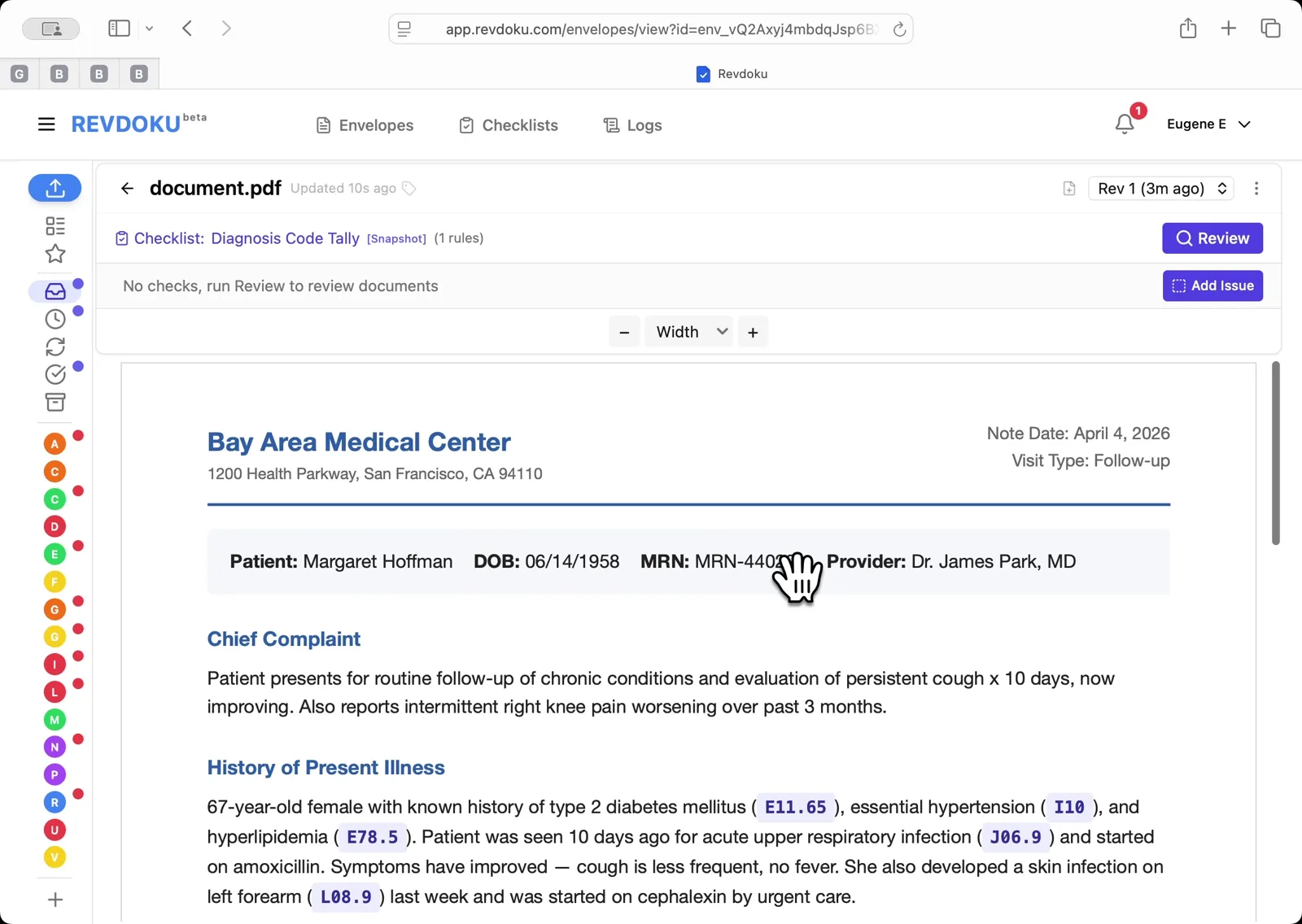
Click Review, pick Diagnosis Code Tally (1 rules), and click Run Review. Revdoku walks through Preparing, Analyzing, Reviewing, and Finalizing.
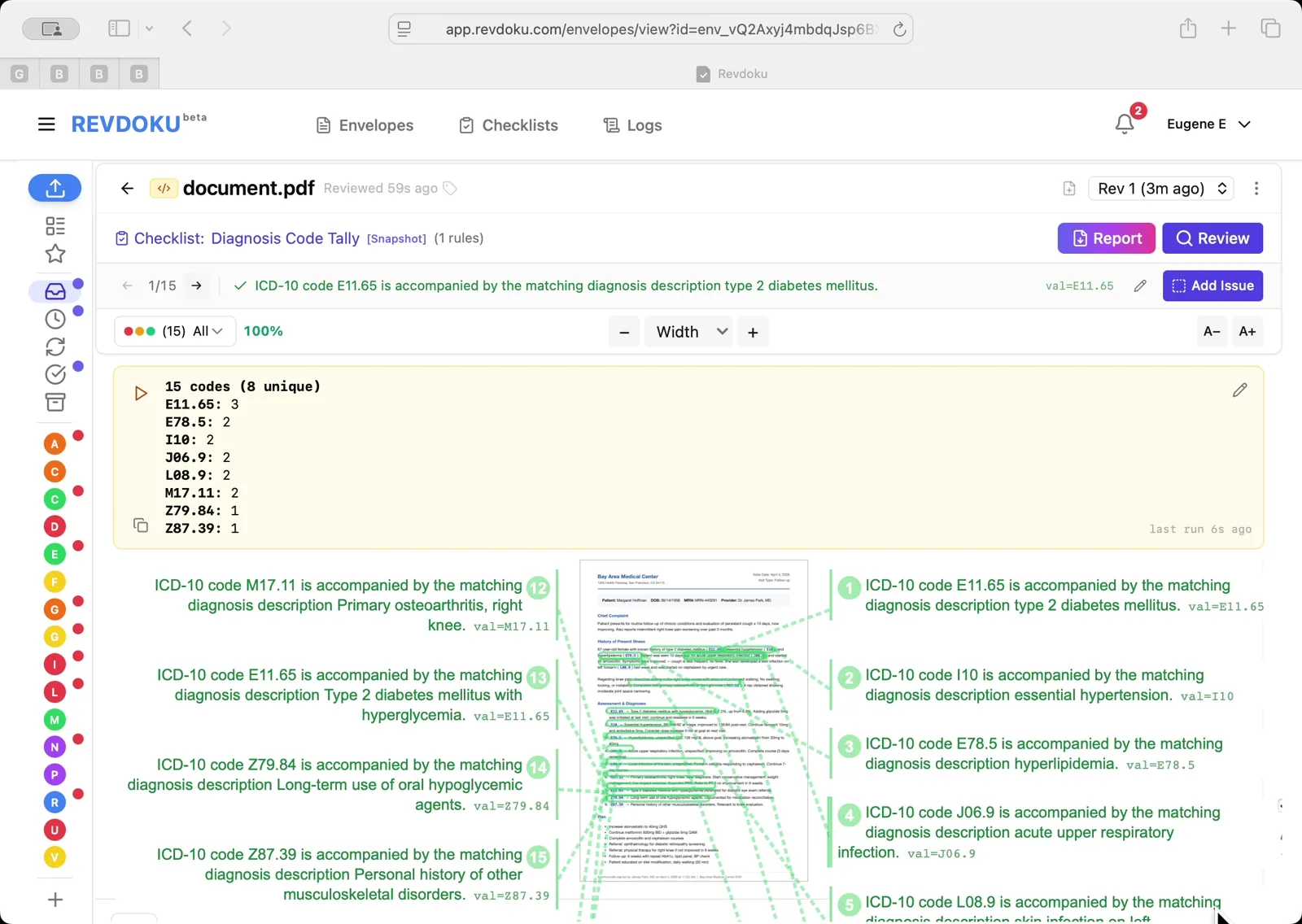
Step 4: Read the diagnosis code tally.
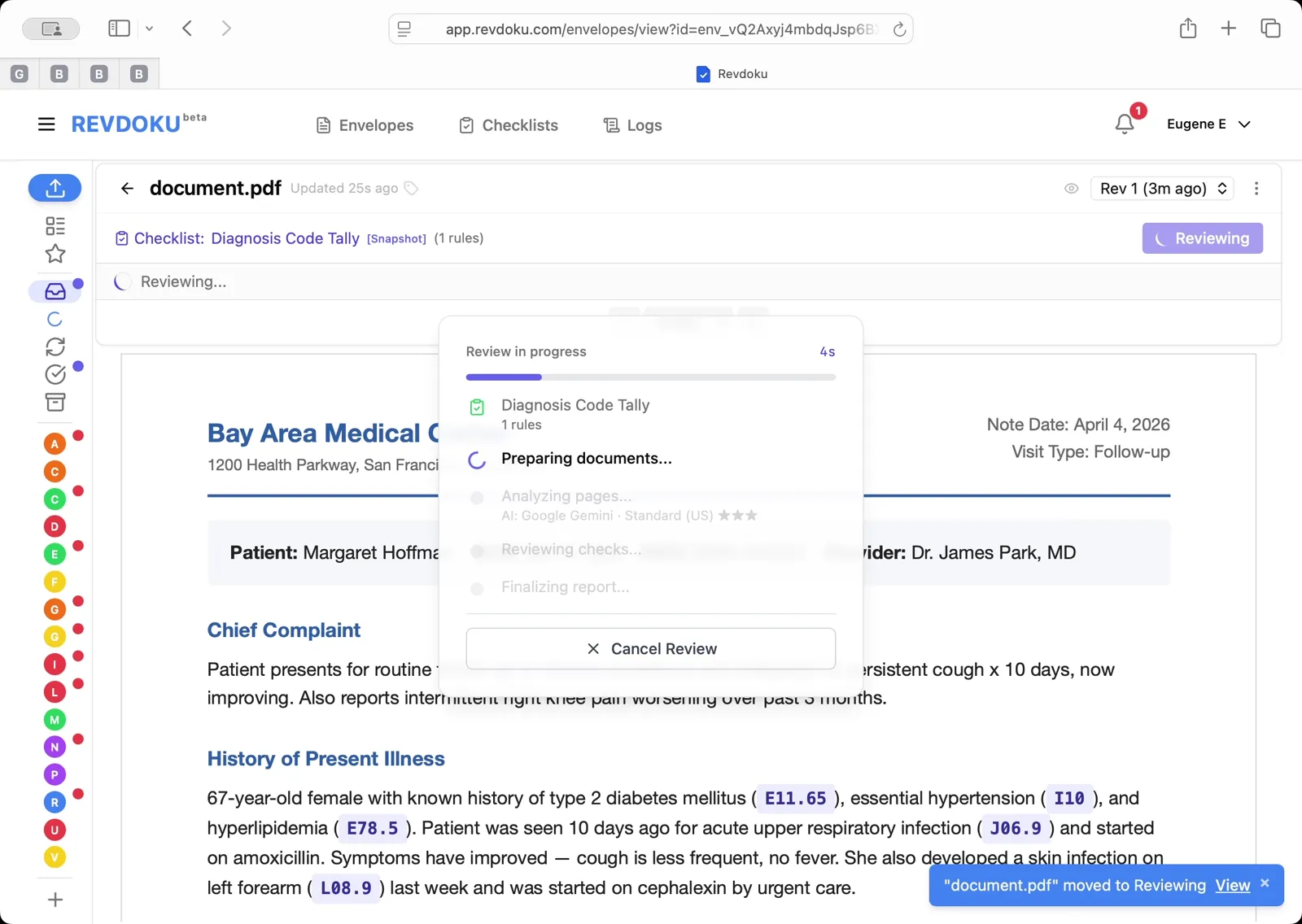
The result reports 15 codes, 8 unique — E11.65 appears 3 times, E78.5/I10/J06.9/L08.9/M17.11 twice each, and Z79.84/Z87.39 once. Every occurrence is numbered and mapped back to its exact spot in the clinical note.
What You Learned
This case showed how Revdoku can take a document, apply a structured checklist, and surface specific findings — all in under a minute. No manual line-by-line reading required.
Disclosure: Sample documents in this use case were generated using AI and contain intentional errors for demonstration purposes. All names, companies, and details are fictional.
Related Articles
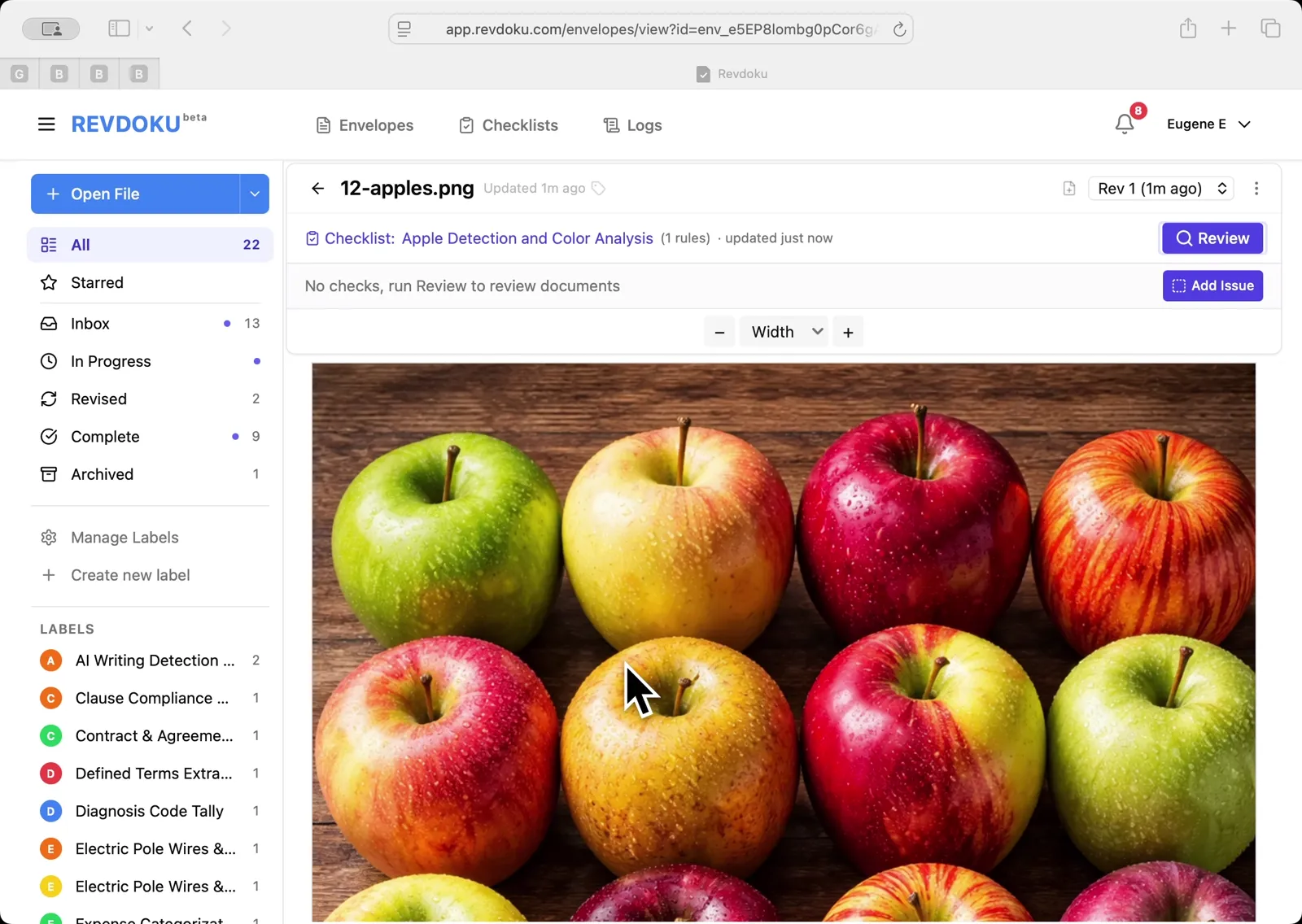
Count Unique Apple Colors in a Photo with Revdoku
Detects all 12 apples in a top-down photo and tags each by dominant color: 4 variegated, 3 red, 3 yellow, 2 green. Group-and-sum script totals 12.
Count Candies by Color in a Photo with Revdoku
Counts a pile of M&M-style candies by color: 7 checks pass at 100%, totaling 113 candies. Group-and-sum script aggregates per-color counts.
Audit a Shareholder Letter for Disclosure Completeness with Revdoku
Generate a document-quality checklist from a single-line prompt with Revdoku, run it against a Letter to Shareholders from a public company, and read the per-rule pass/fail audit report.