Use Case: Review a Residential Lease
Table of Contents
- Step 1: Open the Envelopes inbox.
- Step 2: Open the lease.
- Step 3: Pick the checklist.
- Step 4: Start the review.
- Step 5: Revdoku analyzes the pages.
- Step 6: The checks finish running.
- Step 7: Read the page-1 issue.
- Step 8: Filter to passed checks.
- Step 9: Read the page-2 issue.
- Step 10: Open the Report.
- Step 11: Save the report.
- Conclusion
- What You Learned
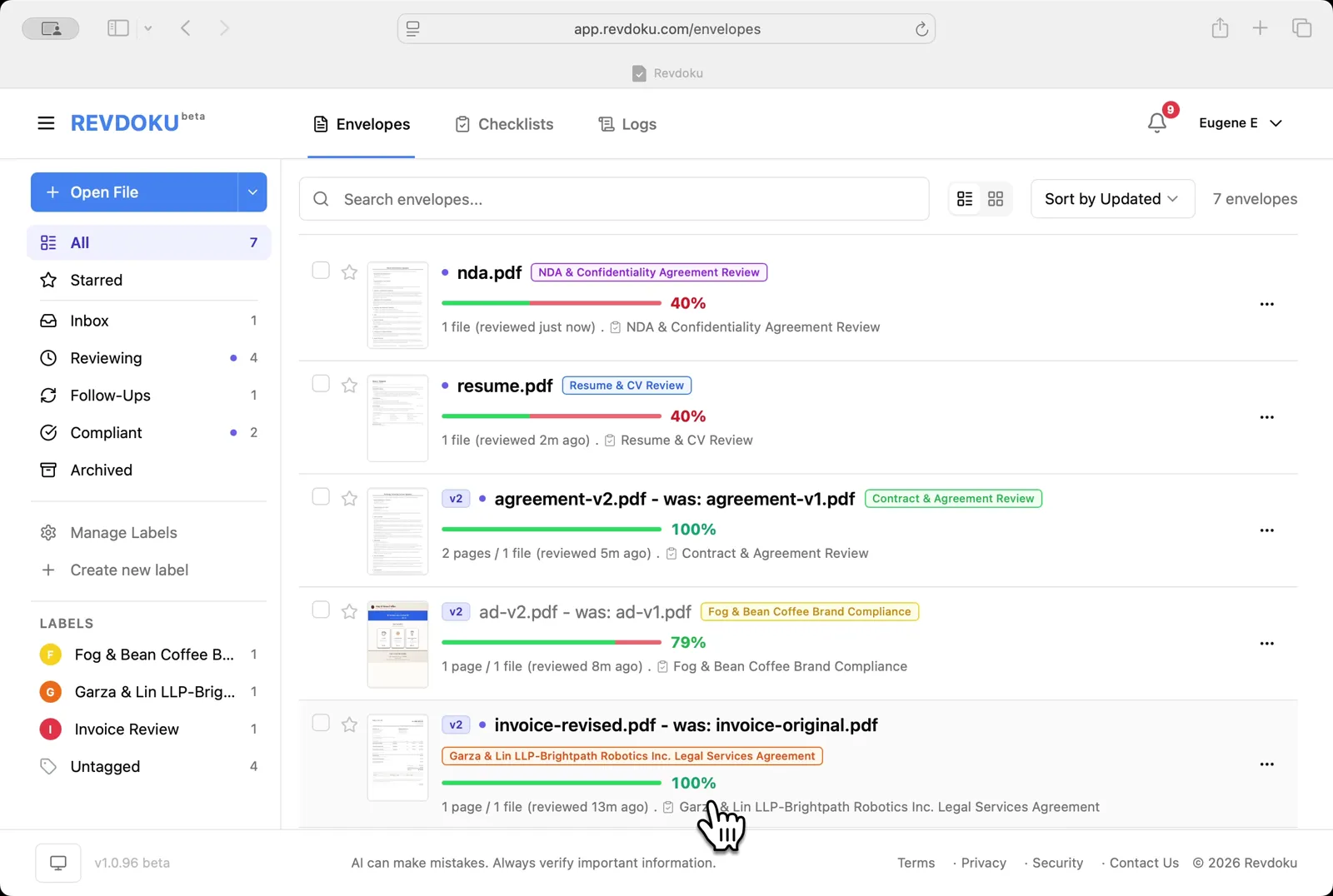
- Step 1: Open the Envelopes inbox.
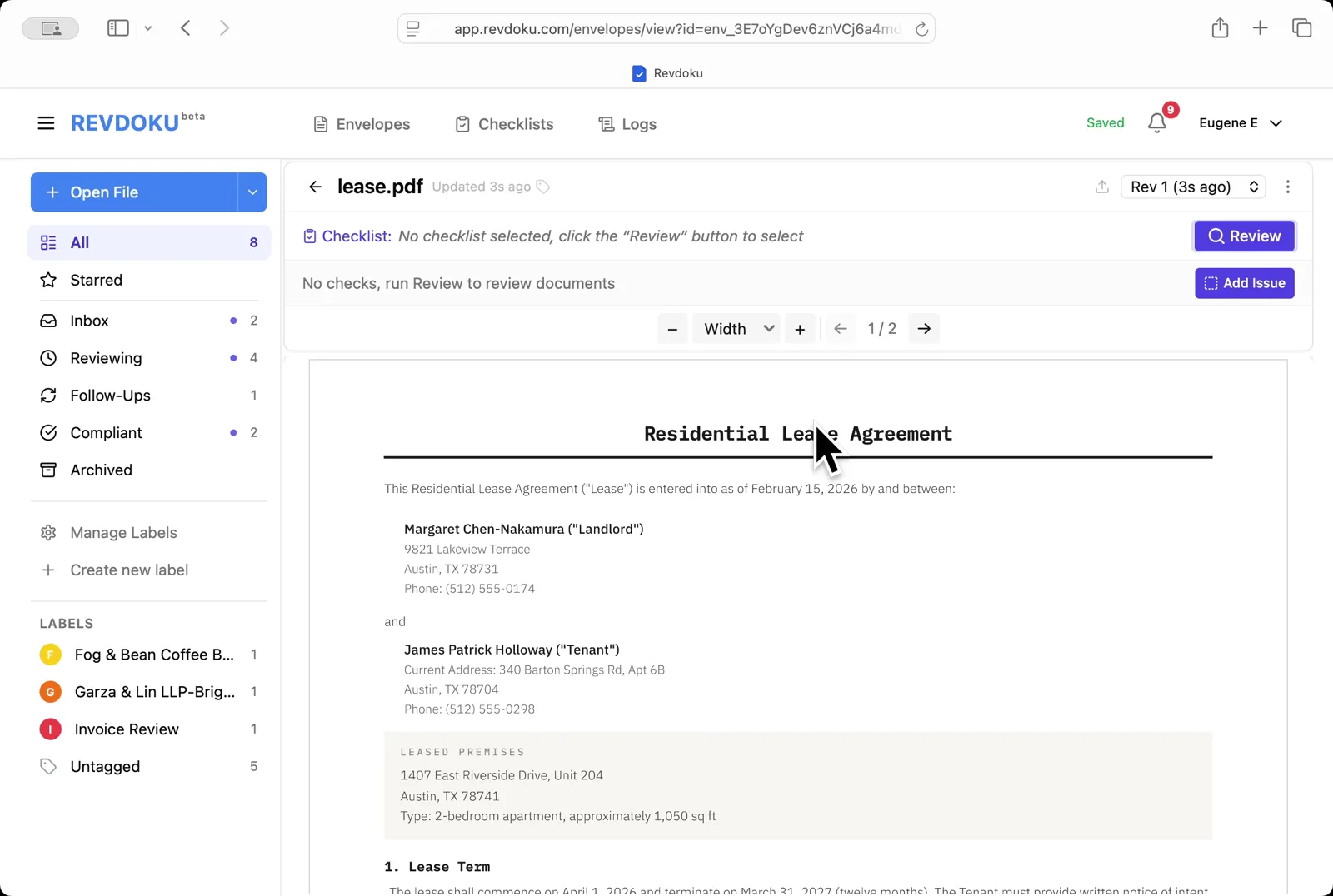
- Step 2: Open the lease.
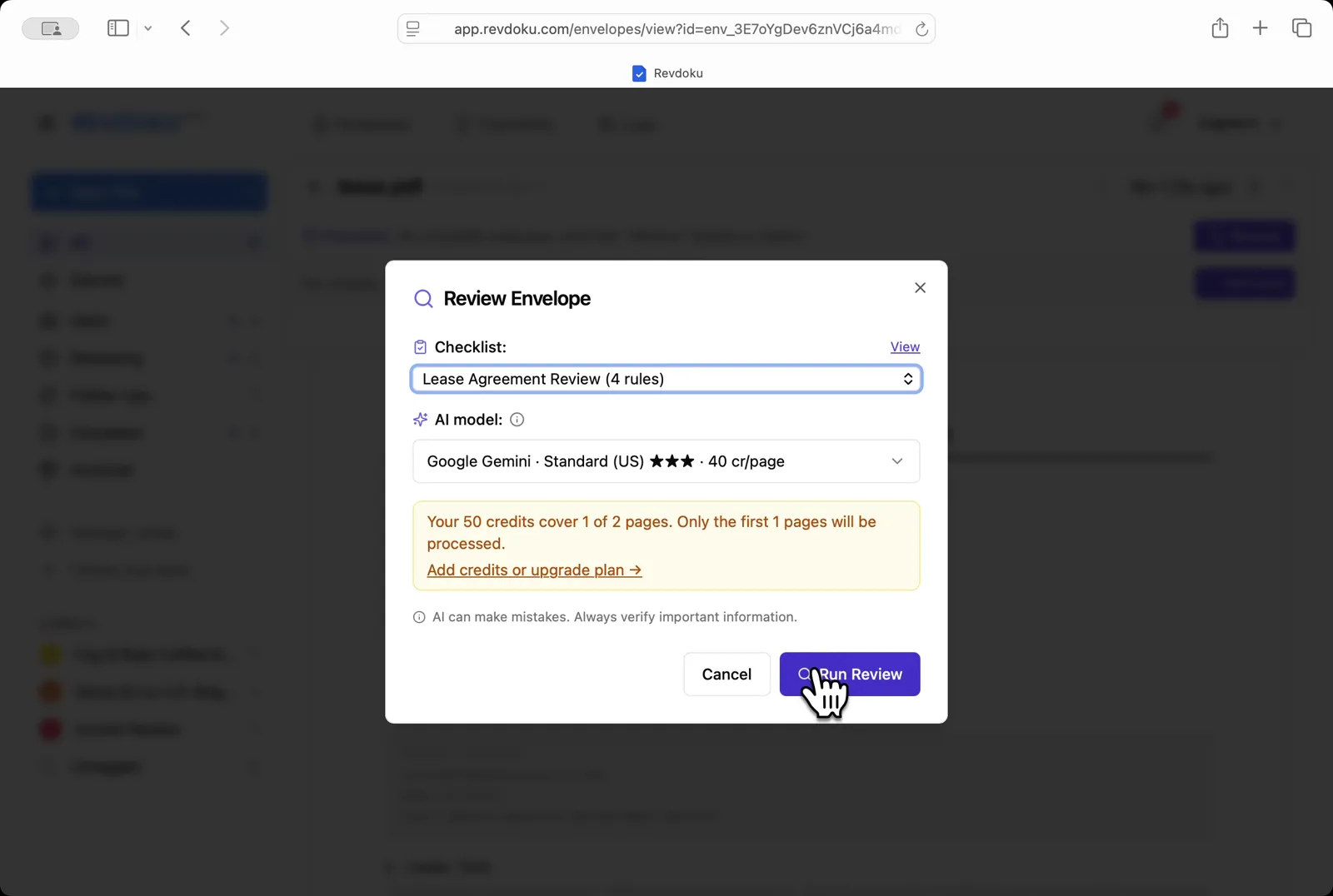
- Step 3: Pick the checklist.
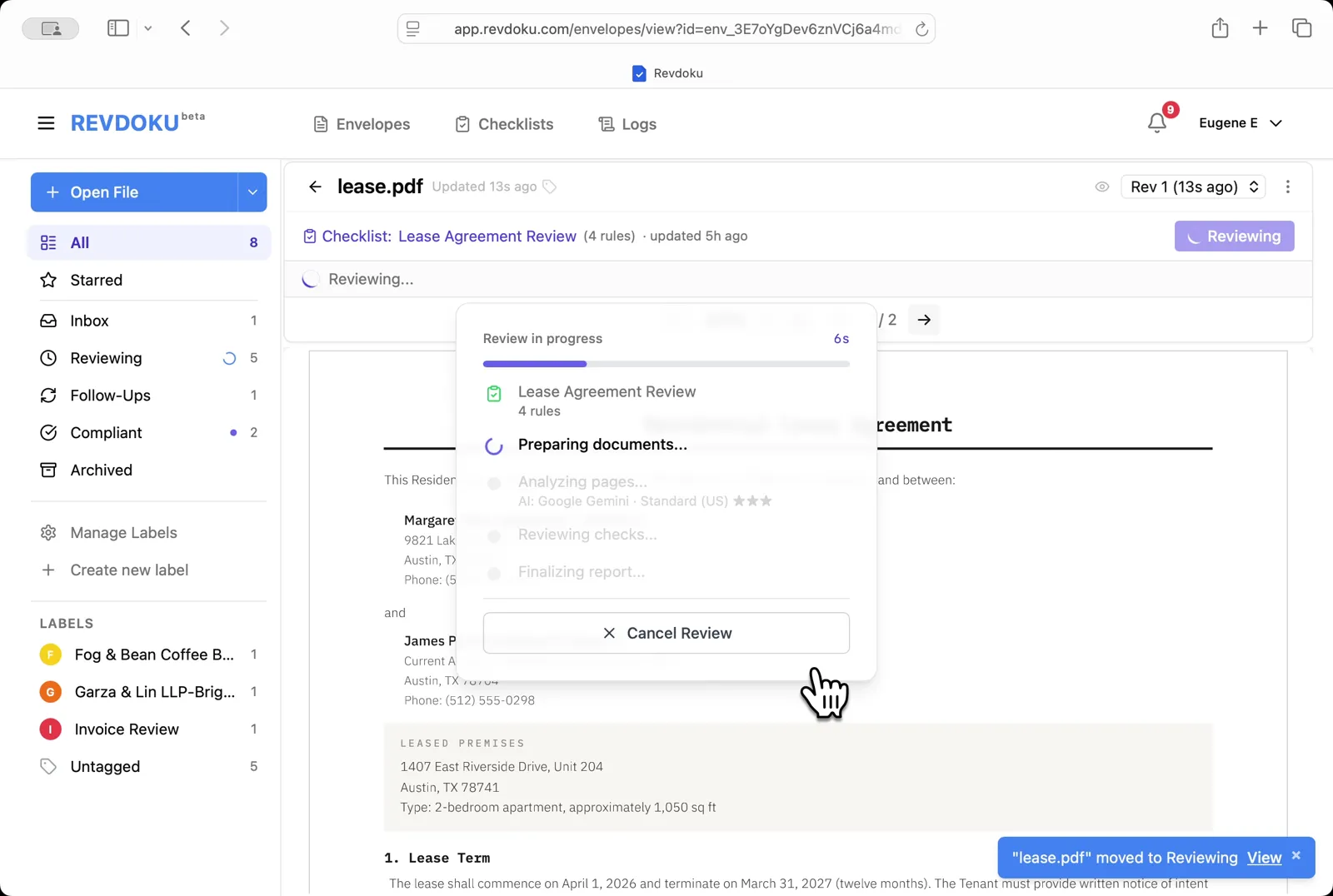
- Step 4: Start the review.
- Step 5: Revdoku analyzes the pages.
- Step 6: The checks finish running.
- Step 7: Read the page-1 issue.
- Step 8: Filter to passed checks.
- Step 9: Read the page-2 issue.
- Step 10: Open the Report.
- Step 11: Save the report.
- Conclusion
- What You Learned
Review a Residential Lease
This use case demonstrates how to review a residential lease. You will upload a lease PDF into Revdoku, attach the Lease Agreement Review checklist, run Review with Google Gemini, and read the issues, passes, and final report.
Step 1: Open the Envelopes inbox.
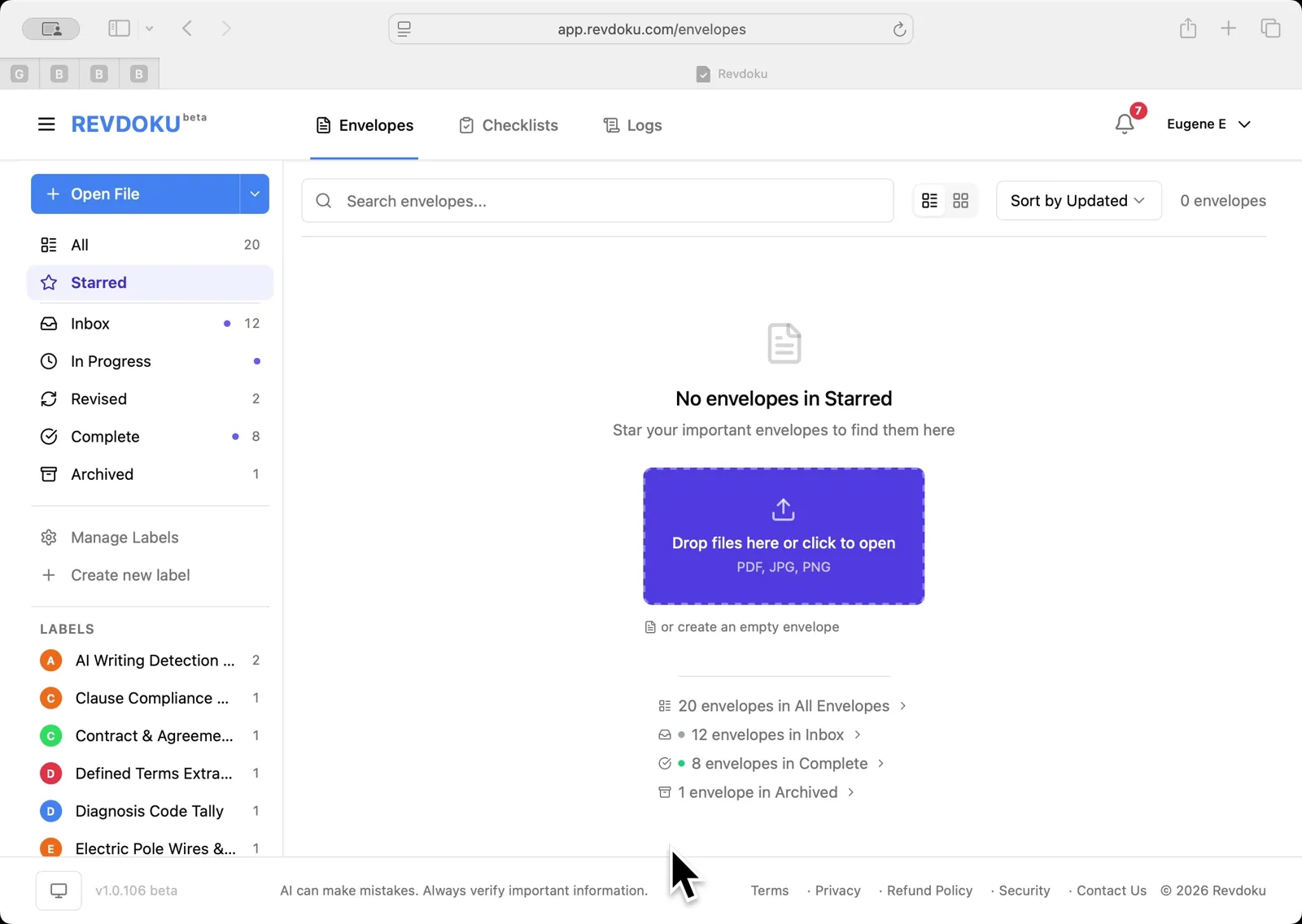
Open the Envelopes inbox. The inbox lists every document available for review.
Step 2: Open the lease.
Open the lease. lease.pdf opens in the viewer — a 2-page Residential Lease Agreement between landlord Margaret Chen-Nakamura and tenant James Patrick Holloway.
Step 3: Pick the checklist.
Pick the checklist. In the Review Envelope dialog choose Lease Agreement Review (4 rules) with Google Gemini · Standard (US), then click Run Review.
Step 4: Start the review.
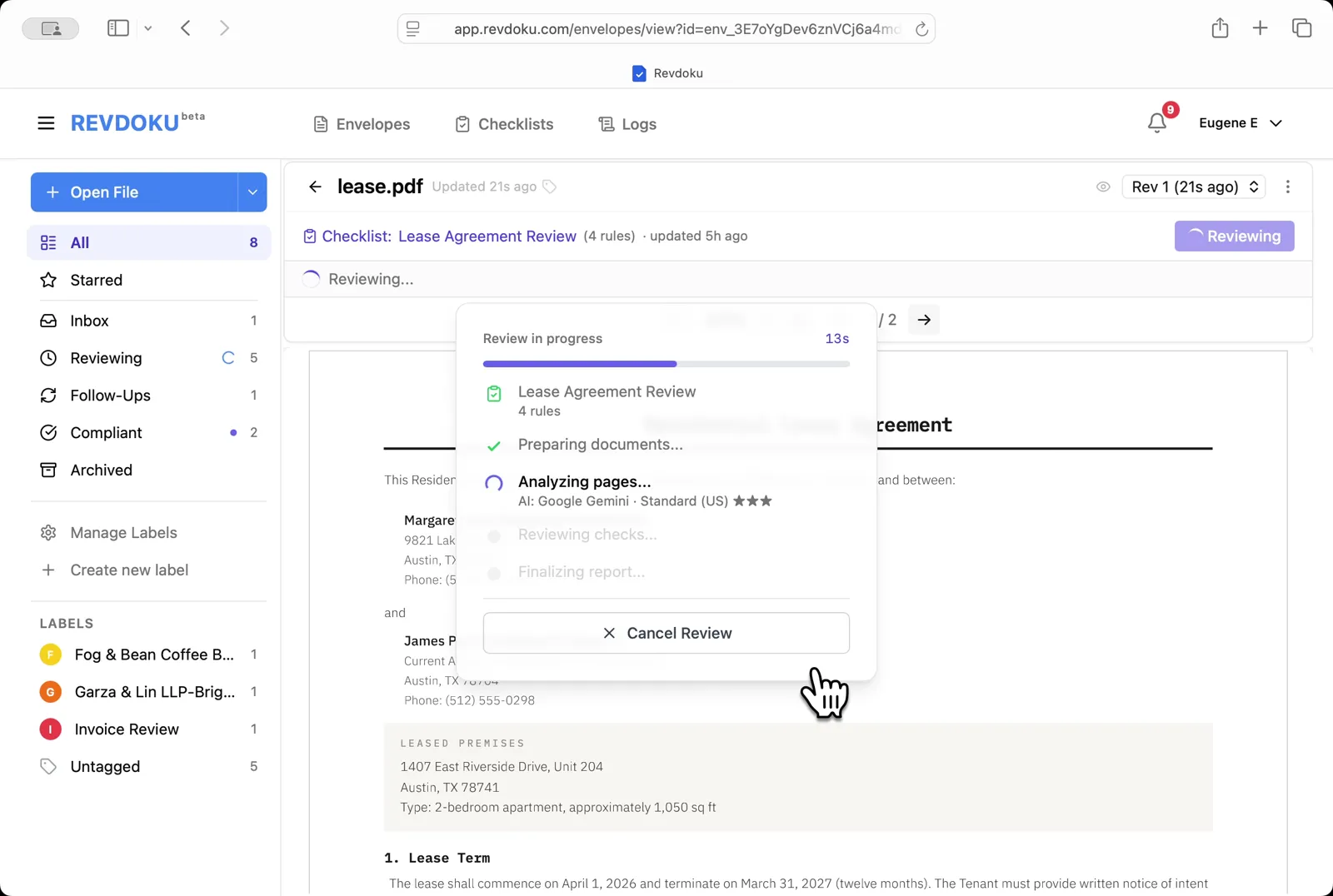
Start the review. Revdoku begins with the Preparing documents step.
Step 5: Revdoku analyzes the pages.
Revdoku analyzes the pages. It extracts the page text and runs each of the four checks against it.
Step 6: The checks finish running.
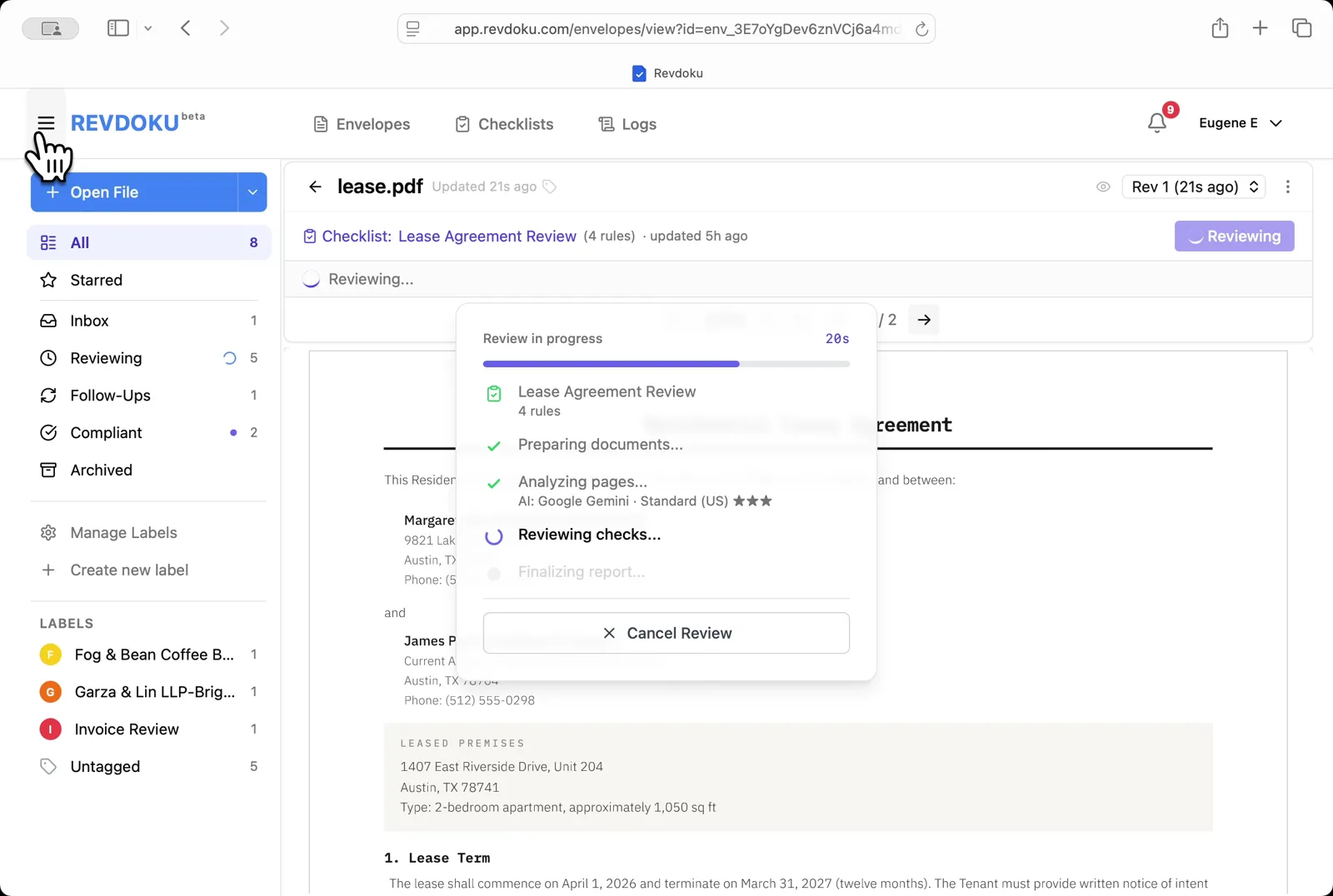
The checks finish running. Revdoku writes the report and matches each finding to a place on the page.
Step 7: Read the page-1 issue.
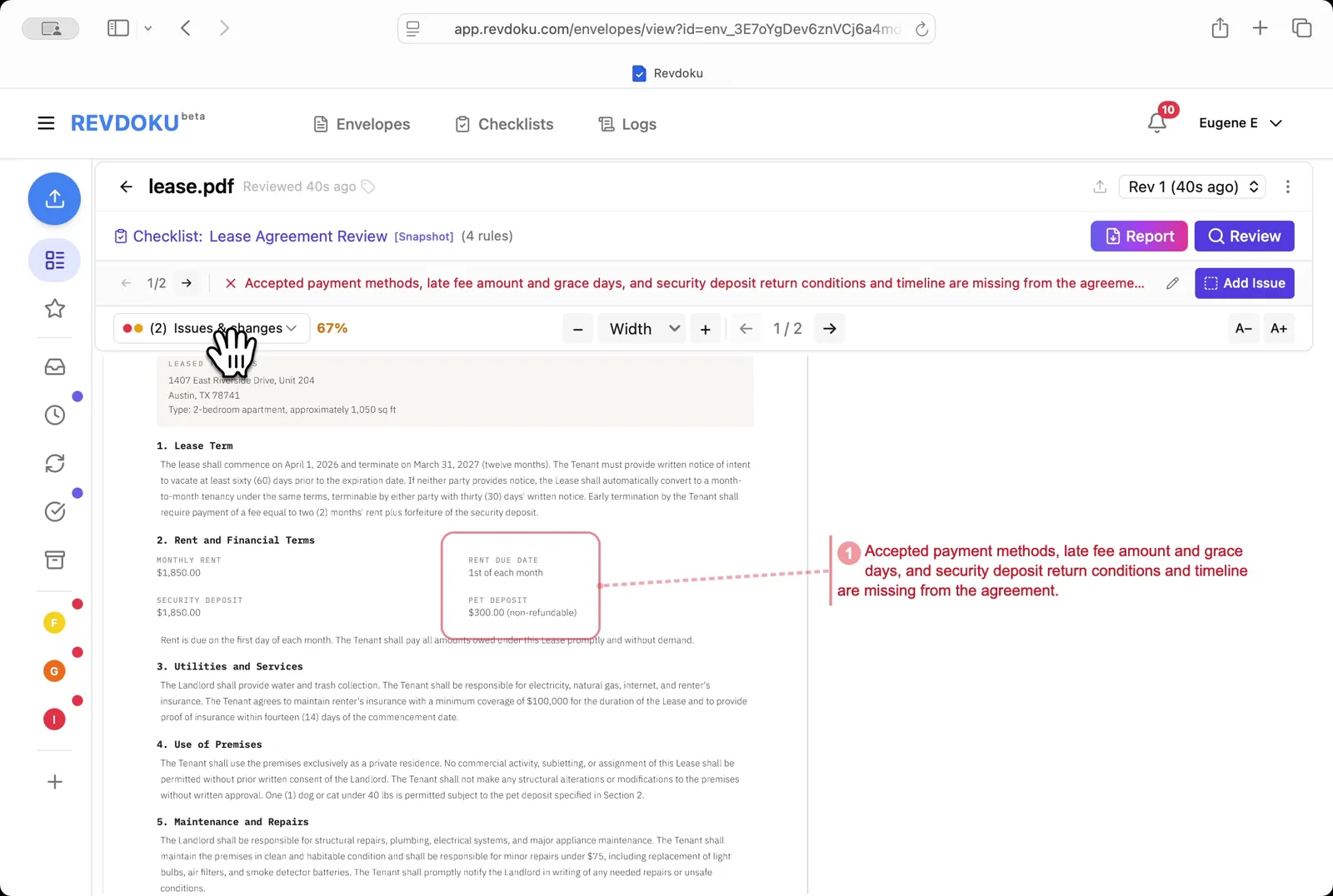
Read the page-1 issue. The red banner flags missing payment methods, missing late-fee amount and grace period, and missing security-deposit return conditions — all connected to the Rent and Financial Terms block.
Step 8: Filter to passed checks.
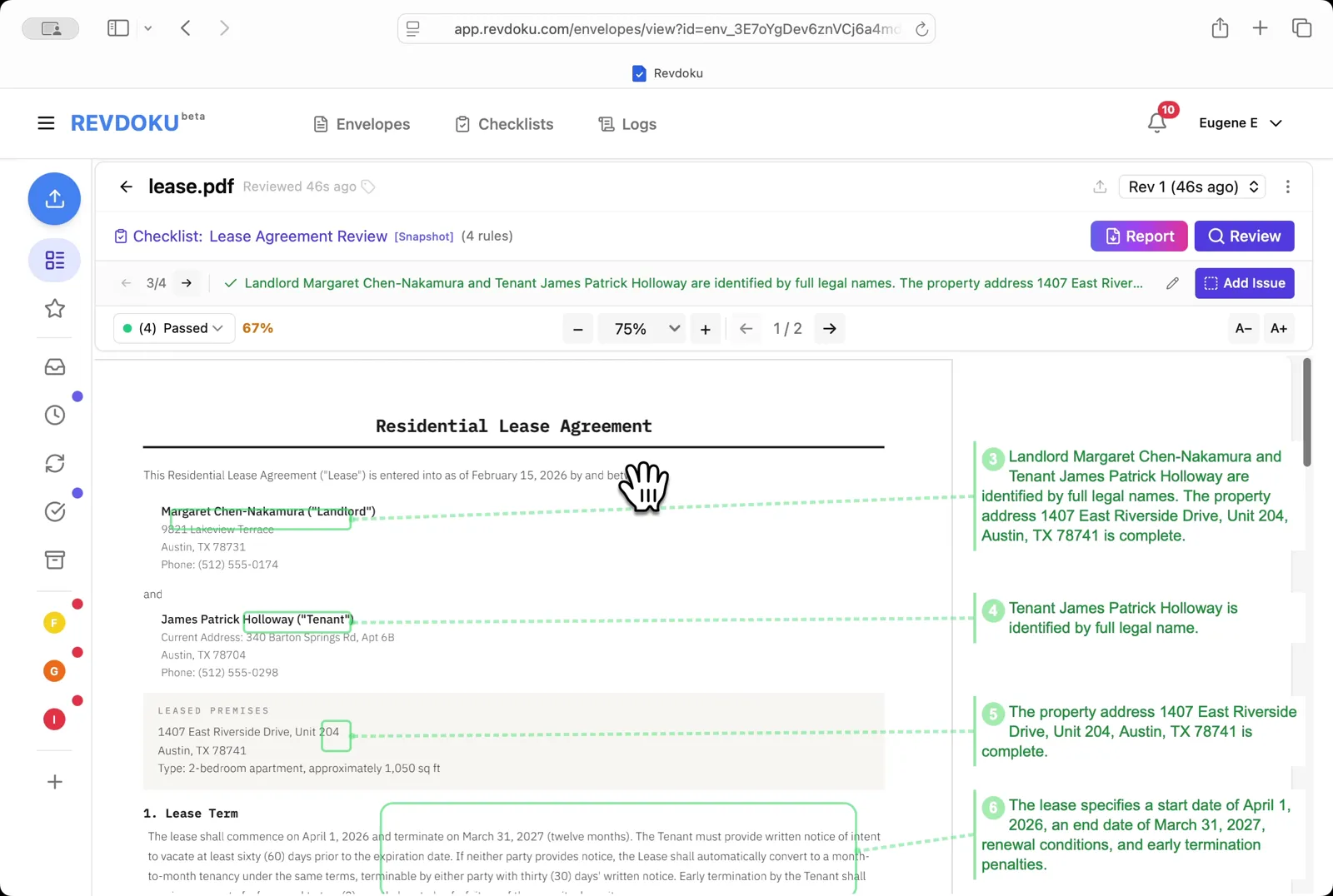
Filter to passed checks. Pick Passed to see what the lease got right — both parties are identified by full legal names, the property address is complete, and the lease term, renewal, and early-termination penalties are defined.
Step 9: Read the page-2 issue.
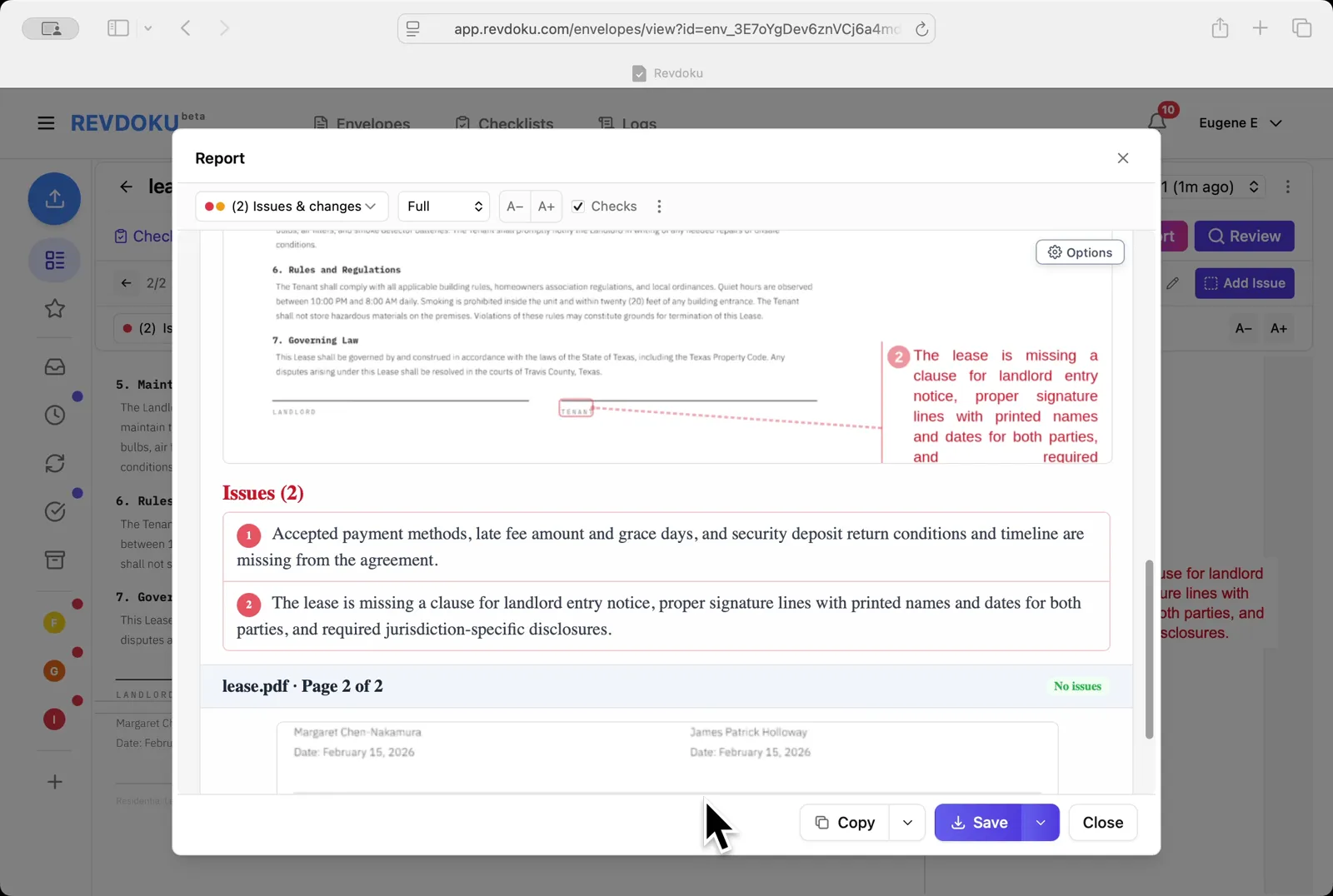
Read the page-2 issue. A second failure is surfaced: the lease is missing a landlord-entry-notice clause plus required signature lines.
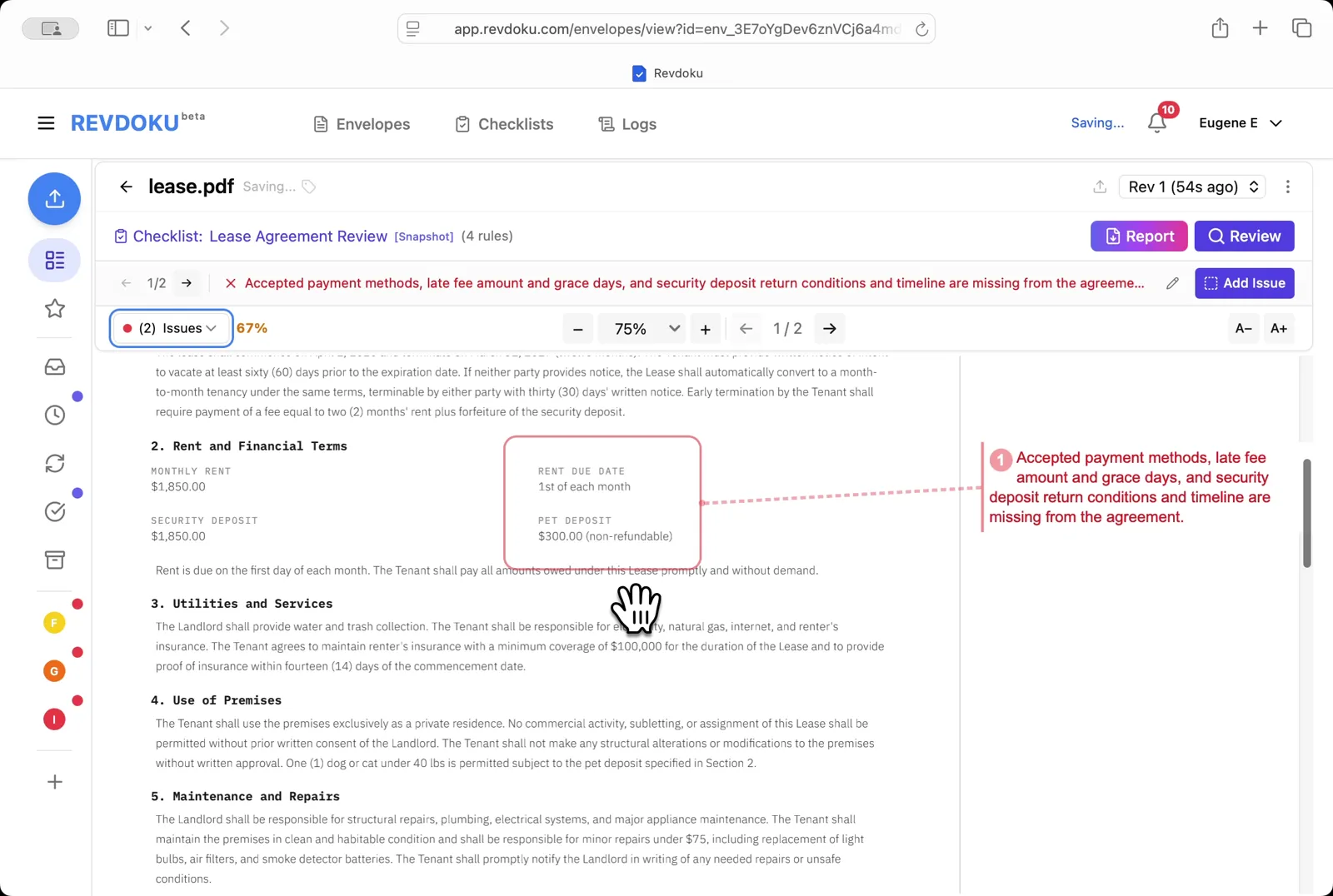
Step 10: Open the Report.
Open the Report. Pick Issues & changes / Full / Checks and Revdoku generates the annotated report.
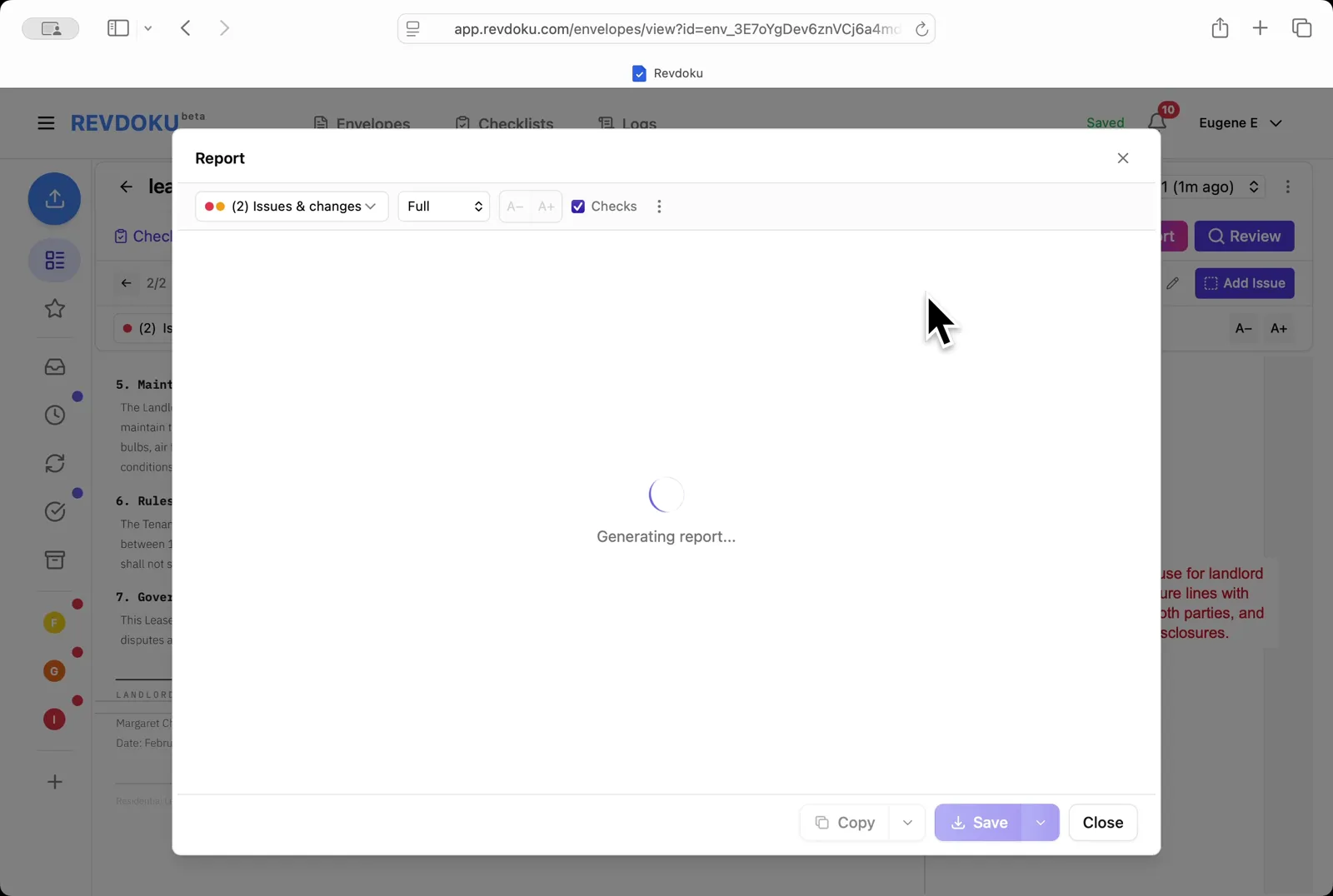
Step 11: Save the report.
Save the report. Page 2 shows both annotated issues and the Issues (2) section lists them; use Copy or Save to export.
Conclusion
In this tutorial it was demonstrated how to use Revdoku for reviewing a residential lease. The following steps were shown:
- Open the Envelopes inbox
- Open the lease
- Pick the checklist
- Start the review
- Revdoku analyzes the pages
- The checks finish running
- Read the page-1 issue
- Filter to passed checks
- Read the page-2 issue
- Open the Report
- Save the report
What You Learned
This case showed how Revdoku can take a document, apply a structured checklist, and surface specific findings — all in under a minute. No manual line-by-line reading required.
Disclosure: Sample documents in this use case were generated using AI and contain intentional errors for demonstration purposes. All names, companies, and details are fictional.
Related Articles
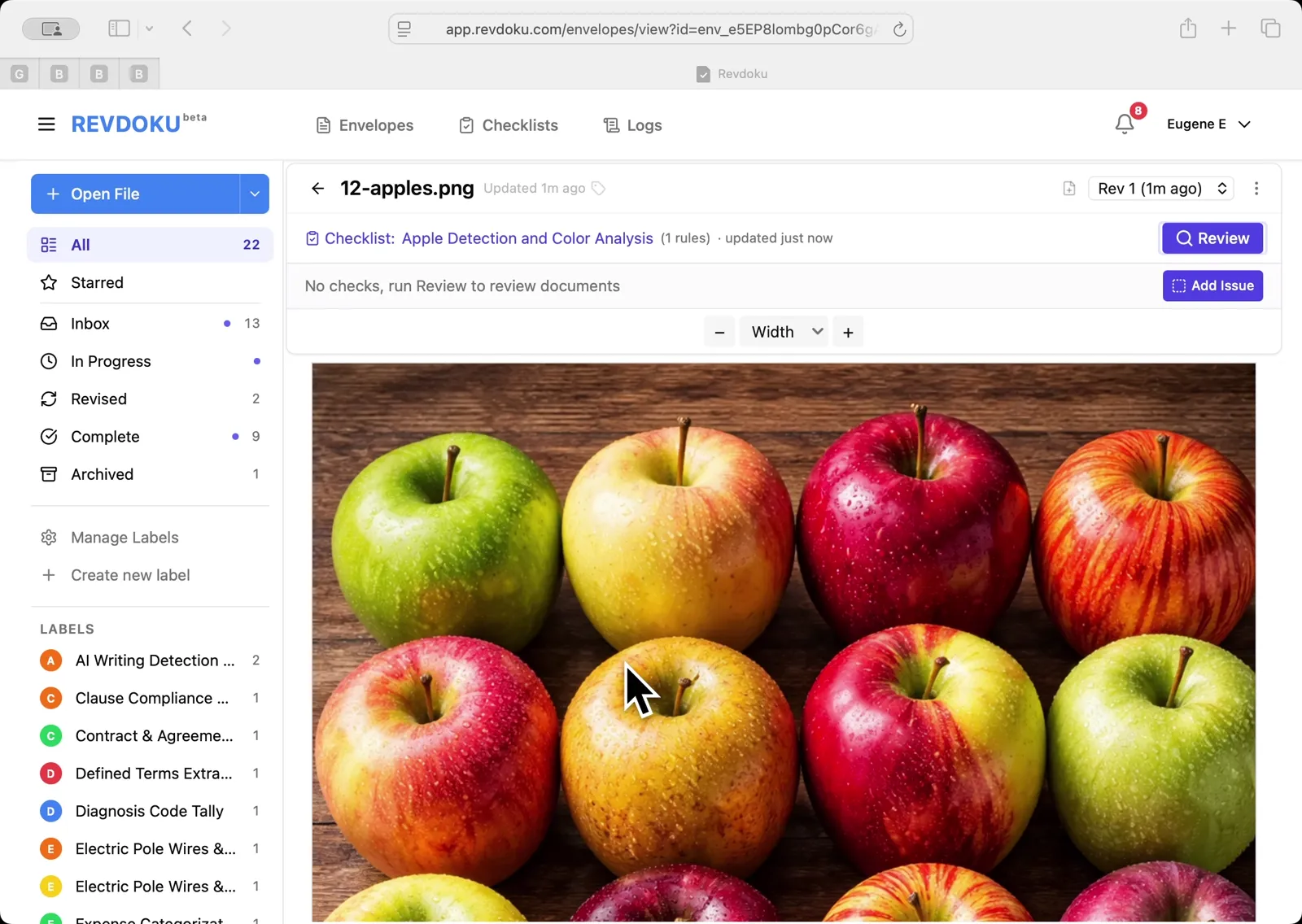
Count Unique Apple Colors in a Photo with Revdoku
Detects all 12 apples in a top-down photo and tags each by dominant color: 4 variegated, 3 red, 3 yellow, 2 green. Group-and-sum script totals 12.
Count Candies by Color in a Photo with Revdoku
Counts a pile of M&M-style candies by color: 7 checks pass at 100%, totaling 113 candies. Group-and-sum script aggregates per-color counts.
Audit a Shareholder Letter for Disclosure Completeness with Revdoku
Generate a document-quality checklist from a single-line prompt with Revdoku, run it against a Letter to Shareholders from a public company, and read the per-rule pass/fail audit report.