Check Clause Compliance in a Master Services Agreement with Revdoku
Check Clause Compliance in a Master Services Agreement with Revdoku
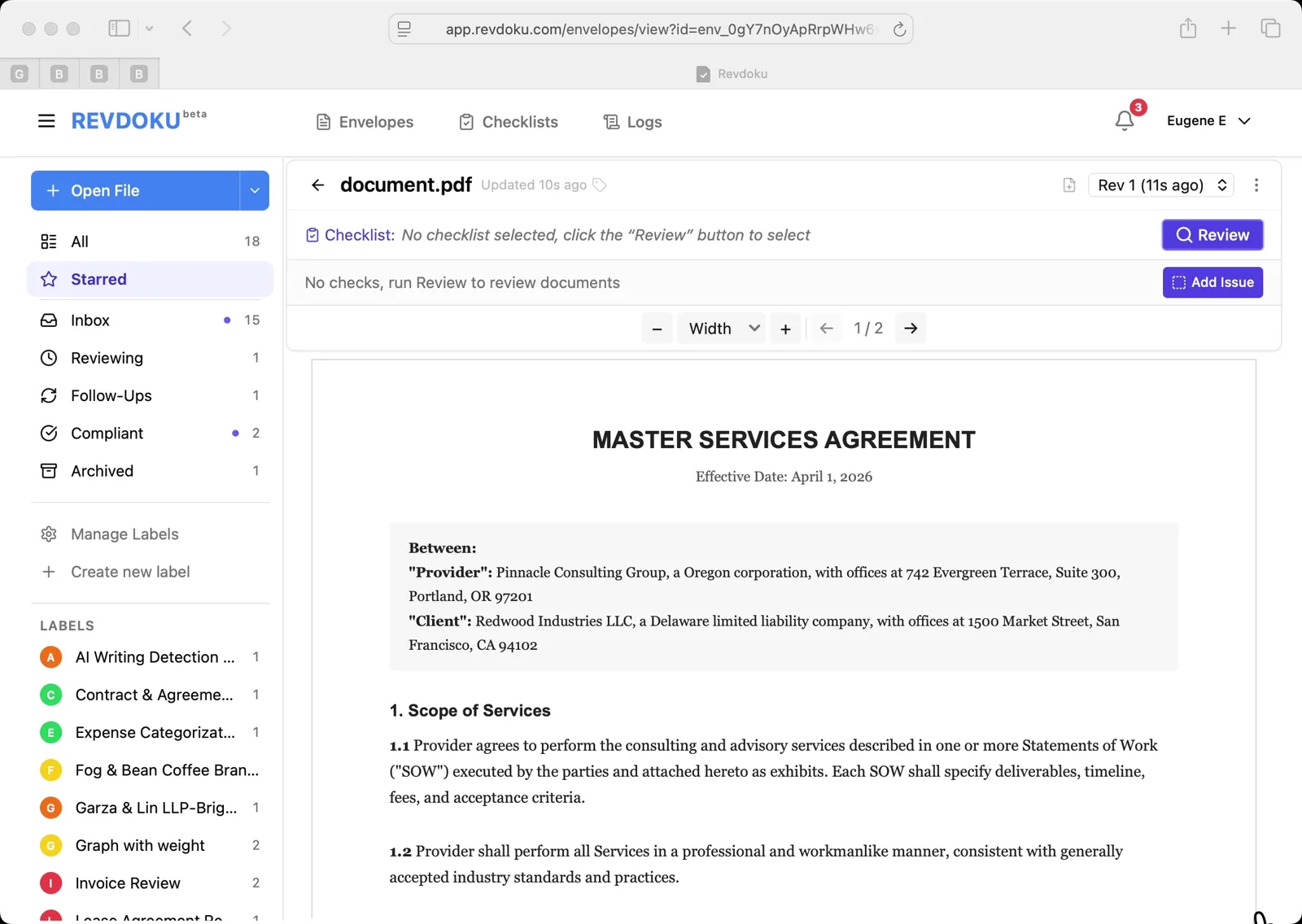
Step 1: Open the Master Services Agreement.
The agreement between Pinnacle Consulting Group and Redwood Industries LLC is open in the Starred view. Click the Review button on the right to begin the compliance check.
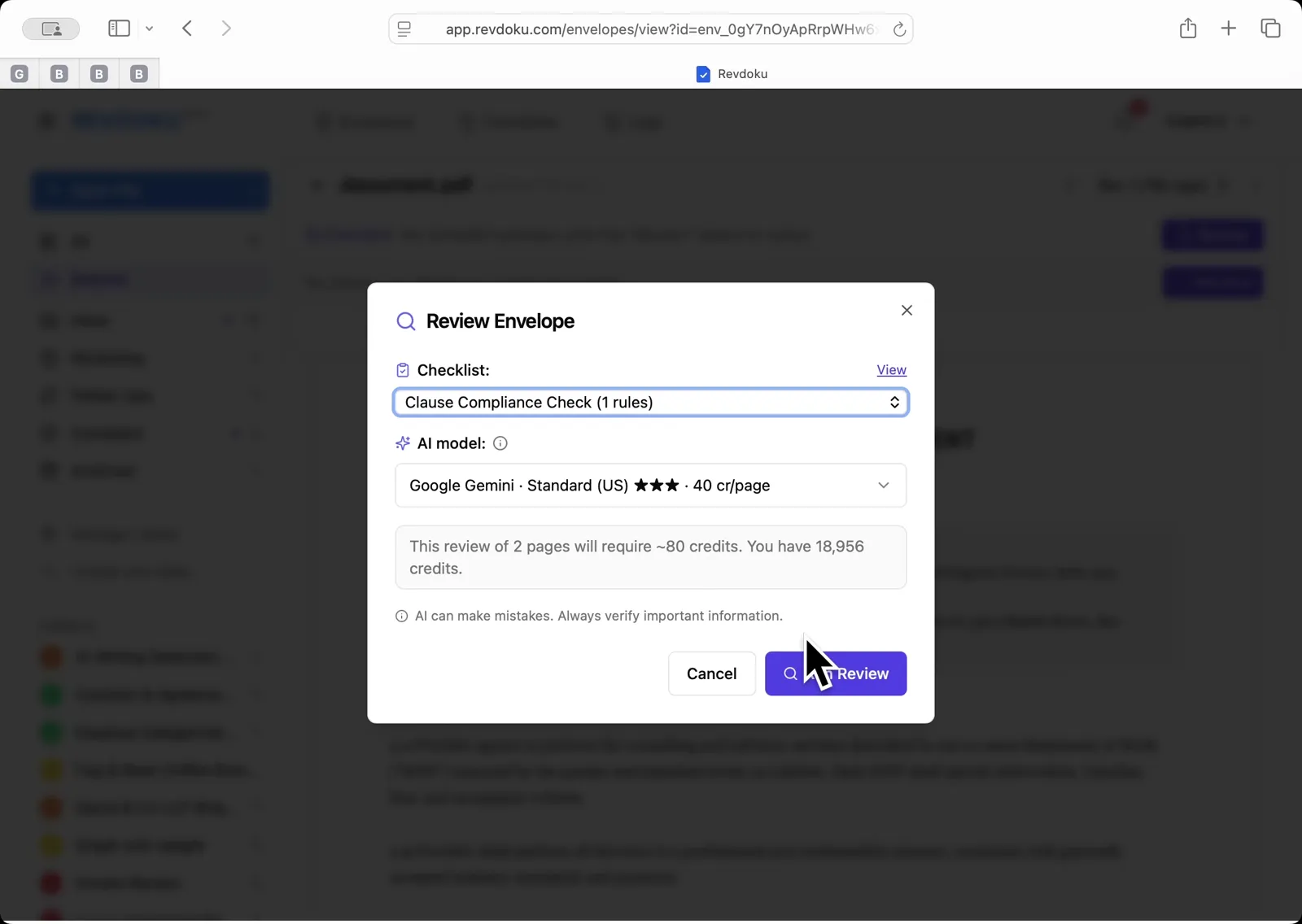
Step 2: Pick the Clause Compliance Check.
In the Review Envelope dialog, select Clause Compliance Check (1 rules). Leave the AI model on Google Gemini Standard US and click Run Review.
Step 3: Let Revdoku review the clauses.
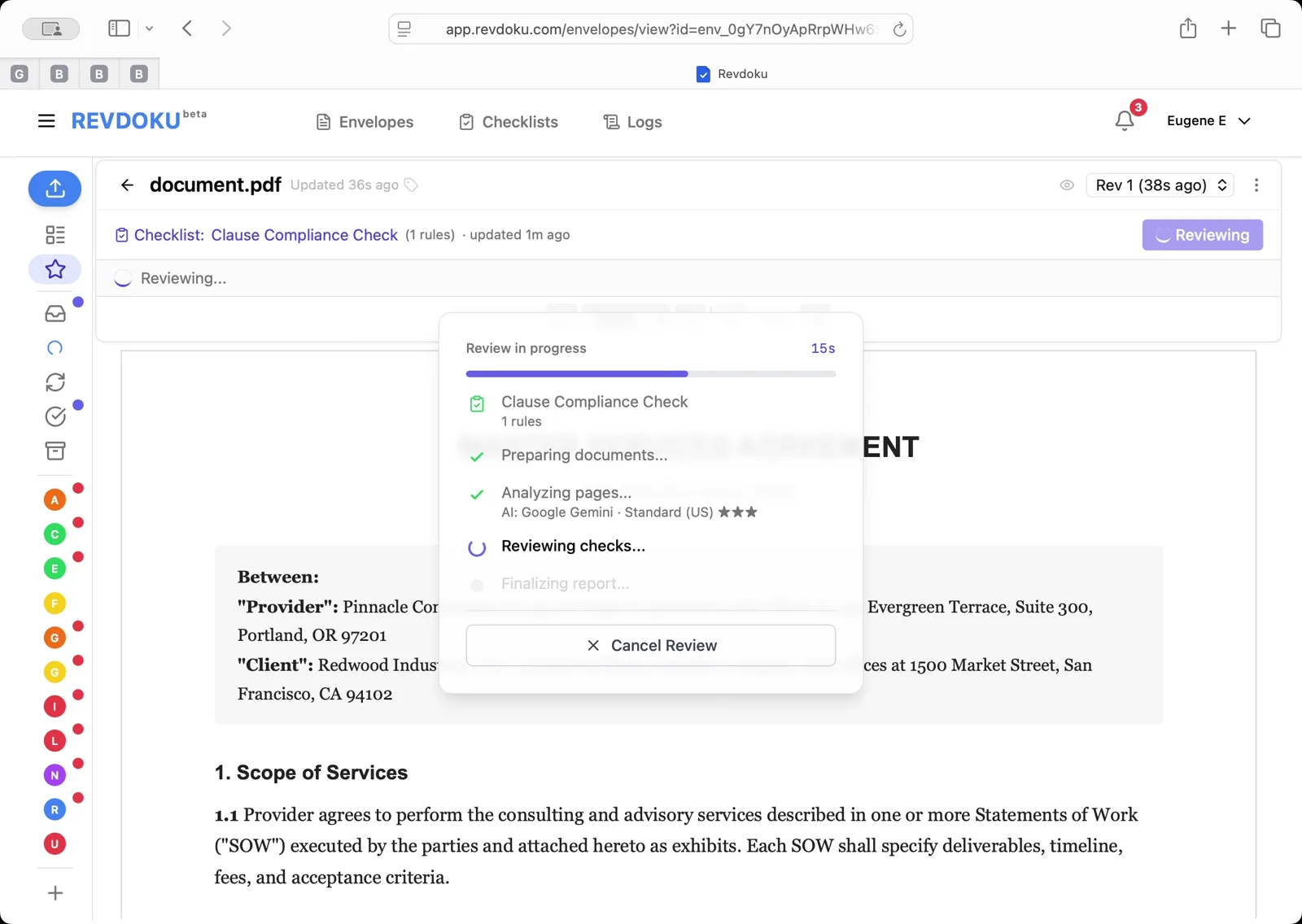
Revdoku checks the agreement against the required clause types. Wait for Preparing, Analyzing, Reviewing, and Finalizing to complete.
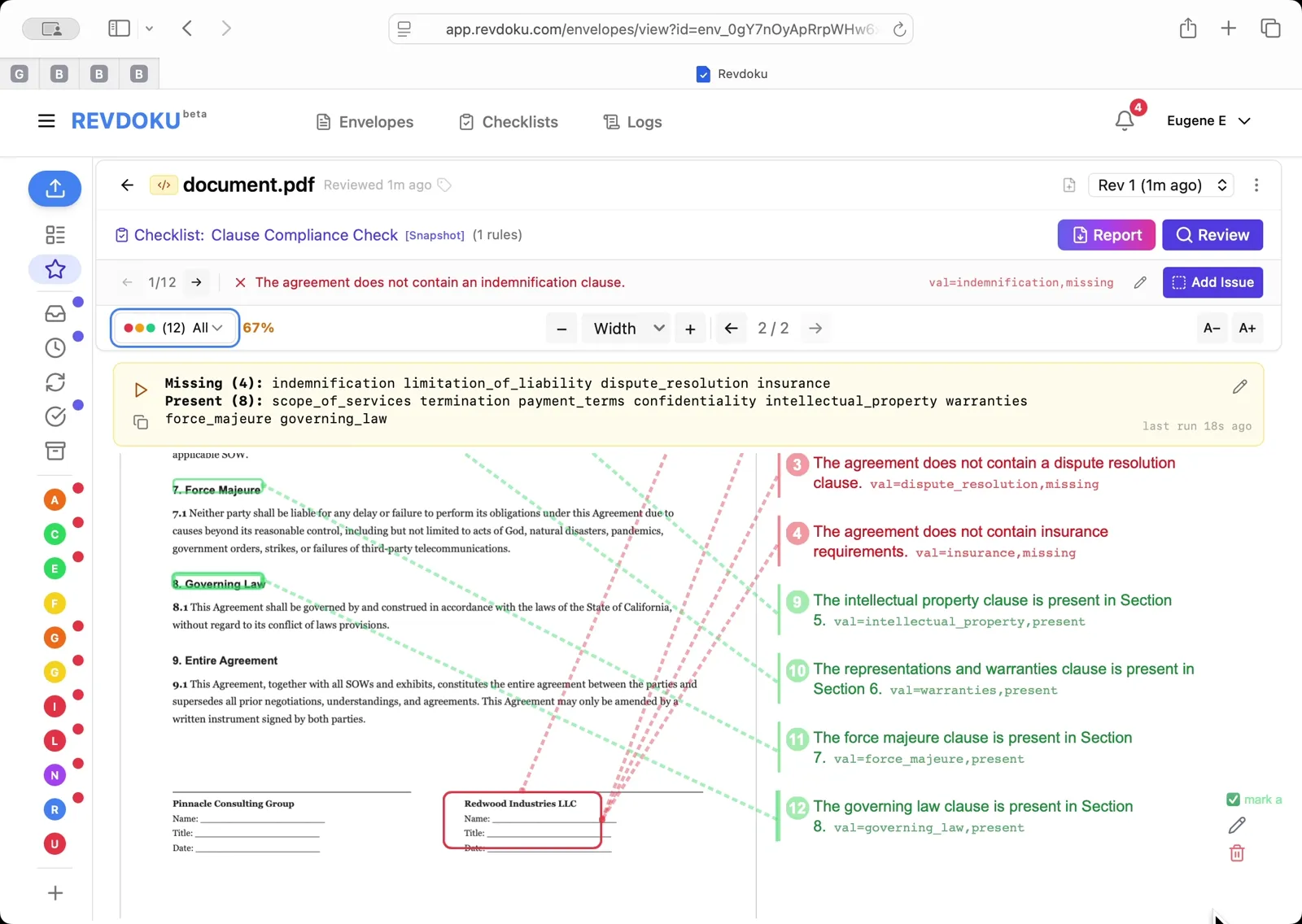
Step 4: Read the compliance report.
The result shows 67% compliance — 8 clauses present (scope_of_services, termination, payment_terms, confidentiality, intellectual_property, warranties, force_majeure, governing_law) and 4 missing: indemnification, limitation_of_liability, dispute_resolution, and insurance. Each gap is mapped back to the document on the right.
What You Learned
This case showed how Revdoku can take a document, apply a structured checklist, and surface specific findings — all in under a minute. No manual line-by-line reading required.
Disclosure: Sample documents in this use case were generated using AI and contain intentional errors for demonstration purposes. All names, companies, and details are fictional.
Related Articles
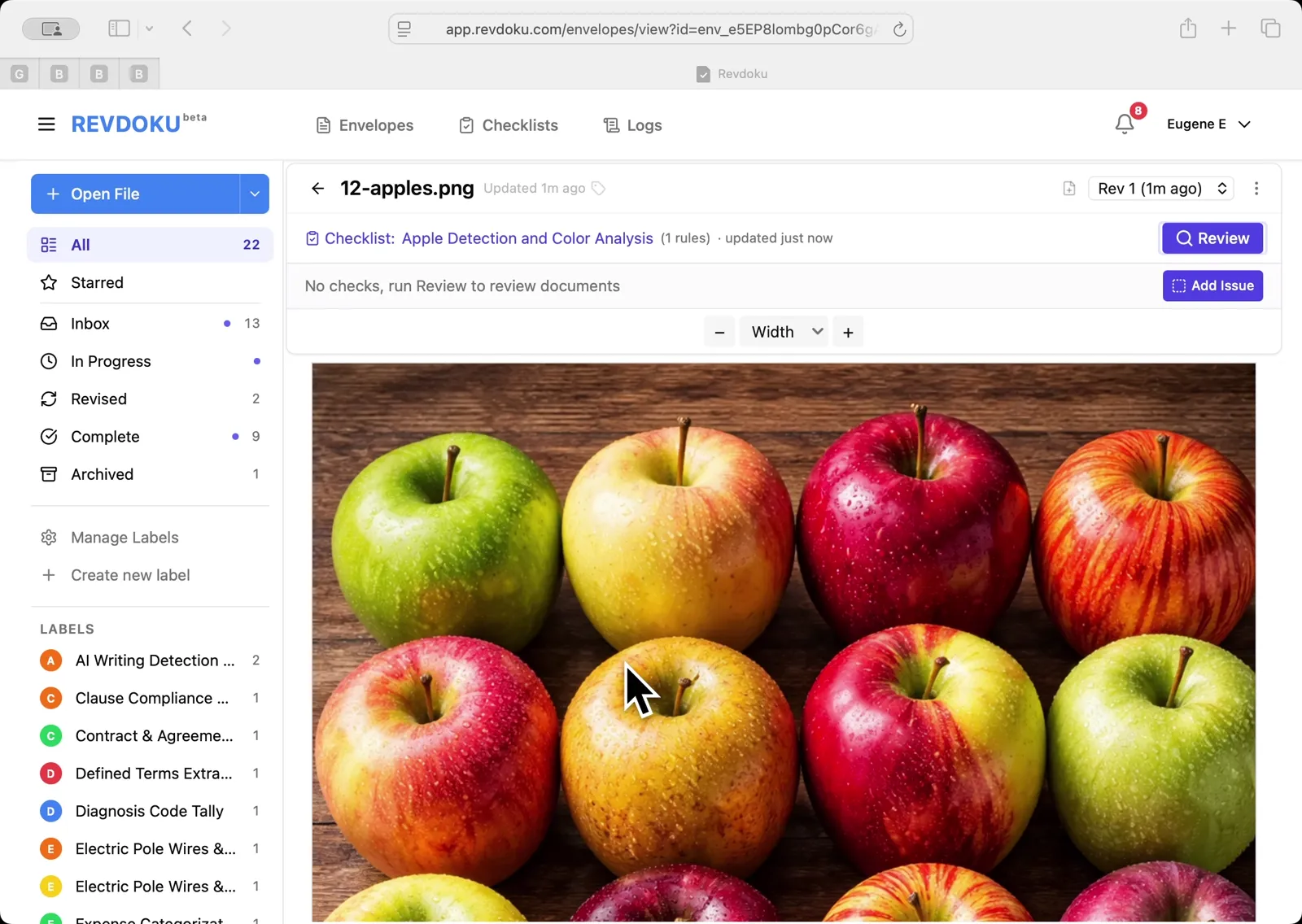
Count Unique Apple Colors in a Photo with Revdoku
Detects all 12 apples in a top-down photo and tags each by dominant color: 4 variegated, 3 red, 3 yellow, 2 green. Group-and-sum script totals 12.
Count Candies by Color in a Photo with Revdoku
Counts a pile of M&M-style candies by color: 7 checks pass at 100%, totaling 113 candies. Group-and-sum script aggregates per-color counts.
Contract Clause Compliance Checklist
Check whether required contract clauses are present or missing in any agreement using AI review.