Publish websites from Hermes Agent with Revdoku
Use Hermes Agent to build a static site, save a private draft, review a temporary preview, and keep updating the same URL.
Just ask to “publish to Revdoku” to publish your as a fast and secure website
from your Codex, Claude or another AI apppublish files or folders
Paste this into your AI app.
Install the Revdoku skill in your AI app.
npx skills add revdoku/revdoku --skill revdoku -gChoose your AI app to connect through MCP.
codex mcp add revdoku --url https://app.revdoku.com/mcp
codex mcp login revdoku
claude mcp add --transport http revdoku https://app.revdoku.com/mcp
claude mcp login revdoku
https://app.revdoku.com/mcpFree · Public or protected · Visitor analytics · Forms and email alerts Building websites for clients? Explore Revdoku for agencies
1. Publish the first preview
When Hermes has local shell access, ask it to build the site in a folder and run
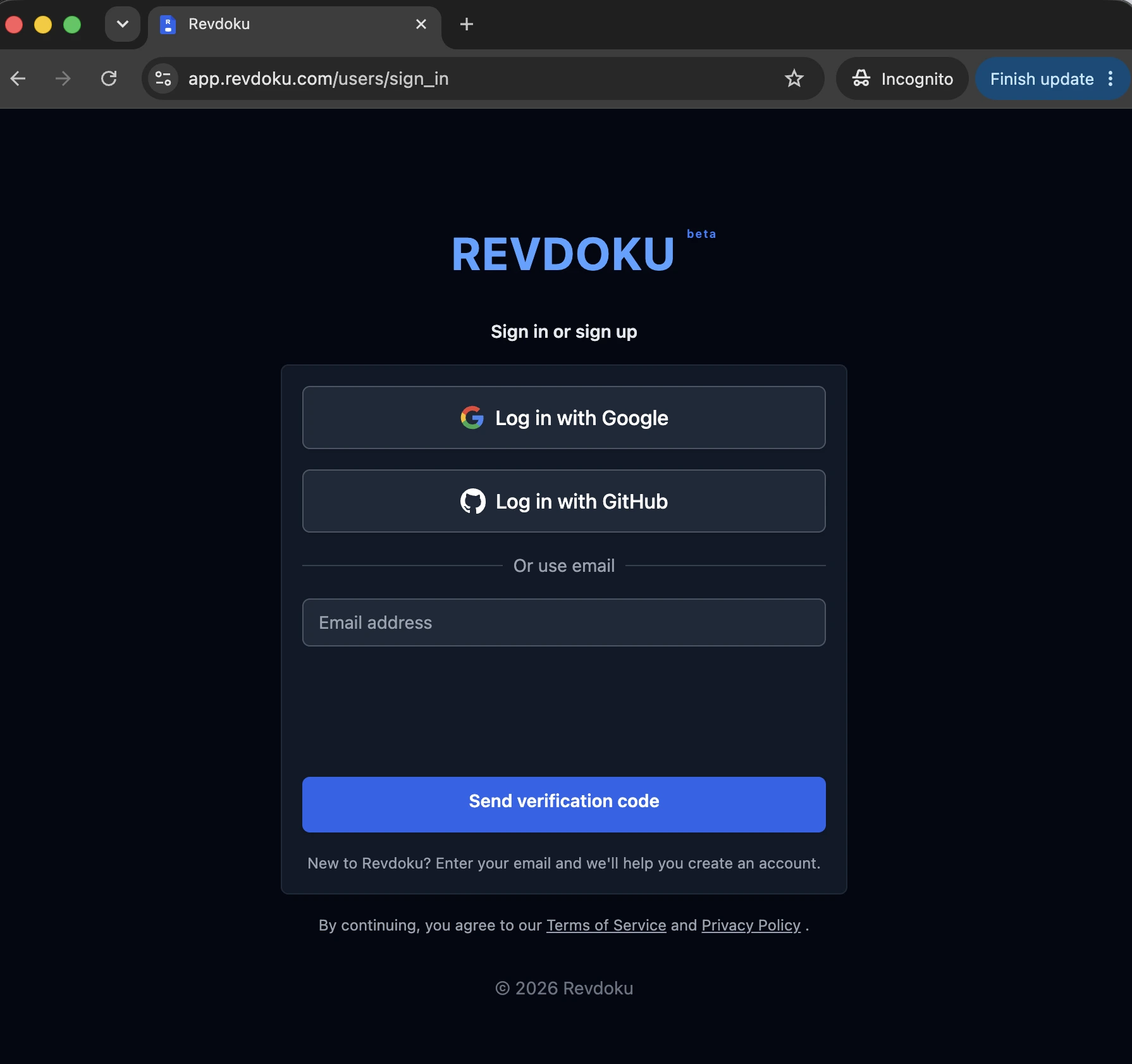
revdoku preview <folder>. Revdoku opens browser sign-in, where you can create
a Free account if needed. The temporary preview lasts 15 minutes. After review,
ask Hermes to run revdoku p <folder>; later publishes from that bound folder
keep the same main website URL.
2. Connect an existing account
After signing in, click New in the Revdoku app and choose Copy Instructions for AI. This copies the current Revdoku connection message for Claude, ChatGPT, Codex, Hermes, and similar agents.
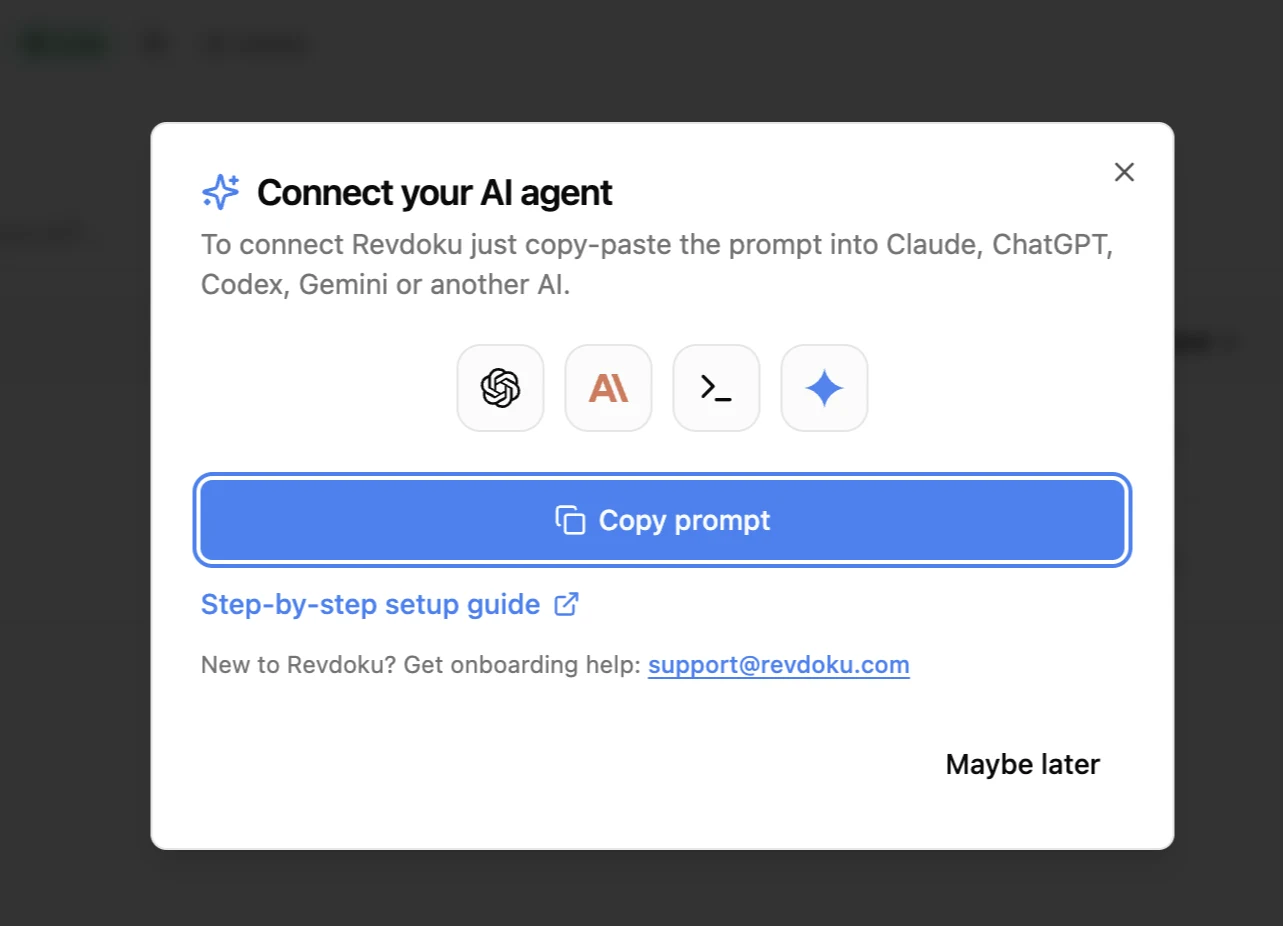
Paste the copied message into your Hermes session and send it. Hermes follows the instructions and connects Revdoku to your account.
3. Connect Hermes with MCP or local tooling
Hermes Agent has a built-in MCP client with OAuth support. Add Revdoku and complete login:
hermes mcp add revdoku --url https://app.revdoku.com/mcp --auth oauth
hermes mcp login revdoku
The equivalent Hermes configuration is:
mcp_servers:
  revdoku:
    url: "https://app.revdoku.com/mcp"
    auth: oauth
Hermes handles OAuth discovery, registration, and token refresh. If Hermes runs on a remote host, follow its browser/paste-back OAuth instructions. If it needs to publish files it creates on disk, install the local Revdoku CLI and skill in the same environment instead.
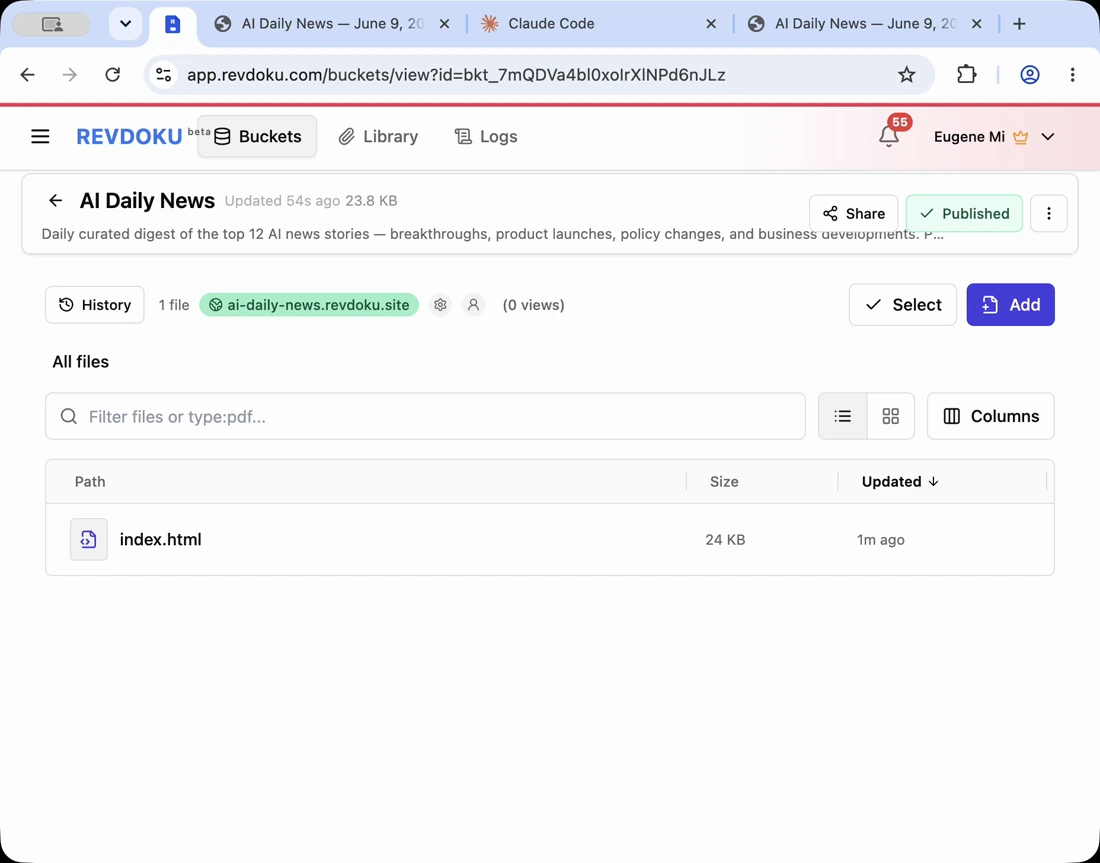
You’ve connected Revdoku. Now just ask
publish to Revdokuand your AI publishes it as a live URL.
Test the Hermes connection
After the connection is active, ask Hermes to create a small static website, save the files in Revdoku, publish index.html, and return the live URL.
A good first test prompt:
Create a one-page project status website, save the files in Revdoku, publish it, and give me the public URL. If I ask for changes later, update the same Revdoku bucket and republish the same URL.
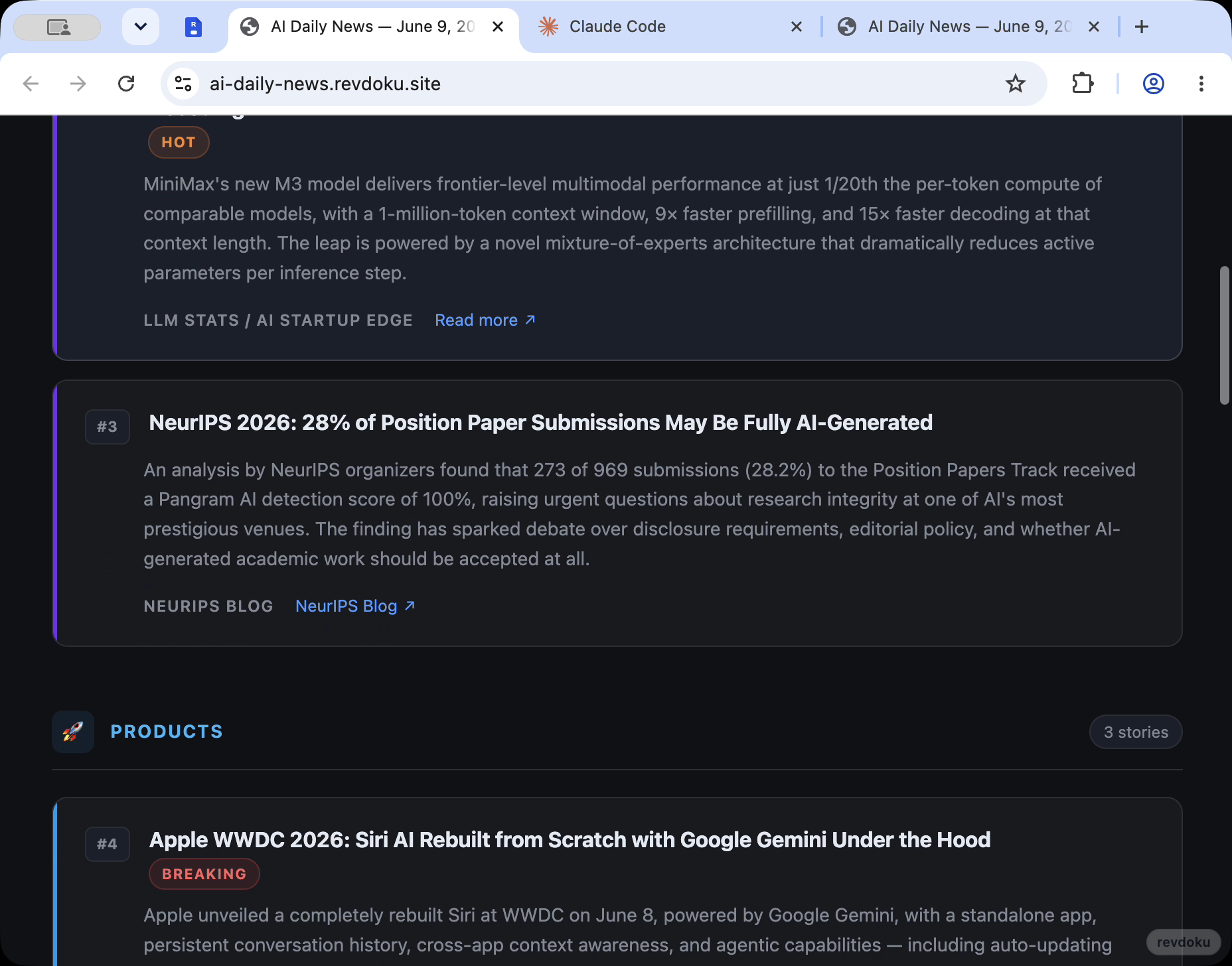
Check that the returned URL opens, then ask for one small revision and confirm the same bucket is updated instead of creating a new disconnected site.
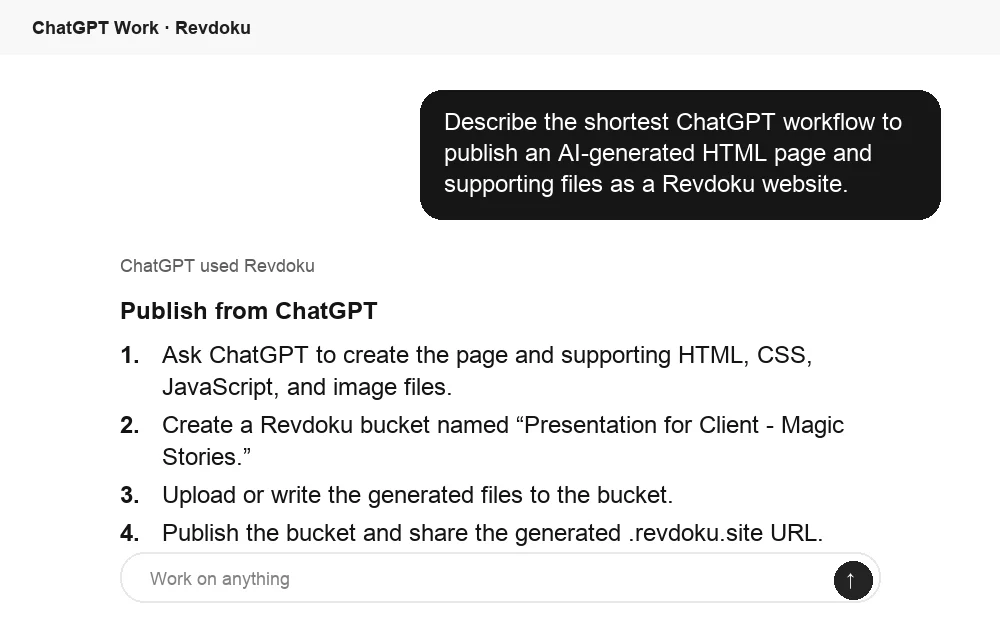
Check the Hermes result from ChatGPT
If Revdoku is connected in ChatGPT too, ChatGPT can inspect the same bucket after Hermes publishes. Use it to summarize the publish workflow or confirm what is ready to share.
Takeaway
Use the local client for local files and hosted MCP for remotely generated text files or an existing website. Both require Revdoku authentication; preview before publishing when the site has not been reviewed.