How to Password-Protect a Grok Build Site
Grok Build does not currently expose a standard shared-password gate for published grok.me website content in the controls reviewed for this guide. Because Grok Build changes quickly, check the current Share or Publish dialog before relying on this answer.
TL;DR: For client material, remove public access where the interface allows, test the old URL while signed out, then publish the exported files behind real access control.
How to make a grok.me site private
| State | Password protected? | What to assume |
|---|---|---|
| Draft in your account | Not publicly published | Keep reviewing before publishing |
Published grok.me site |
No standard shared password observed | Treat as public unless the UI proves otherwise |
| Restricted option in a newer UI | Check current controls | Test while signed out |
| Exported files on Revdoku | Yes | Password or verified-email access |
Sending a public URL to one person does not make it private.
Our Google audit of Grok Build sites found many distinct grok.me pages in search results. This does not prove every Grok project is public, but it shows search engines can find published sites.
Audit Grok Build password protection on an existing website
- Return to the Build project in Grok.
- Open its Share, Publish, or site settings.
- Record the audience or publication state.
- Remove public access or unpublish if available.
- Copy the published URL before making changes to test the exact address.
- Open it in a private browser window.
- Search Google for the full URL and a distinctive phrase from the site.
An empty Google result does not prove privacy; search indexes are incomplete and delayed. A live page can be public without being indexed.
Because the product is evolving, trust the current interface over old screenshots whose labels may have changed.
Add Grok Build password protection or verified-email access
For client sites, secure the generated files outside the public Grok URL:
- Export or copy the browser-ready HTML, CSS, JavaScript, images, and downloads.
- Remove API keys, private prompts, internal notes, and customer data.
- Upload the finished folder to Revdoku.
- Select Password or Verified email access.
- Add email addresses or domains for approved viewers only.
- Open the new Revdoku URL while signed out and verify no protected file loads before authentication.
Revdoku publishes the exported site; it does not add a password gate to the existing grok.me address.
Protected sites can send visitor notifications and record page, click, and download activity. After a Grok revision, you can update files behind the same URL.
The short feature matrix is available at Grok Build vs Revdoku.
Avoid browser-only Grok Build password screens
A JavaScript-only password form is not secure. Visitors may still fetch source, assets, or embedded secrets. The host should authenticate before serving protected files.
Grok Build password protection: bottom line
Treat a published Grok Build site as public unless the current product shows a narrower mode confirmed by a signed-out test. For client work requiring a password, verified-email access, allowlists, visitor activity, or a stable link, export the site and publish it through Revdoku.
Just ask to “publish to Revdoku” to publish your as a fast and secure website
from your Codex, Claude or another AI apppublish files or folders
Paste this into your AI app.
Install the Revdoku skill in your AI app.
npx skills add revdoku/revdoku --skill revdoku -gChoose your AI app to connect through MCP.
codex mcp add revdoku --url https://app.revdoku.com/mcp
codex mcp login revdoku
claude mcp add --transport http revdoku https://app.revdoku.com/mcp
claude mcp login revdoku
https://app.revdoku.com/mcpFree · Public or protected · Visitor analytics · Forms and email alerts Building websites for clients? Explore Revdoku for agencies
Frequently Asked Questions
Can I password-protect a published grok.me site?
Grok Build did not offer a standard shared-password option in the controls reviewed for this guide. Since the product changes frequently, check the current Share or Publish settings and verify any restriction in a signed-out browser.
Does sharing a grok.me URL with only one person keep it private?
No. Anyone who obtains a publicly accessible URL may be able to open or forward it, so limited sharing should not be treated as access control.
How can I check whether an existing Grok Build site is public?
Copy the exact published URL and open it in a private browser window while signed out. Also review the project’s current publication settings and search for the URL or a distinctive phrase, remembering that no search results does not prove the site is private.
What should I do before moving a Grok Build site to protected hosting?
Export the required HTML, CSS, JavaScript, images, and downloads. Before uploading, remove API keys, private prompts, internal notes, customer information, and any other sensitive data that should never be included in browser-delivered files.
Can Revdoku protect the existing grok.me address?
No. Revdoku applies password or verified-email access to a separately hosted copy of the exported site, not to the original grok.me URL.
Should I use password access or verified-email access for a client site?
A shared password can work for a small group when individual identification is unnecessary. Verified-email access is better when access must be limited to named people or approved domains and visitor activity needs to be attributable.
Is a JavaScript password form enough to secure exported files?
No. A browser-only password screen may hide the page visually while leaving source files, assets, or embedded information directly accessible. Use hosting that authenticates visitors before serving any protected content.
History
- August 5, 2026 — Published by Revdoku Content Team
- August 1, 2026 — Reviewed by Eugene Mi
- September 5, 2026 — Last updated by Revdoku Content Team.
Related Articles
How to Migrate a Grok Build Website to Revdoku
Safely migrate a Grok Build website from grok.me to Revdoku using a direct transfer or ZIP, then test routing, assets, and access.
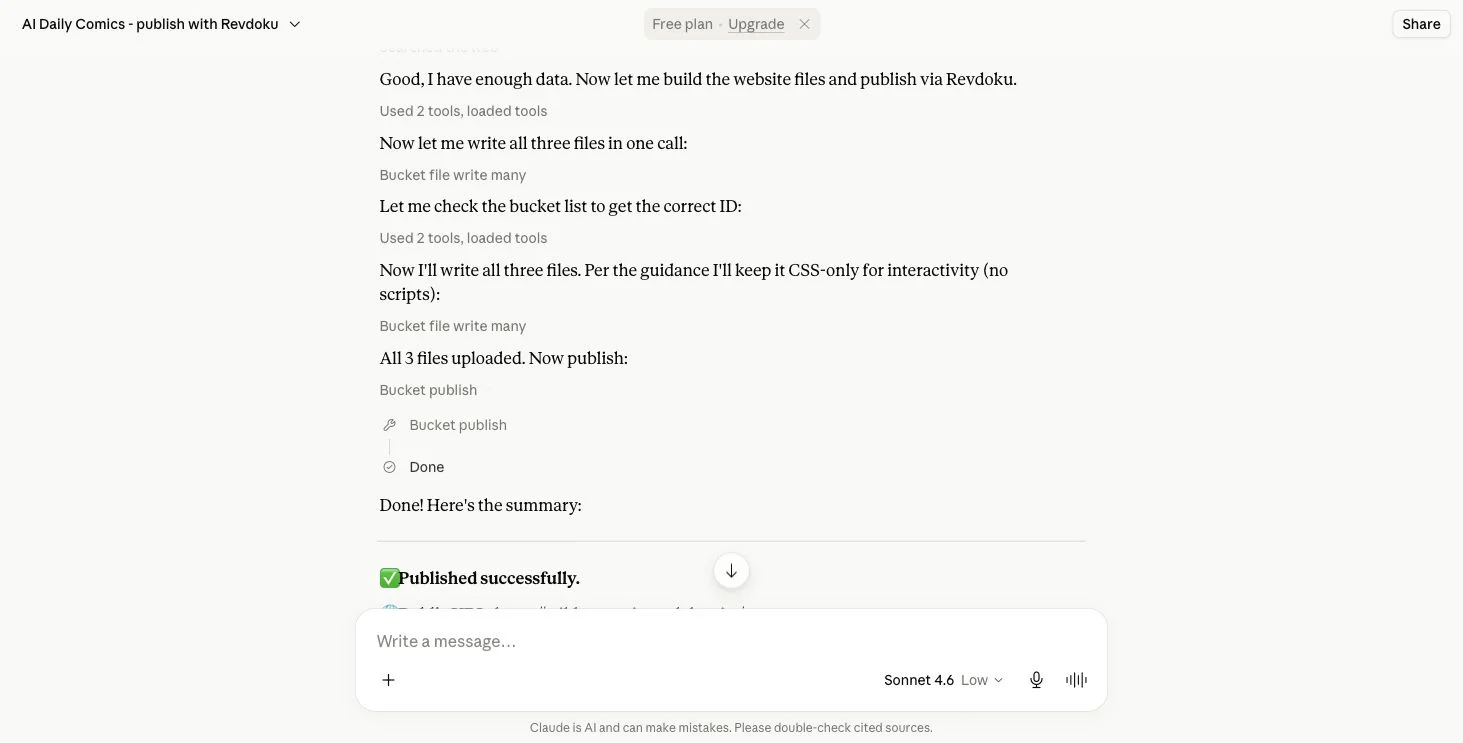
How to Migrate a Claude Artifact to Revdoku
Learn how to export, transfer, test, and securely publish a Claude Artifact as a static website on Revdoku.
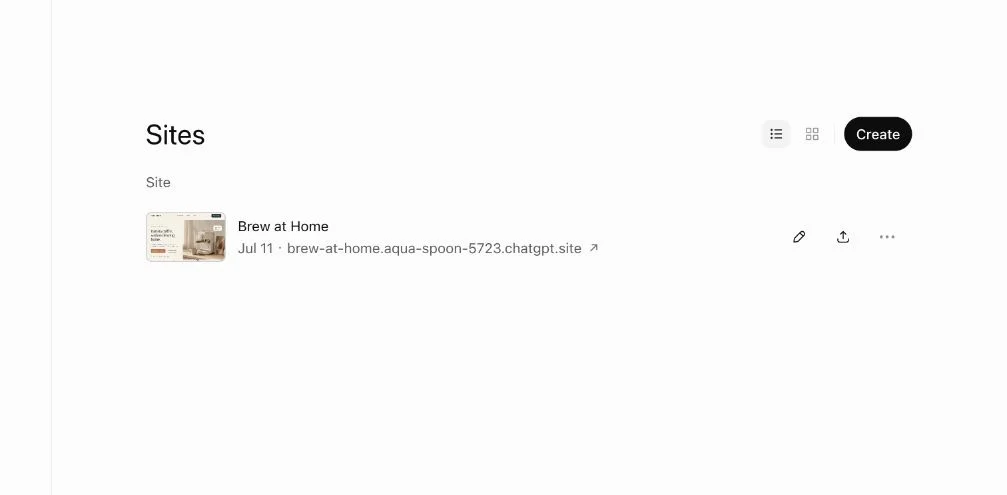
How to Export ChatGPT Sites and Move Your Files
Learn how to export a ChatGPT Site, verify every file, move it to Revdoku or another static host, test the preview, and retire the original.