Connect Claude Code (CLI) to Revdoku
Claude Code is the command-line agent. Paste one prompt and Claude handles the Revdoku installation and login from the current session. You only approve the page that opens in your browser.
This is the Claude Code (CLI) method. For Claude on the web or Claude Desktop, see the full Claude connection guide.
The simple setup
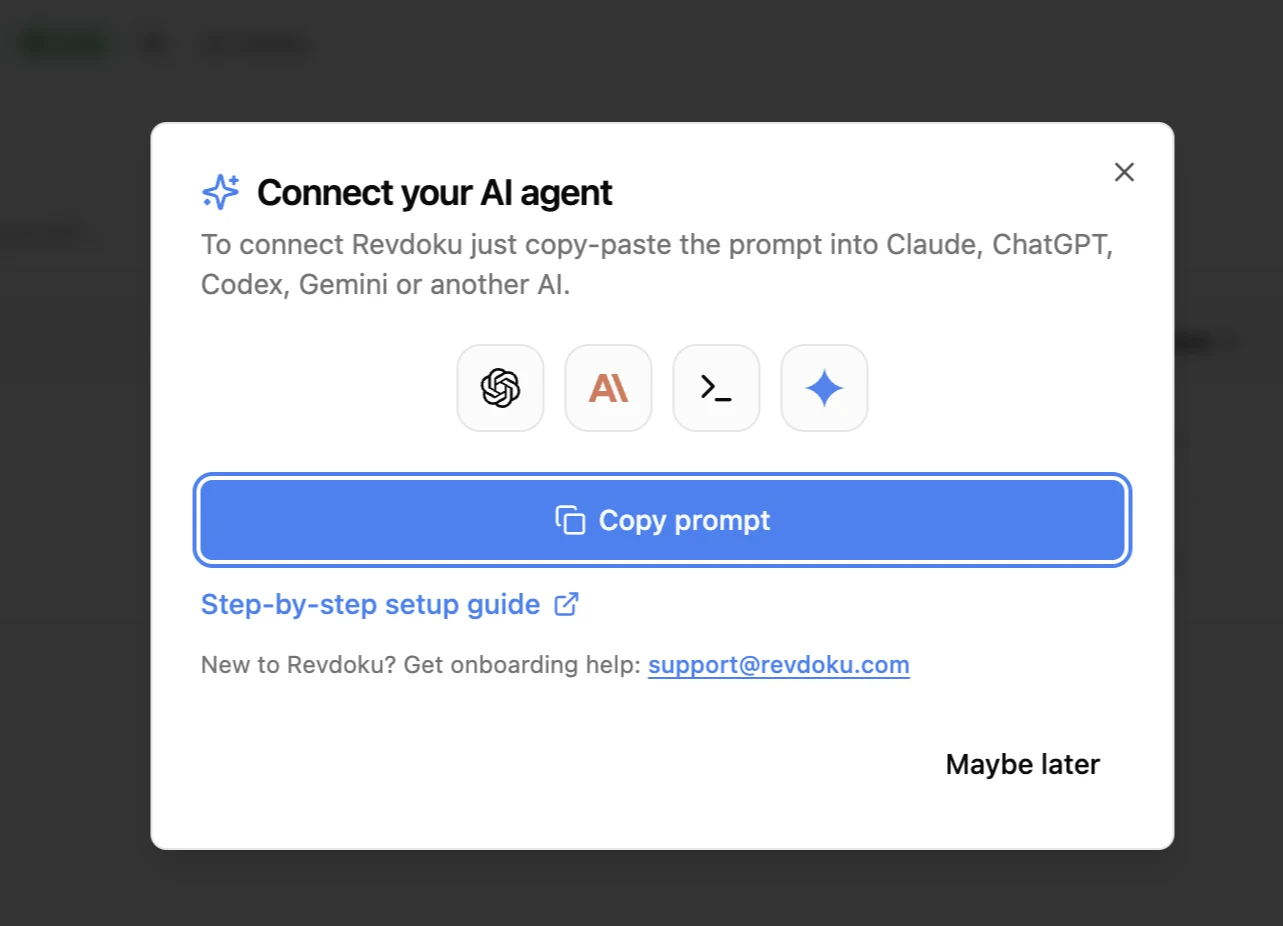
- Copy the connection prompt from the Revdoku homepage or from New → Copy Instructions for AI in the Revdoku app.
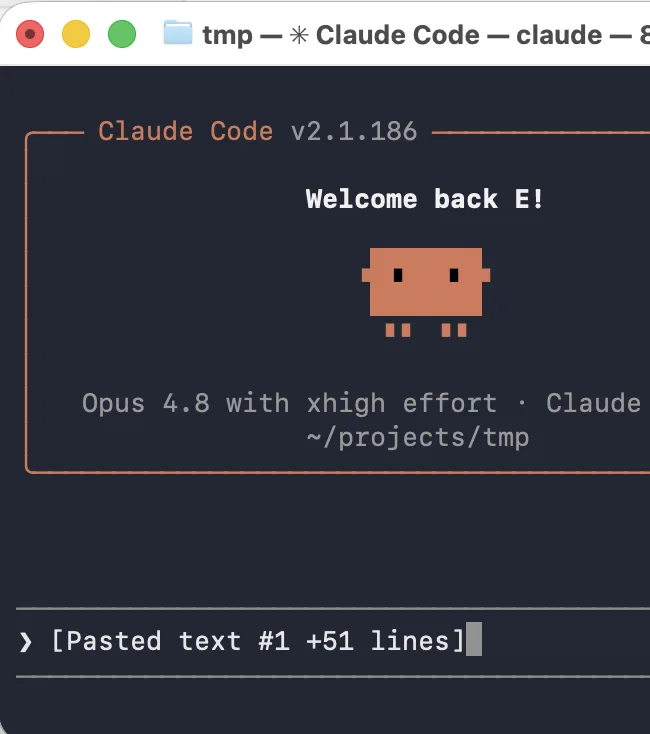
- Paste it into Claude Code and send.
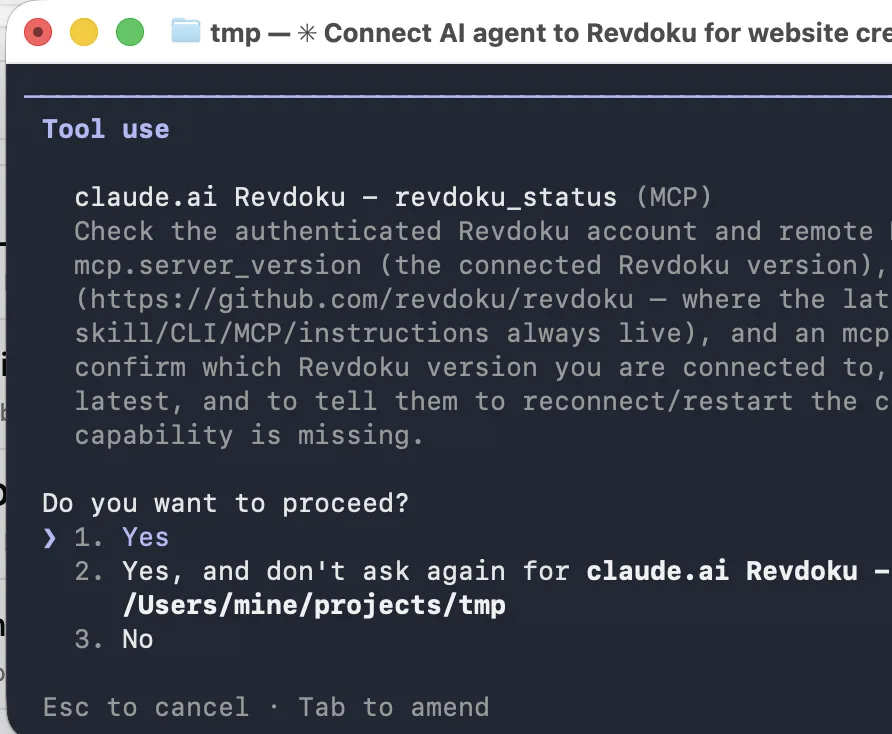
- If Claude asks permission to run the installer or login command, approve that tool action.
- Claude installs or uses the Revdoku CLI and opens Revdoku in your browser. Sign in or create an account there, then approve the connection. Claude keeps waiting in the original session and continues automatically after approval.
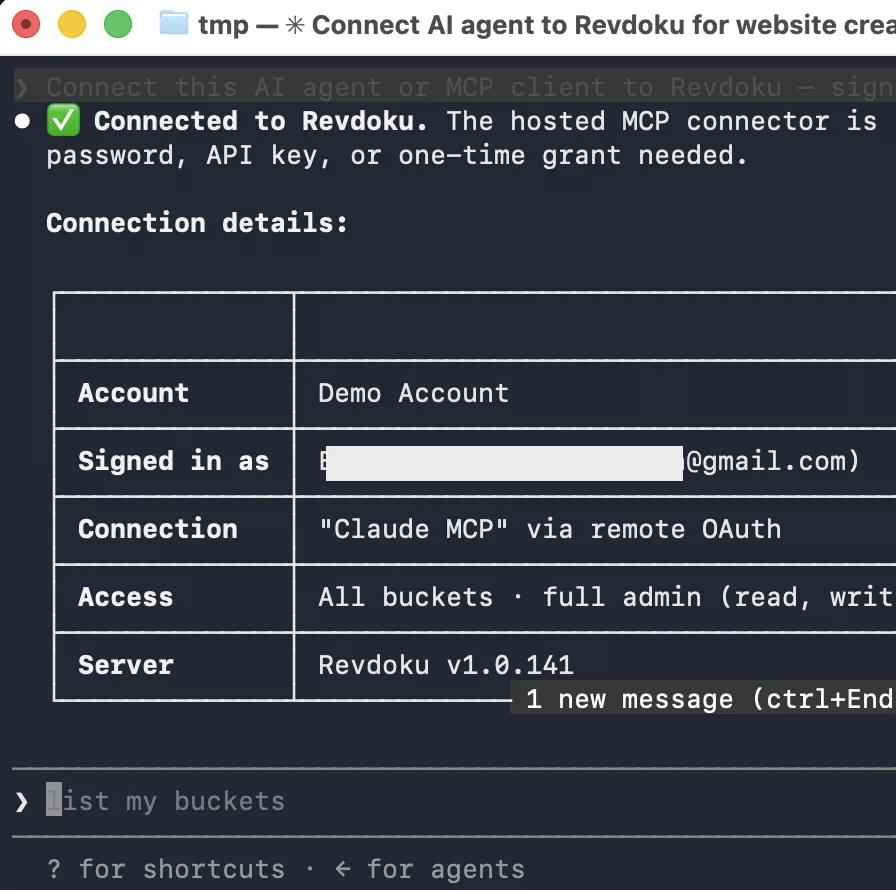
You do not need a second terminal, an API key, or a continue message.
What it looks like in Claude Code
Claude should show one short message while the login command remains active:
I opened Revdoku in your browser. Approve the connection there and I’ll continue here.
After approval, Claude verifies the connection and resumes the task you originally asked for.
Publish from the same session
Now just ask. For example:
Build a one-page status site, publish it to Revdoku, and give me the public URL. If I ask for changes later, update the same bucket and republish the same URL.
Optional persistent plugin
The CLI is the simplest path for the current session and for local folders or binary assets. If you explicitly want Revdoku as a persistent Claude Code plugin, install it manually:
/plugin marketplace add revdoku/revdoku
/plugin install revdoku@revdoku
/reload-plugins
/mcp
Select Revdoku in /mcp and complete browser authorization. A plugin reload or a new Claude Code session may be required before its new tools appear; the local CLI does not require that restart.
If Claude is not allowed to run shell commands, see the manual local setup guide.
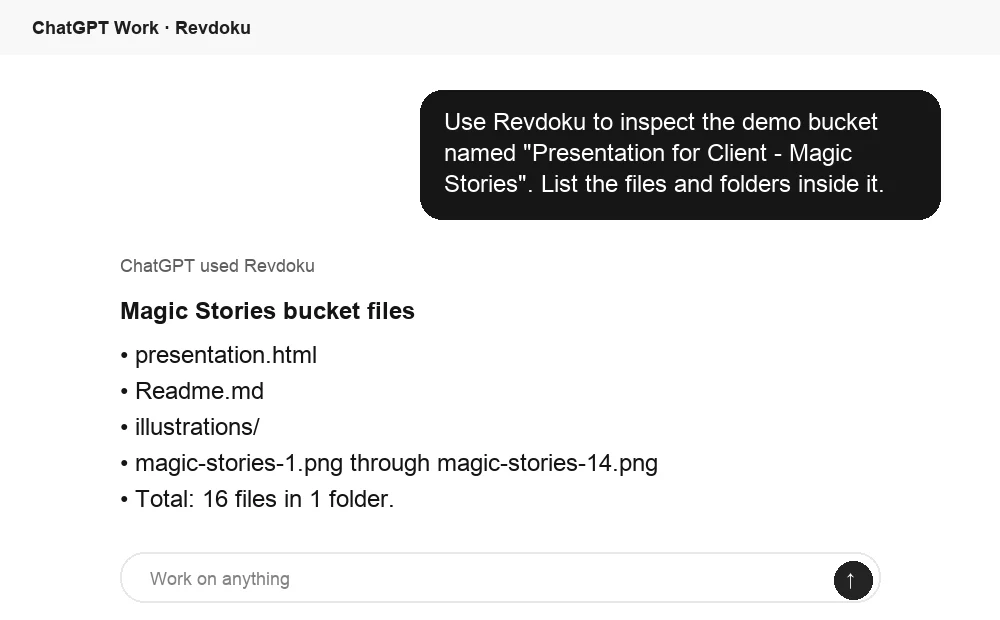
Inspect the result from ChatGPT
When Revdoku is connected in ChatGPT too, you can ask ChatGPT to inspect the bucket Claude Code just updated. It can list the files, confirm the structure, and summarize what is ready to share.
Related
- Full Claude connection guide — web, desktop, and CLI in one place.
- Connect Claude Desktop to Revdoku
- How to publish a Claude Code site without DevOps