Follow Up After Someone Opens a Protected Revdoku Site
A recorded visit tells you that someone accessed your shared site. It does not tell you whether they finished the report, agreed with the proposal, or want a sales call. Use it to make the next message useful.
1. Check access and tracking before sharing
Choose Password for a shared gate or Require Email if visitors should verify their address with a one-time code. Require Email does not use a shared site password.
If only selected people should enter, configure the email or domain allowlist. Confirm analytics and the notifications you want are enabled, then test the published link in a private browser window.
2. Read the recorded events
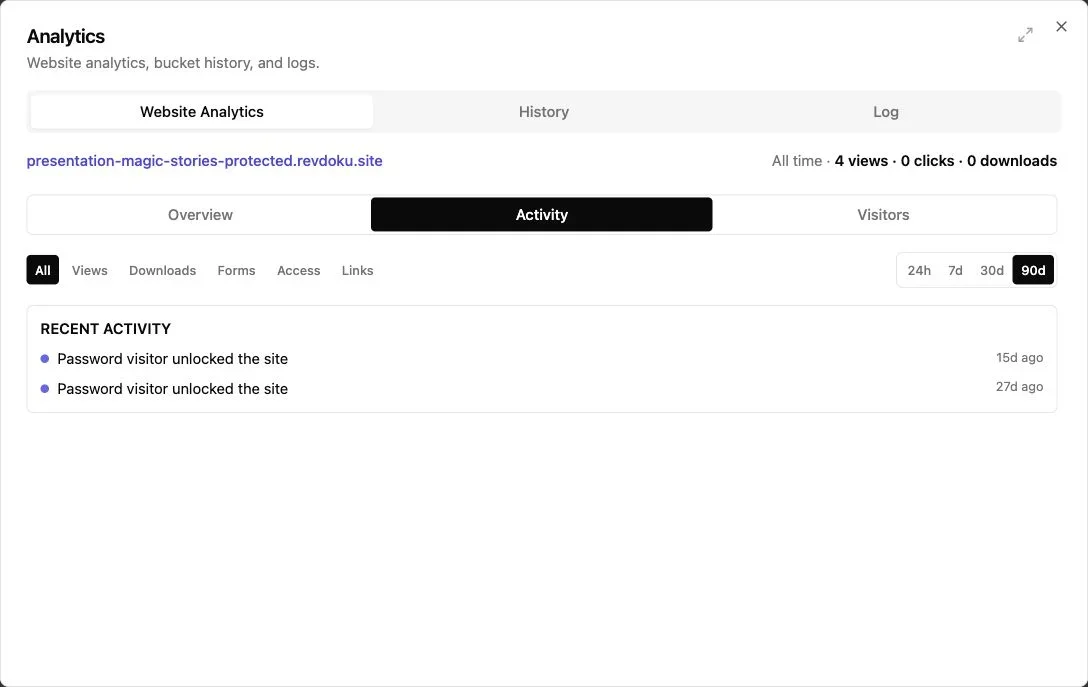
Open Analytics and select the relevant date range. Use Overview for aggregate activity and Activity for events such as access and downloads.
A password unlock alone does not identify the reader. Require Email can associate activity with the verified address. Detailed analytics and retention vary by plan; Require Email needs a paid plan for a permanent website.
3. Choose a useful follow-up
| What you see | What to do |
|---|---|
| No recorded visit | Check that the recipient received the link and could open it. |
| A visit, but no reply | Offer to clarify the proposal or answer questions. |
| A download | Ask whether they need a different format or supporting material. |
| A submitted question | Answer it before sending another general reminder. |
For example:
Hi Sam — does the proposal give you what you need for Friday’s review? I can add a cost breakdown or walk through the delivery schedule.
Avoid telling the recipient that analytics proves they read a particular section. Visits are signals, not a read receipt for every sentence.
4. Use AI for a factual summary
If your AI is connected to Revdoku, ask:
Summarize this website’s recorded activity for the past week. Distinguish verified-email visits from anonymous activity and list any submitted questions.
Review the summary before using it in a message. Do not infer purchase intent from an open count.
5. Keep the original link useful
When you revise a proposal or add an answer, update the same bucket and republish. The recipient can return to the link they already have.
For access setup, see how to choose a website access mode.
Just ask to “publish to Revdoku” to publish your as a fast and secure website
from your Codex, Claude or another AI apppublish files or folders
Paste this into your AI app.
Install the Revdoku skill in your AI app.
npx skills add revdoku/revdoku --skill revdoku -gChoose your AI app to connect through MCP.
codex mcp add revdoku --url https://app.revdoku.com/mcp
codex mcp login revdoku
claude mcp add --transport http revdoku https://app.revdoku.com/mcp
claude mcp login revdoku
https://app.revdoku.com/mcpFree · Public or protected · Visitor analytics · Forms and email alerts Building websites for clients? Explore Revdoku for agencies
Related Articles
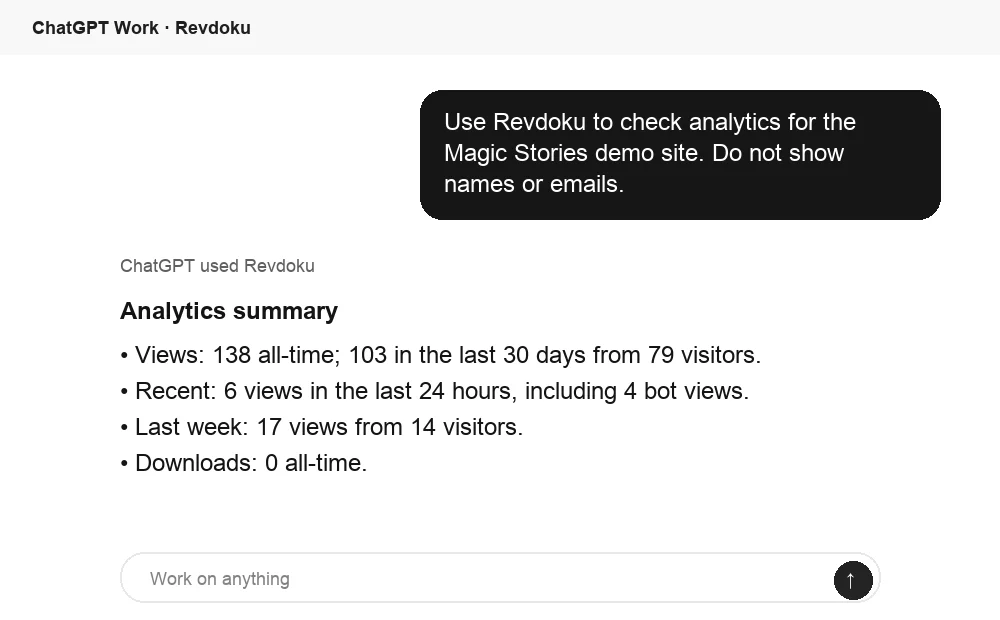
How to Track Who Opened a Link Accurately
Learn how public, password, tagged, and verified email links track opens, identify visitors, and measure engagement accurately.
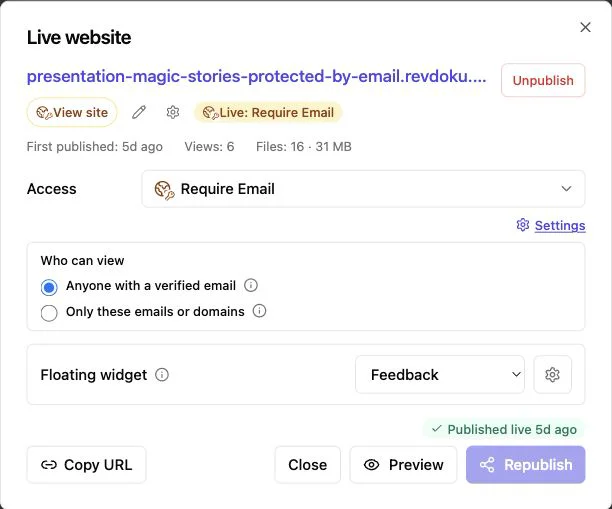
Website Visitor Identification with Verified Email
Identify verified viewers of shared proposals, reports, and demos while keeping anonymous website traffic private.
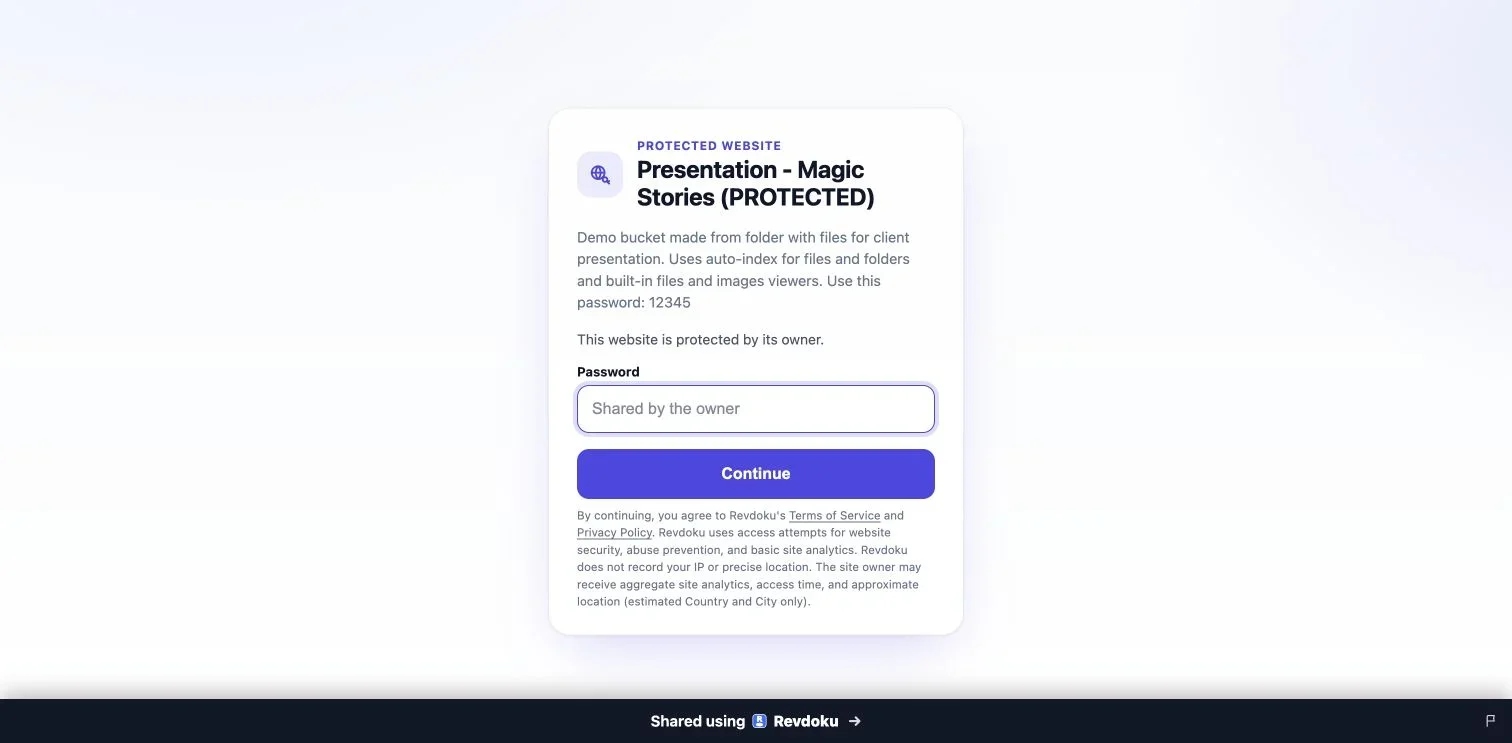
How to Password-Protect a Revdoku Website
Publish a Revdoku website behind a shared password, test the gate, and choose verified-email access when needed.